Cyber Security Resume Template for Google Docs, Word & Pages | The Cipher
Dark-slate IBM Plex with a monospace accent line — sharp and technical.
one-time purchase · instant access
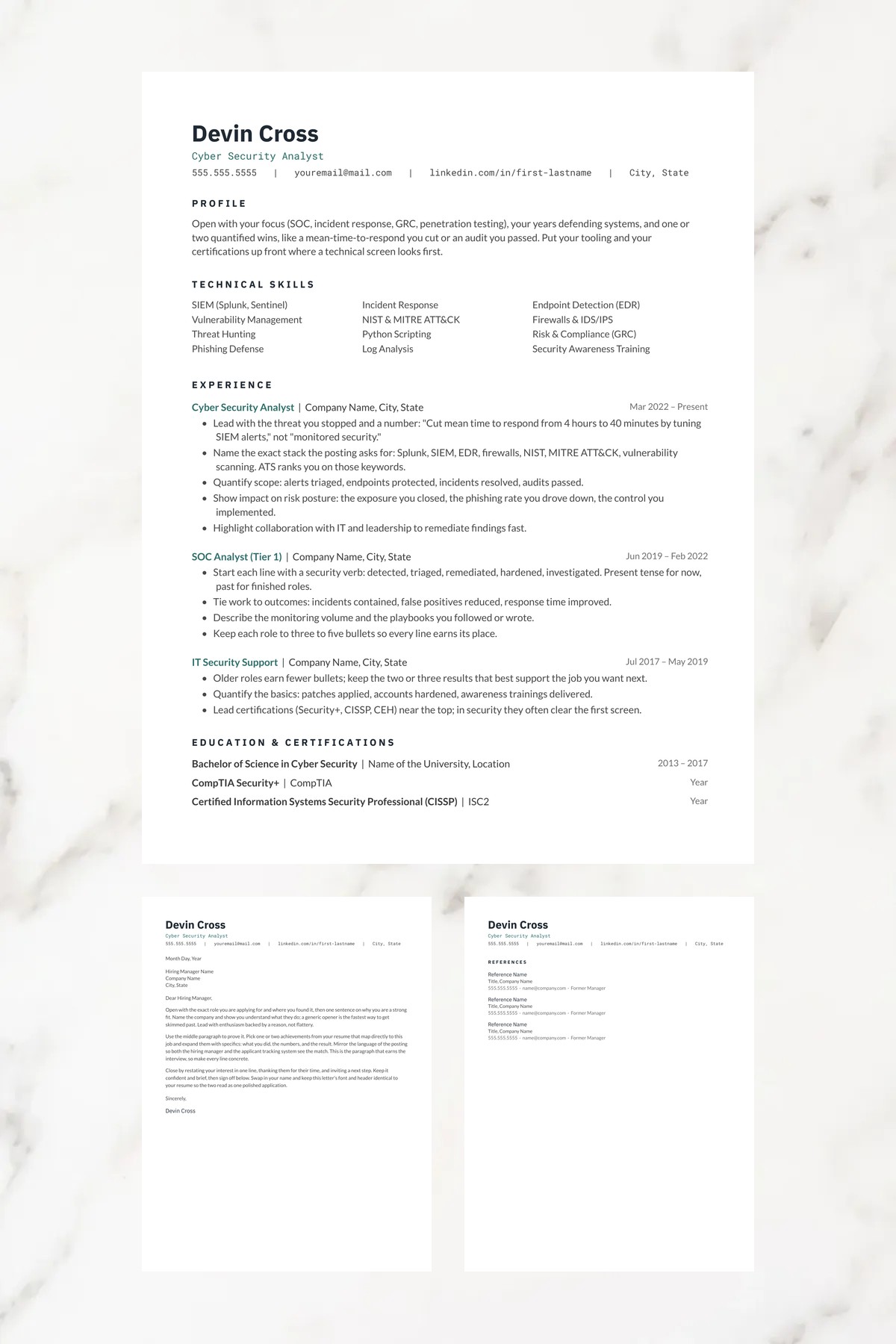
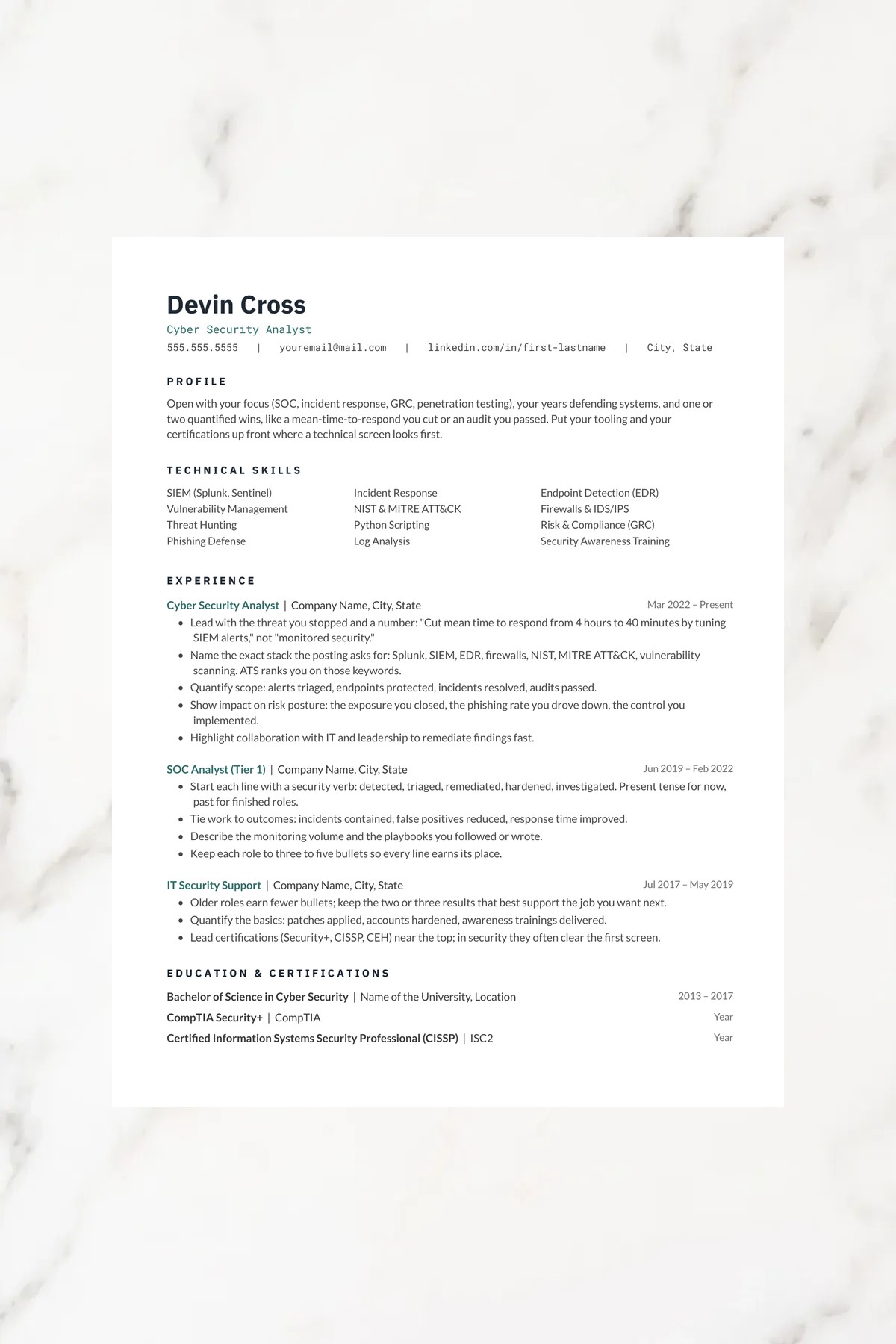
Single-page cyber security resume template with a dark-slate IBM Plex nameplate and a monospace accent line. Guidance tuned for incident response, tooling, and the certifications and keywords security screens search for. ATS-safe. Edit it free in Google Docs, then download it as Word or PDF.
What's included
- Google Docs template (instant access, File → Make a copy)
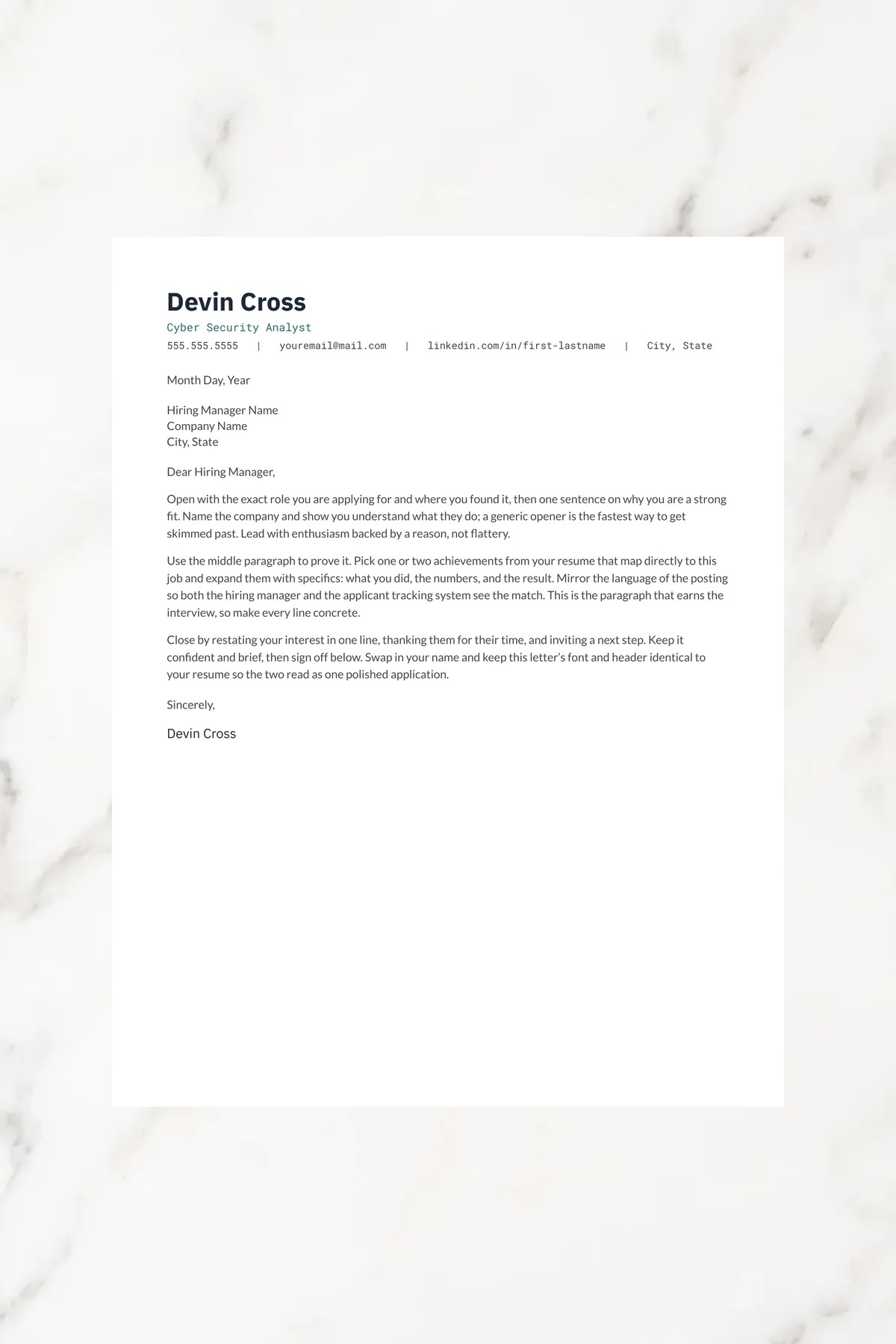
- Matching cover letter template (same design)
- References page template
- Word & Pages compatible .docx file
- Quick Start guide (PDF)
- Free fonts with install links
About the Cipher template
The Cipher cyber security resume template sets a dark-slate IBM Plex nameplate over a monospace accent line for a look that is unmistakably technical. It is built to put your tooling and certifications where a security screen looks first.
The guidance is written for security: lead with the threat you stopped and the number, name the exact stack (Splunk, SIEM, EDR, NIST, MITRE ATT&CK), and surface certs like Security+ and CISSP early. Edit it free in Google Docs, or download a Word or PDF copy anytime.
Your purchase also includes a matching cover letter and a references page, built into the same document and styled to match this template exactly, so your whole application looks like it belongs together. Keep the pages you need and delete the rest.
At a glance
- Includes
- Resume, cover letter & references
- Format
- Google Docs · Microsoft Word · Apple Pages
- Length
- One page
- Layout
- One column
- Page size
- US Letter & A4
- Fonts
- IBM Plex Sans & Roboto Mono
Who it's for
- SOC analysts and incident responders
- Cyber security and information security candidates
- GRC, threat-hunting, and blue-team applicants
- Security professionals moving into senior roles
- Applicants submitting through ATS-driven job boards
Everything is editable
Nothing is locked. Make it yours in a few minutes — change:
- All headings and section titles
- Body text, bullet points, and dates
- Colors and accent tones
- Fonts, sizes, and spacing
- Add, remove, or reorder any section
Why it passes ATS
- Built on a real document grid, not text boxes or images, so parsers read every line
- Standard section headings (Experience, Education, Skills) that applicant tracking systems expect
- Selectable, machine-readable text throughout — nothing important baked into graphics
- A clean, logical reading order that survives the copy-paste an ATS runs on your file
How it works
- 1.
Buy and get instant access
A download link lands in your inbox the moment checkout completes. No account to create, no waiting.
- 2.
Open in Google Docs, File → Make a copy
The resume, matching cover letter, and references page all live in one document, yours to edit free in your browser. Keep the pages you need and delete the rest. Prefer Word or Pages? The matching file is in your download too.
- 3.
Edit, then download and apply
Swap in your details, adjust colors or fonts if you like, and export a clean PDF or Word file ready to send.
More from the collection
View all templates
Frequently asked questions
Does this include a cover letter and references?+
Yes. Every template comes with a matching cover letter and a references page built into the same Google Doc as the resume, styled to match it exactly. They're included at no extra cost — just keep the pages you need and delete the rest before you export.
Are these templates ATS-friendly?+
Yes. Every BravoResume template is built on a clean document structure with standard section headings and fully selectable text, so applicant tracking systems parse your resume correctly instead of scrambling it.
How do I get my files after buying?+
Instantly. The moment your payment clears, we email you a link with your Google Docs template plus the Word- and Pages-compatible file. There's nothing to install and no account to set up.
Can I edit it in Microsoft Word or Apple Pages?+
Yes. Your download includes a .docx file that opens in Microsoft Word, Apple Pages, and most other word processors, right alongside the Google Docs version.
How long do I have access?+
Forever. Once you buy, the template is yours to use and reuse for every job application, with no subscription and no expiration date.
Do I have to pay extra for the fonts?+
No. Every font in the template is free, and the included Quick Start guide gives you direct install links so the layout looks exactly like the preview.
Can I get a refund?+
Because these are instant digital downloads, we generally can't offer refunds. But if anything is wrong with your files, email hello@bravoresume.com and we'll make it right.