Resume templates
ATS-friendly resume templates
Templates designed to pass applicant tracking systems. Clean single-column structure, real selectable text, proper headings, and zero graphics that could trip up a parser.
See the templatesATS-safe resume templates
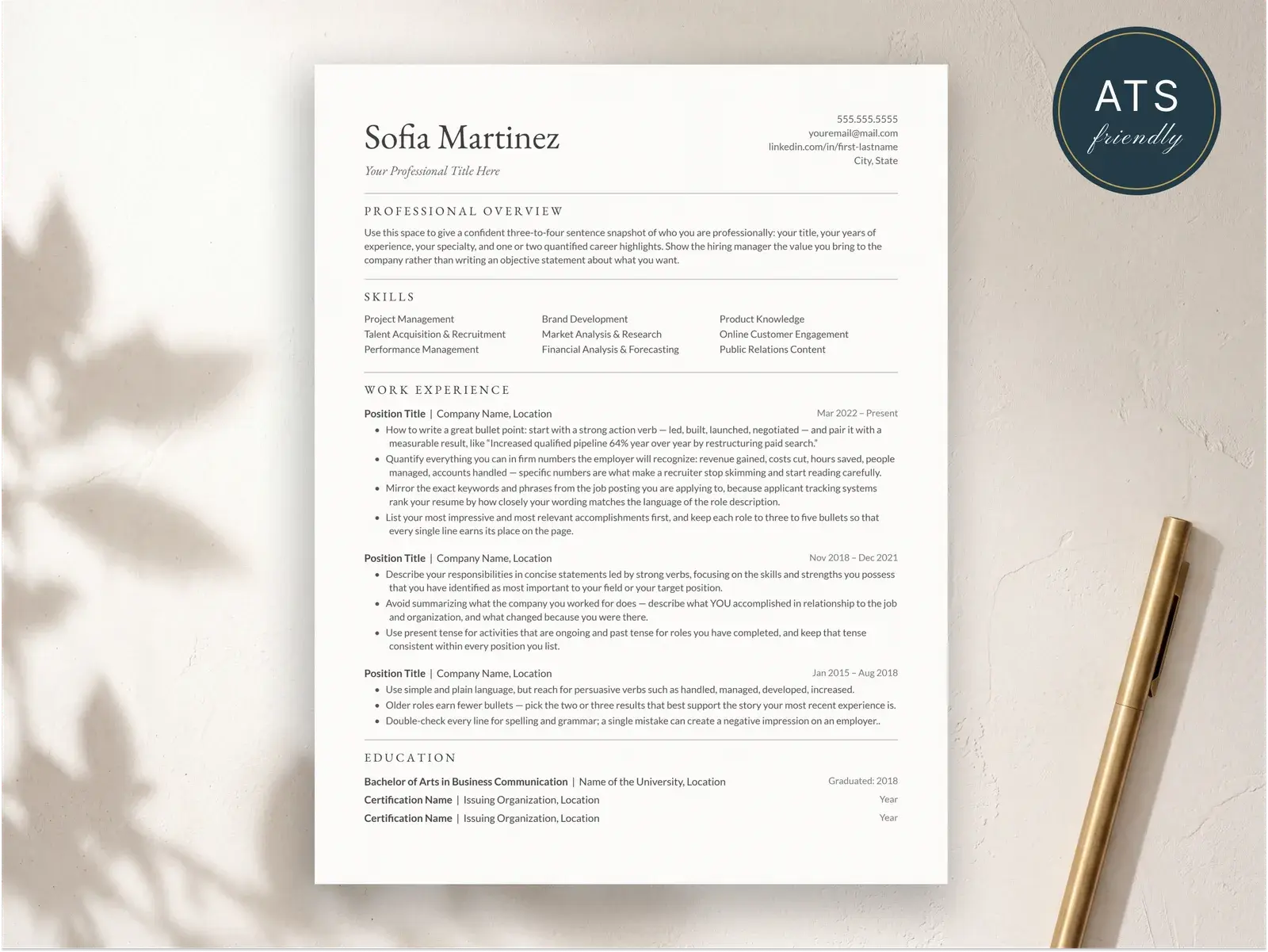
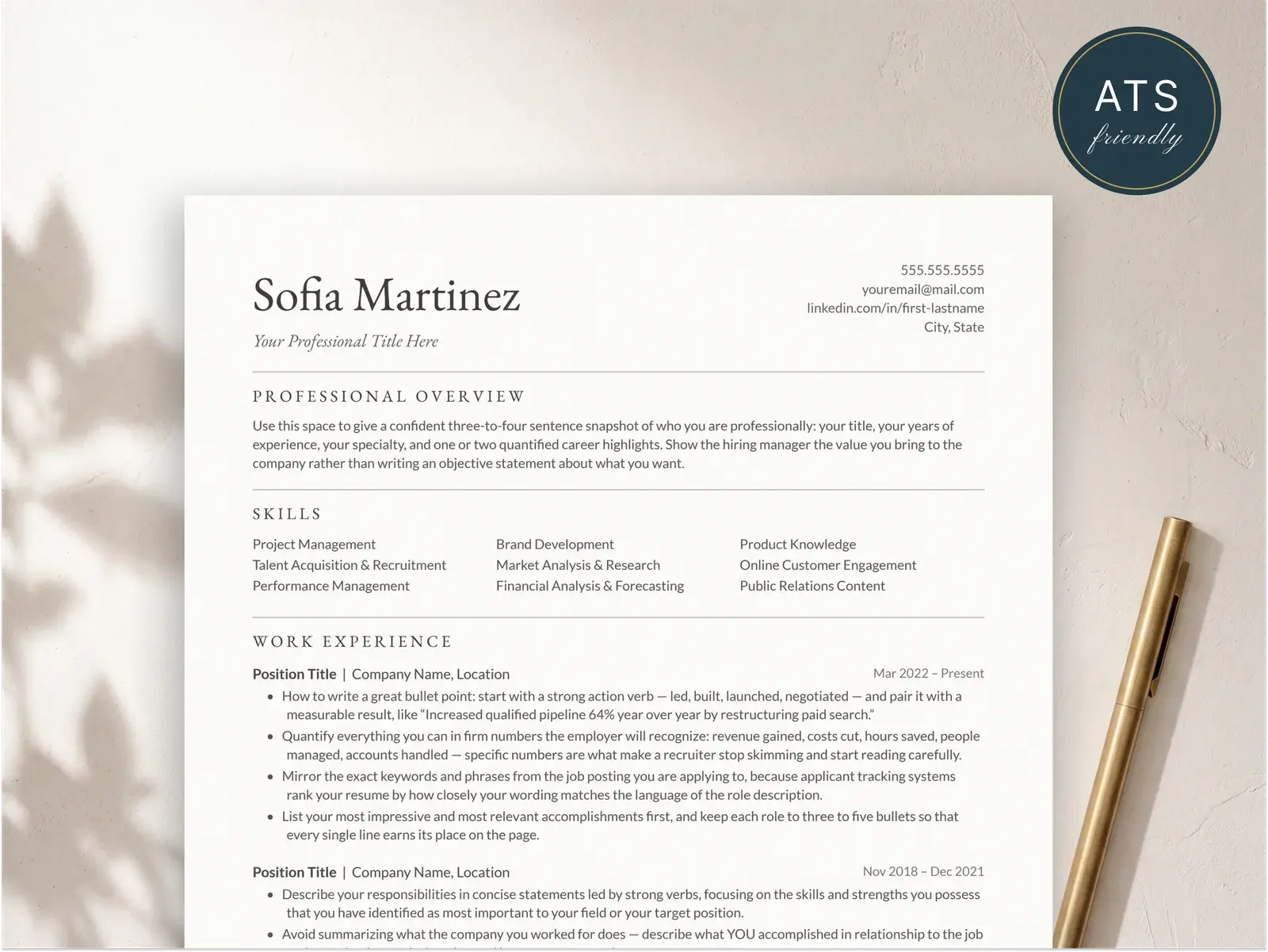
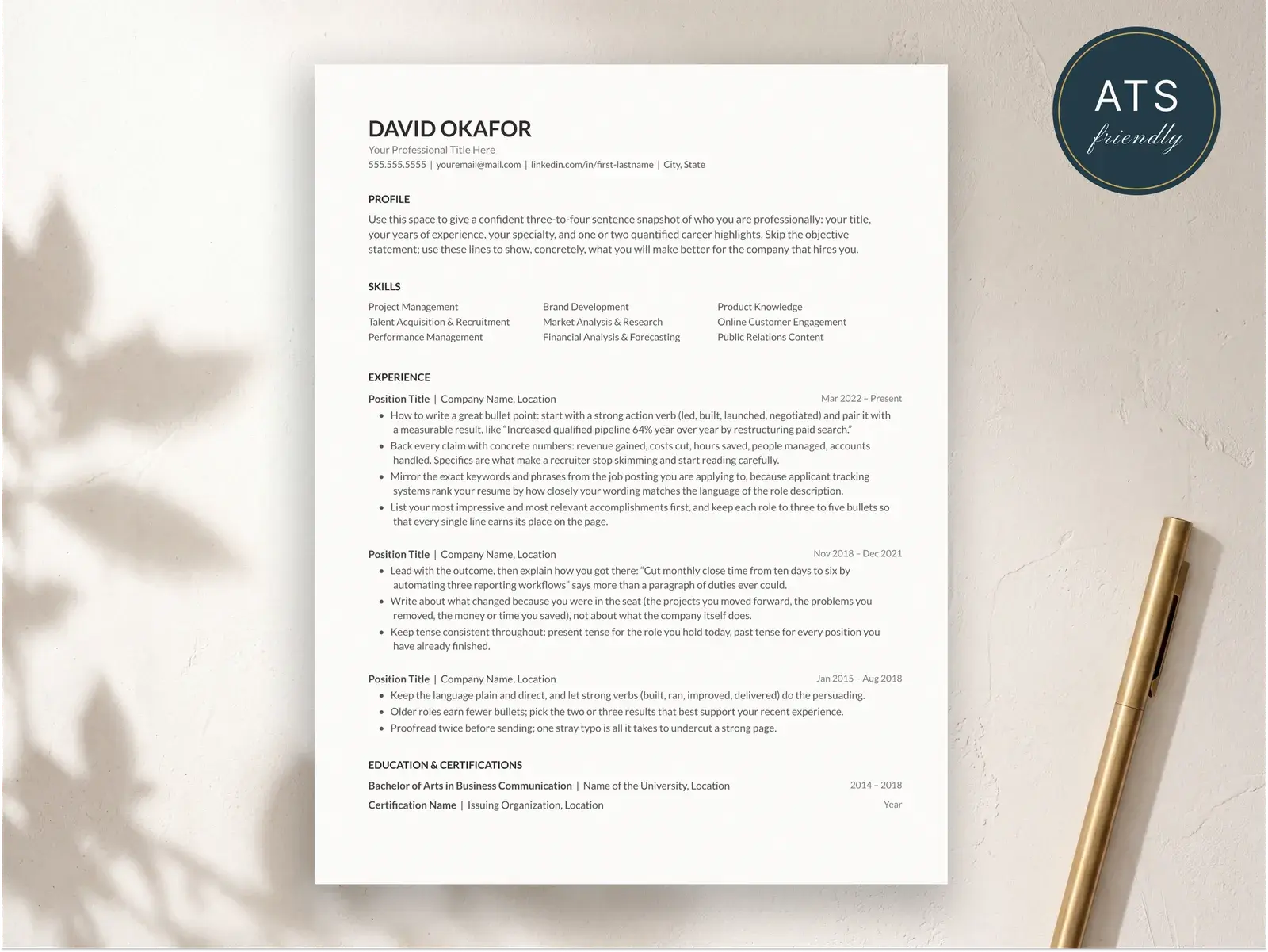
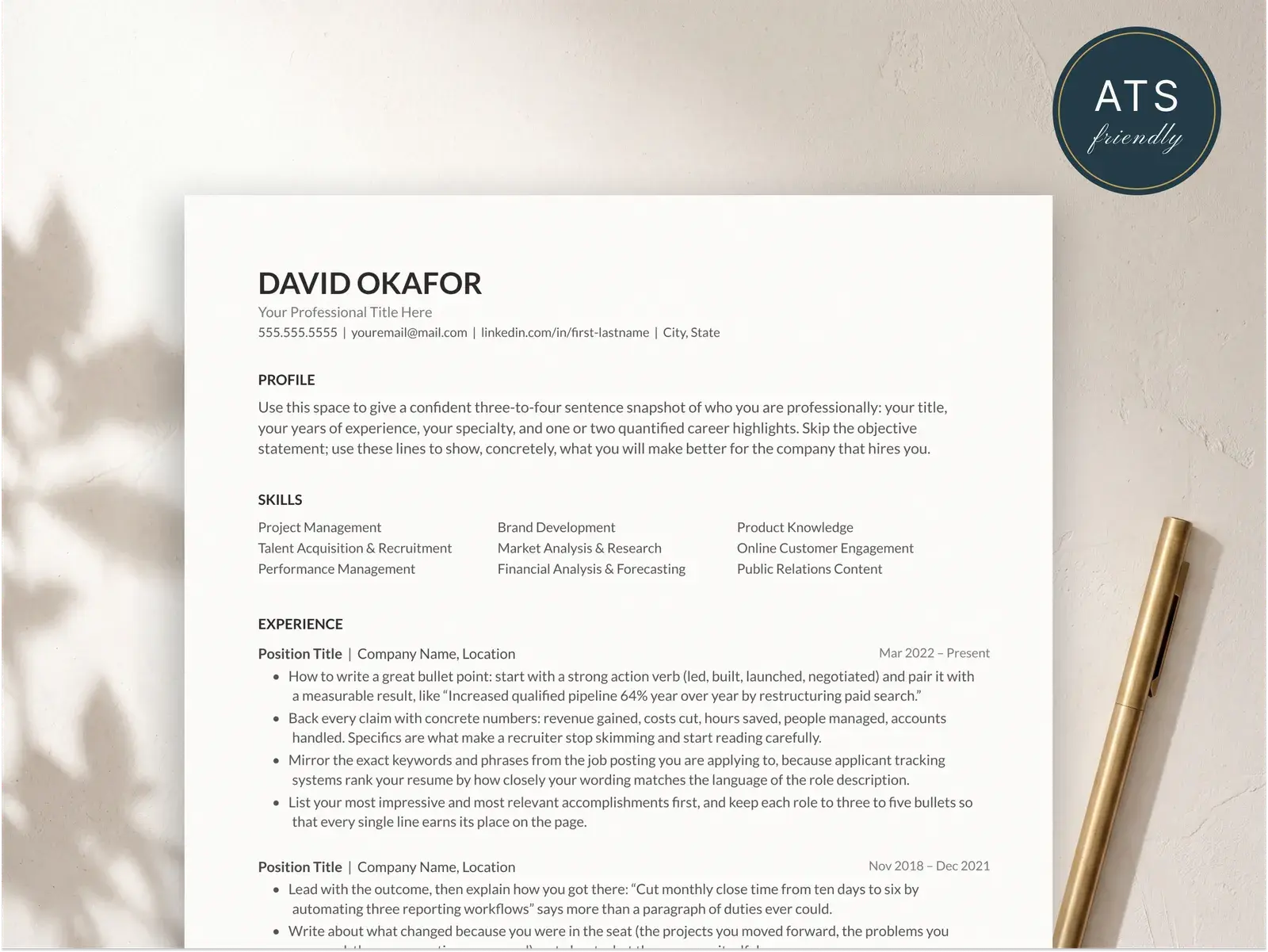
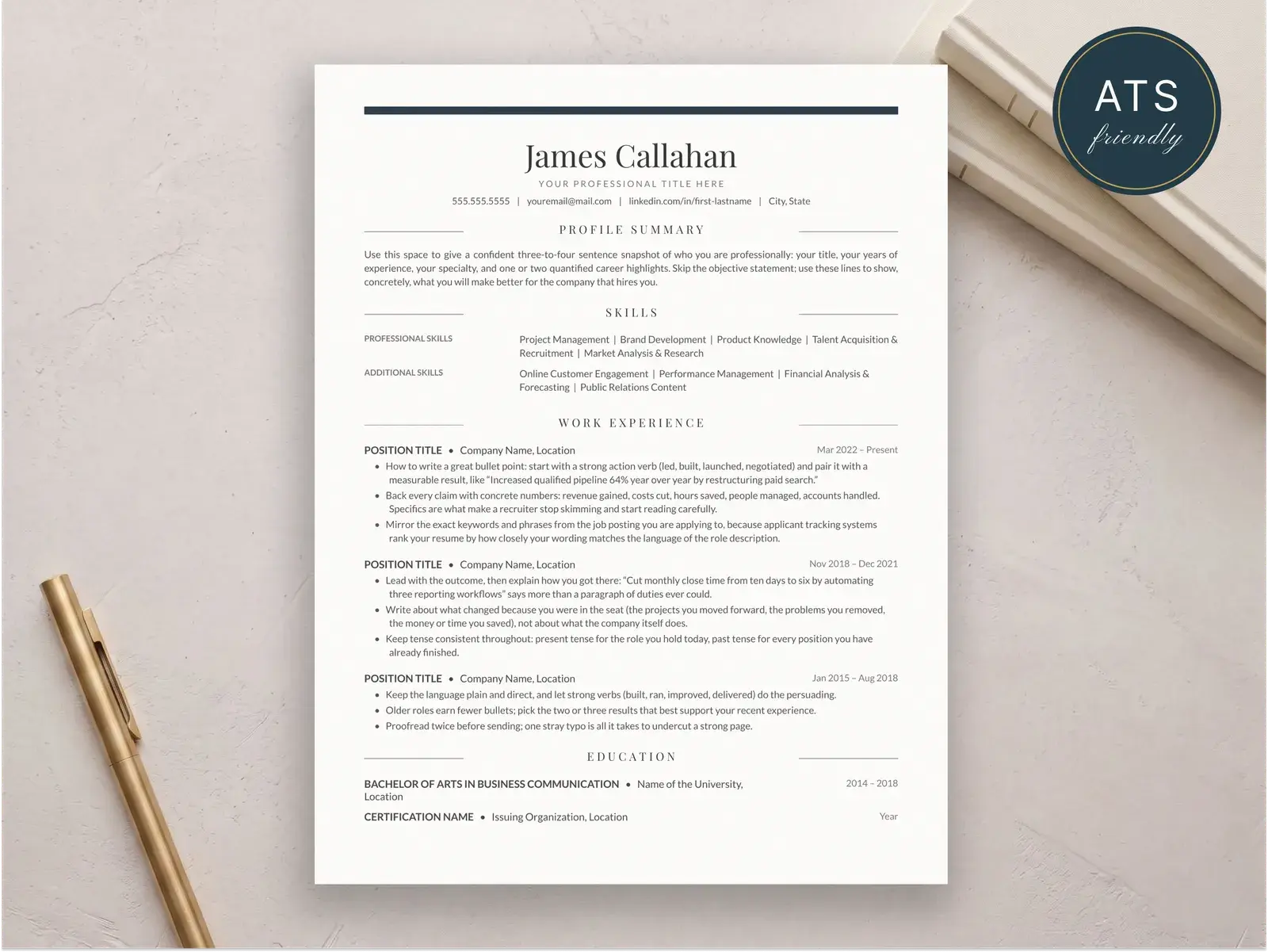
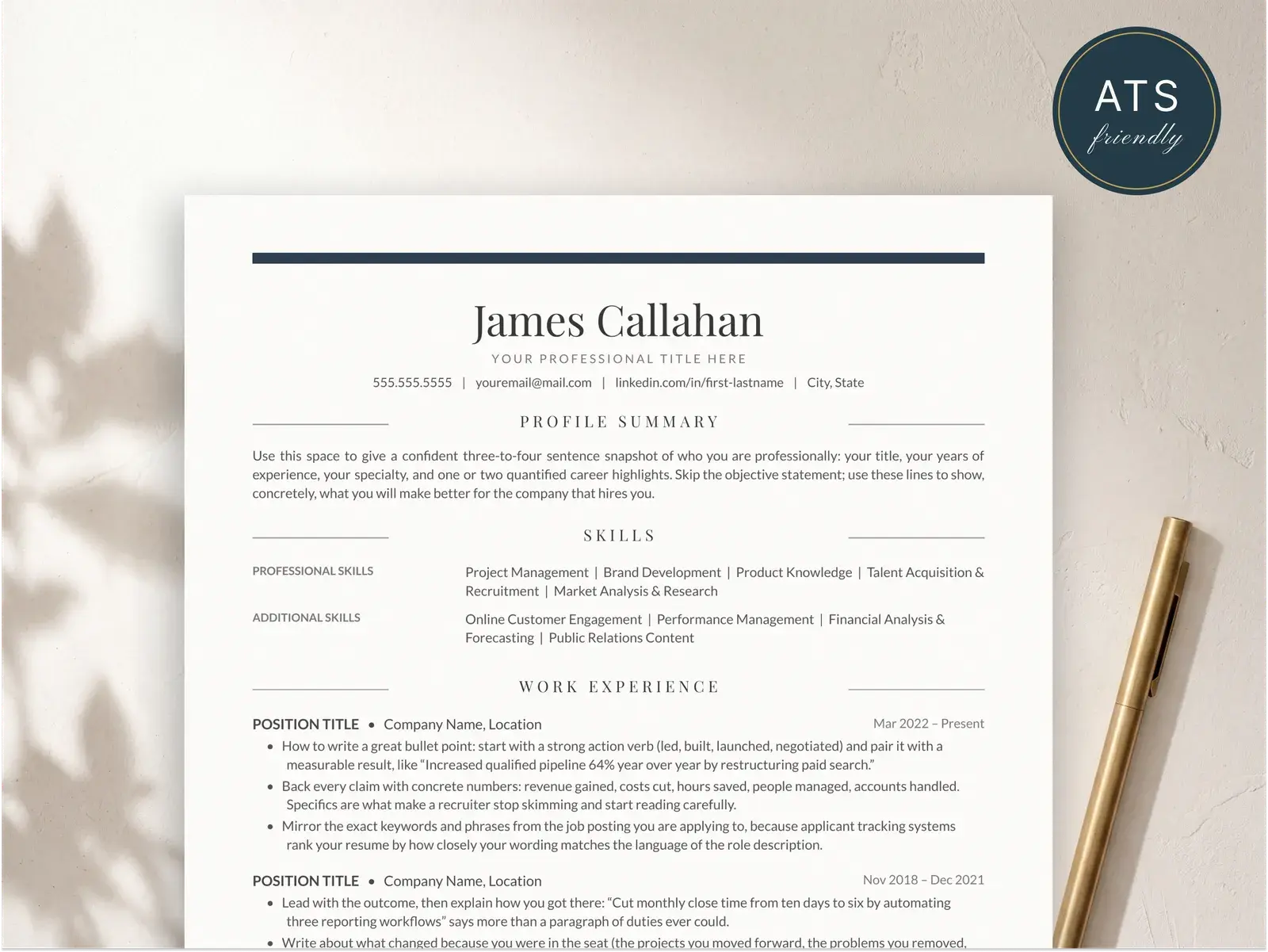
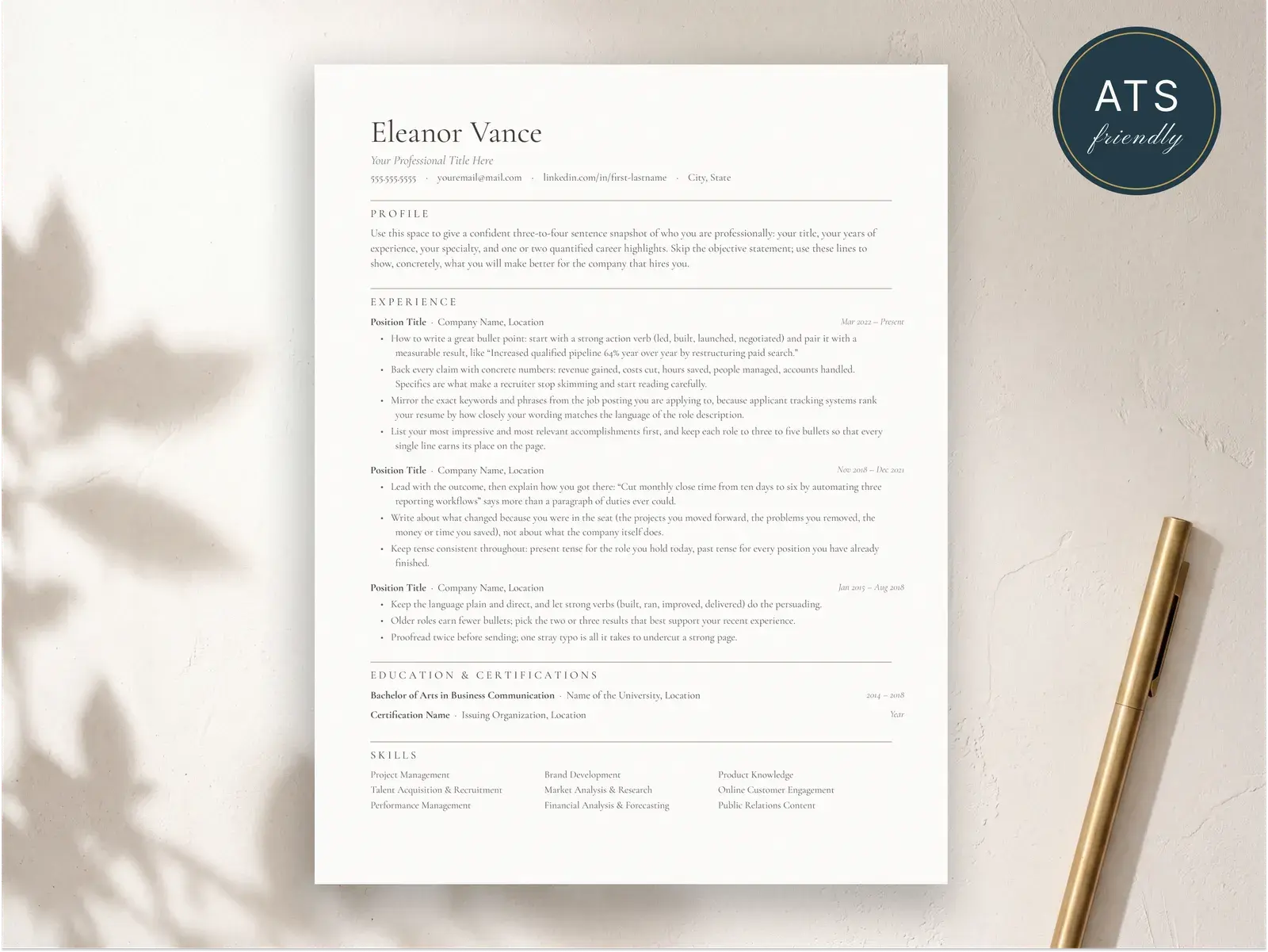
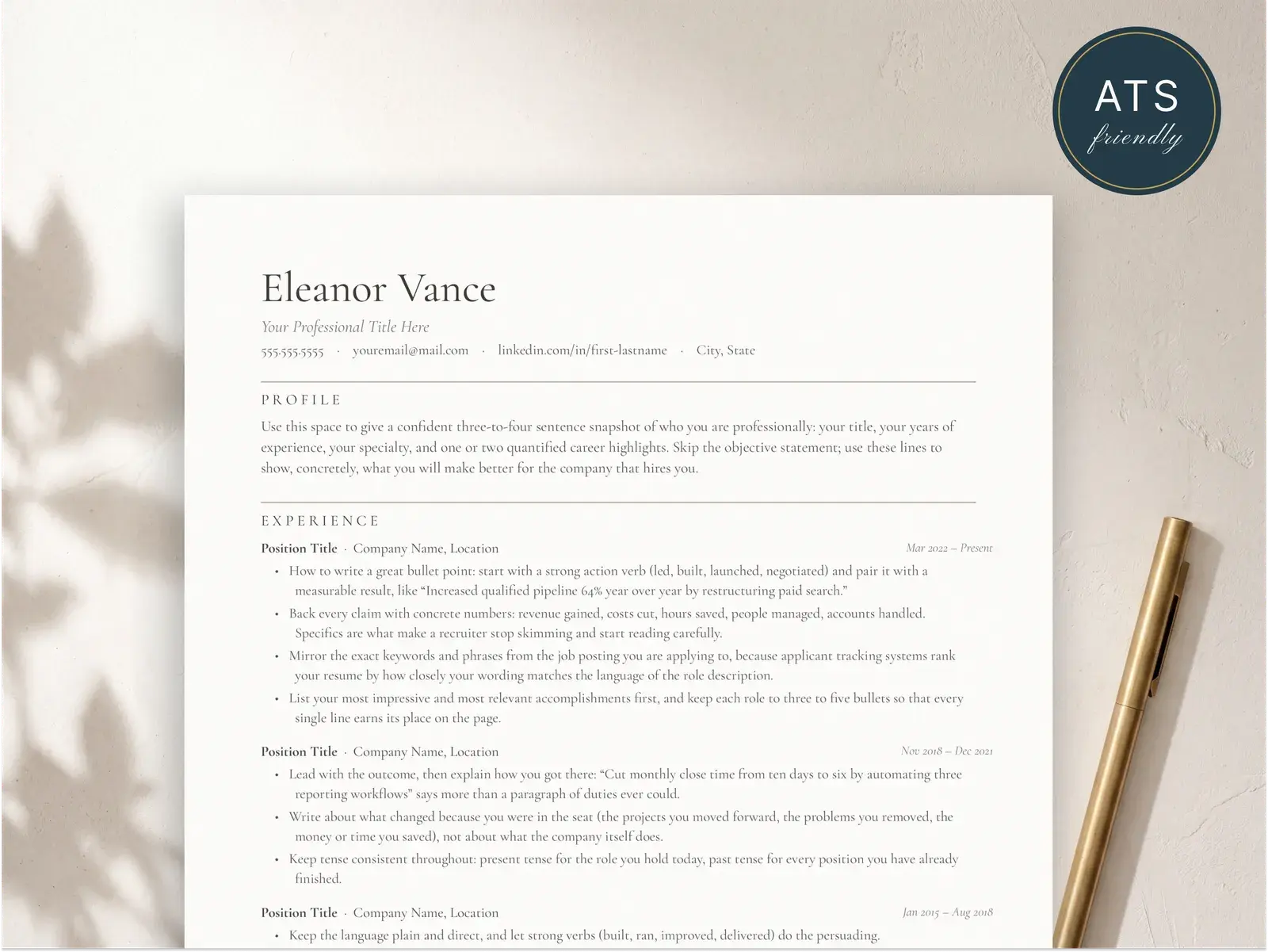
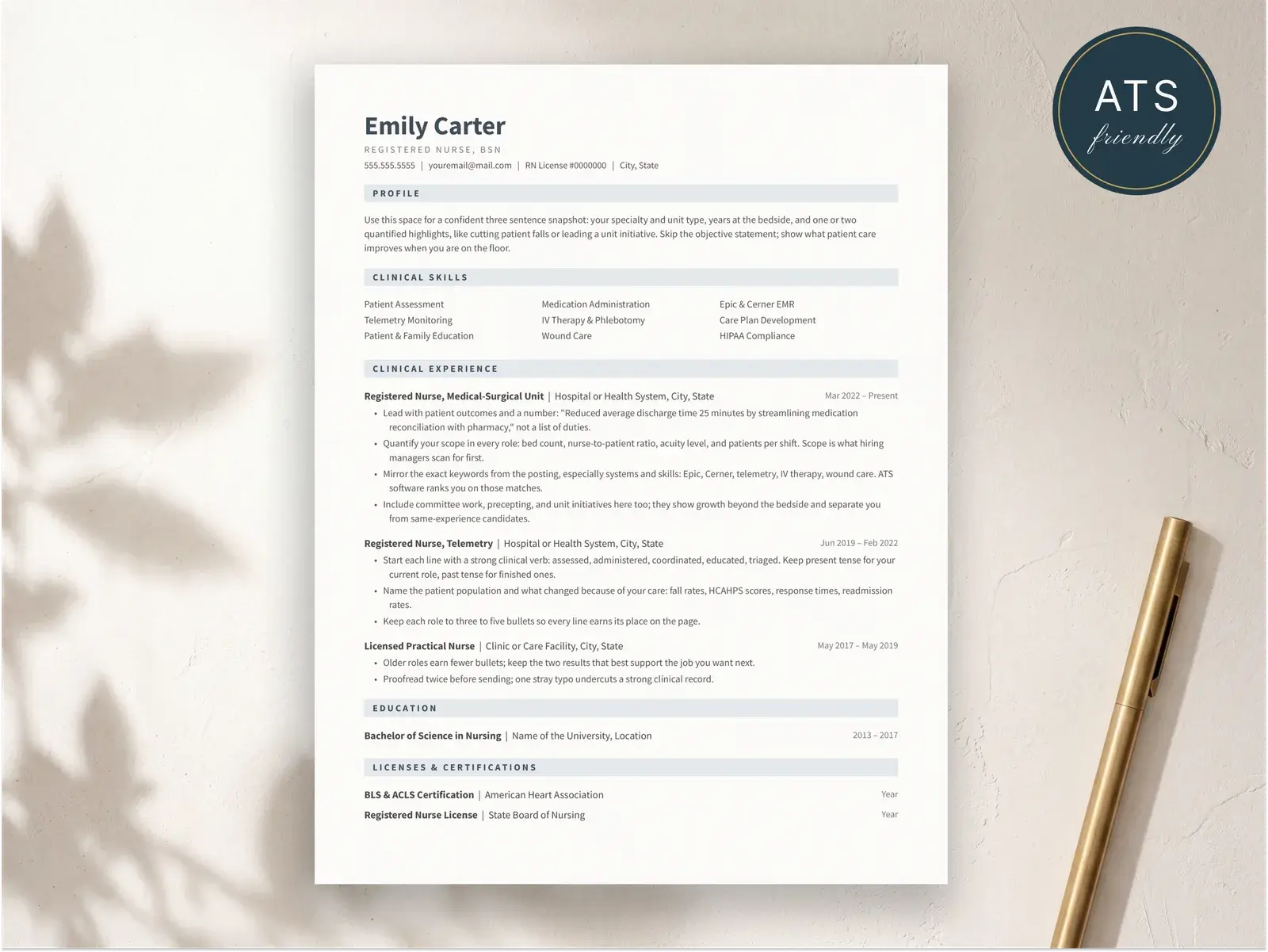
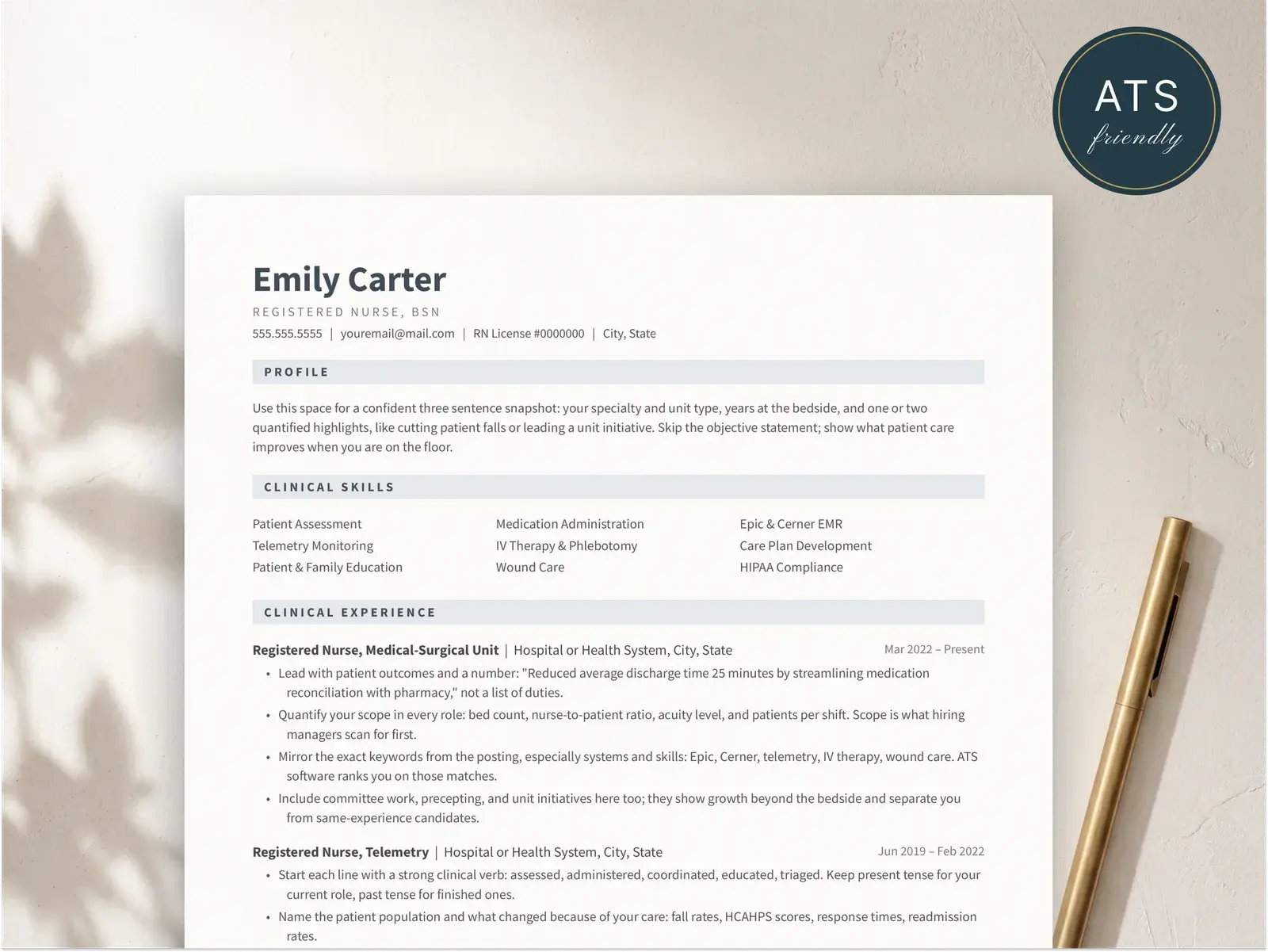
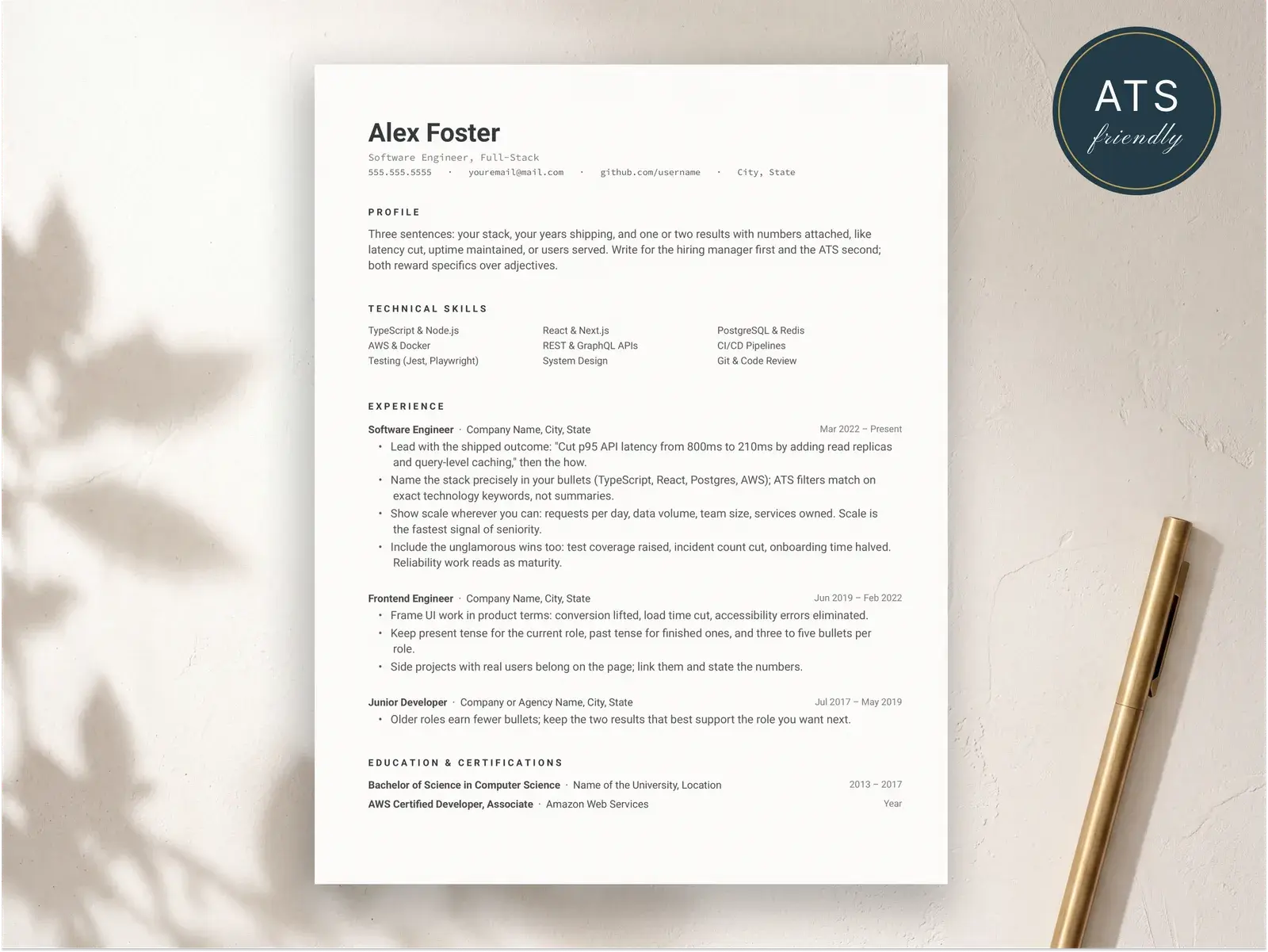
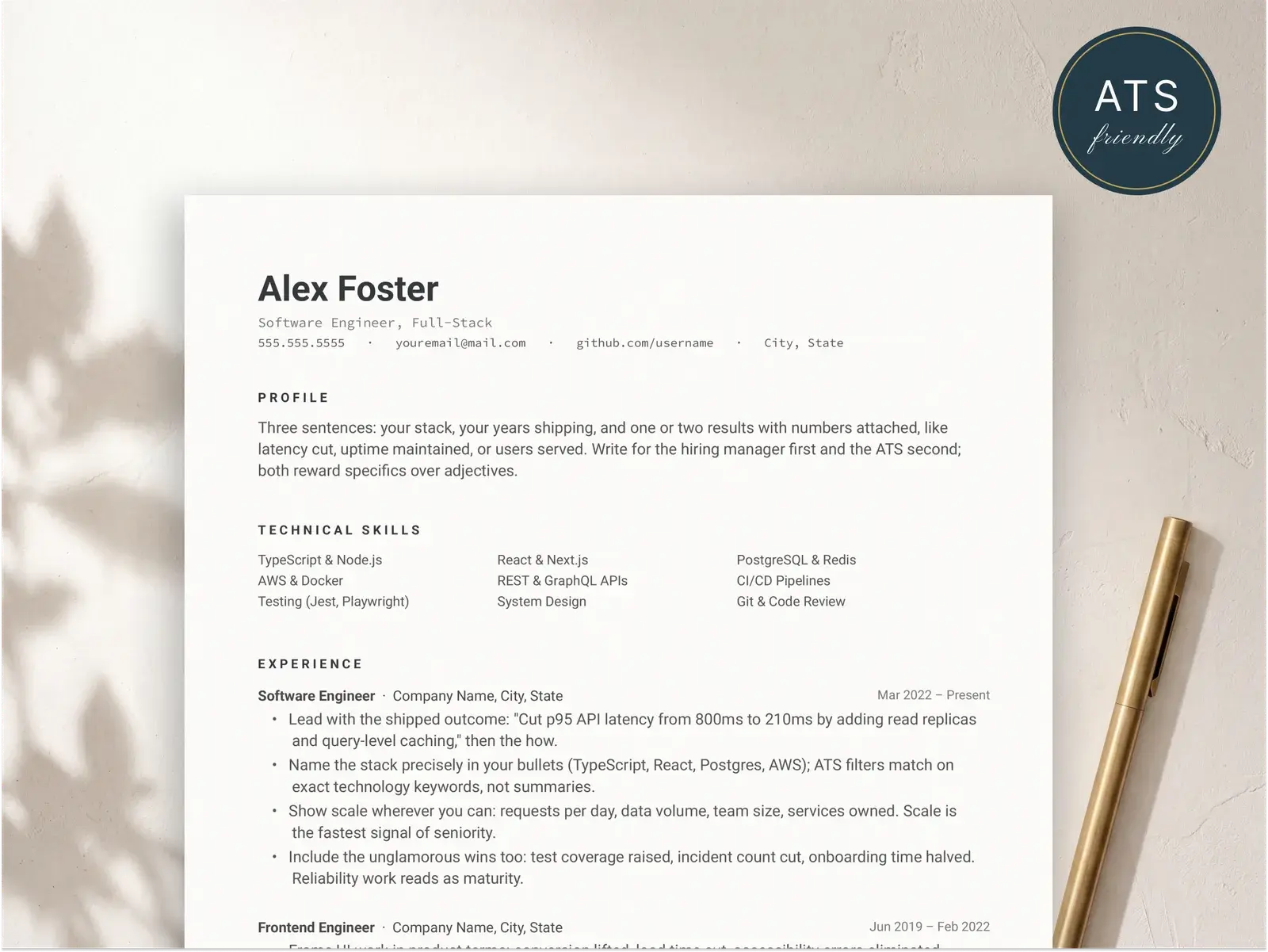
All three of these templates are free, single-column, and built for maximum ATS compatibility. Standard headings, clean typography, and a layout that every parser can read correctly.
How to make your resume ATS-friendly
Use standard section headings the parser expects
ATS software identifies your resume sections by looking for specific heading labels. Stick with the names every system recognizes: Experience or Work Experience, Education, Skills, Summary or Professional Summary, and Certifications. Creative alternatives like “Where I’ve Made an Impact” or “My Toolbox” may look distinctive, but they prevent the parser from categorizing your content correctly. When the ATS can’t map a section, that content is effectively invisible to recruiters who search and filter by category. The template does the visual design work — let the headings do the structural work.
Avoid tables and multi-column layouts for critical content
Tables and complex multi-column layouts cause ATS parsers to read content out of sequence. A two-column experience section might merge your job title from the left column with an unrelated skill from the right, creating garbled output in the recruiter’s view. Keep your work history, education, and summary in a single, linear flow. If you want visual variety, a sidebar can work — but only when supplementary details like skills and contact information go there, not your primary experience. The templates above are all single-column specifically because it eliminates this risk entirely.
Choose a single-column layout for your work history
Your work experience section is the most important part of your resume for both ATS parsing and recruiter evaluation. A single-column layout ensures that job titles, company names, dates, and bullet points are read in the correct order by every parser on the market. This is especially important for roles at large companies that use enterprise ATS platforms like Workday or Taleo, which are stricter about document structure. All three free templates above use a single-column format that presents your career history in clean reverse-chronological order — exactly what the parser and the recruiter both expect to see.
Keep formatting simple — skip headers and footers for contact info
Many resume templates place your name, phone number, and email in the document header or footer. This looks clean on screen, but most ATS parsers skip headers and footers during text extraction. If your contact information lives in those areas, the ATS won’t have your email or phone number — and neither will the recruiter. Put all critical details in the main body of the document. Stick to standard bullet points (round dots or hyphens), avoid decorative icons or skill-level bars, and use common fonts. The less visual flair you add manually, the more reliably the parser reads your content.
Related guides on ATS and resume format
Reading material that pairs with these ATS-friendly templates.
Reverse-chronological resume format
The format ATS systems are built for — exact section order, formatting rules, and what to avoid.
Read moreFunctional resume format (and why to skip it)
Why functional resumes confuse ATS parsers and what to use instead.
Read moreResume examples
Ten complete resumes rendered in ATS-tested templates so you can see how they parse.
Read moreFind the right template
Instant download, edit in Google Docs, Word, or Pages — and apply knowing the layout parses cleanly in hiring systems.
Browse the collectionQuestions, answered
What is an ATS-friendly resume template?
An ATS-friendly resume template is a pre-designed layout that follows the formatting rules applicant tracking systems need to parse your resume correctly. That means single-column structure for primary content, standard section headings (Experience, Education, Skills), real selectable text instead of images, and clean PDF encoding. A good ATS template handles all of these constraints for you so you can focus on writing strong content instead of worrying about formatting.
Do all BravoResume templates pass ATS?
Yes. Every BravoResume template — free and premium — generates PDFs with real selectable text, proper heading hierarchy, and clean document encoding. The three free templates (Classic, Executive, and Modern) are single-column layouts, which are the safest format for any ATS. Our sidebar templates keep all ATS-critical content (work history, education, summary) in the main column, so even two-column designs parse correctly.
Can I use a two-column resume with ATS?
You can, but it depends on the template. Poorly built two-column layouts cause ATS parsers to read content out of order — merging text from the left and right columns into garbled sentences. If you want maximum compatibility, choose a single-column template like Classic, Executive, or Modern. If you prefer a sidebar layout, make sure the template places your work experience and education in the main column, not the sidebar. BravoResume's sidebar templates are designed this way.
What file format should I use for ATS?
PDF is the best default for most applications, as long as the PDF contains real selectable text — not a scanned image. You can verify this by opening the file and trying to select and copy text. If a job posting specifically asks for a .docx file, submit that instead. Some older ATS platforms like Taleo handle Word documents more reliably. When no format is specified, a properly encoded PDF works with every major ATS on the market.
How do I know if my resume passed the ATS?
There is no direct notification from the ATS itself. However, you can test your resume before submitting. Open the PDF, select all text (Ctrl+A or Cmd+A), and paste it into a plain text editor. If everything appears in a logical reading order with no garbled characters or missing sections, the ATS will be able to parse it. Beyond formatting, passing ATS also depends on keyword relevance — your resume needs to include the skills and terms from the job description. If you get an interview request, your resume passed.