Resume templates
Two-column resume templates
A sidebar for your contact details and skills, a wide column for your experience, and a build that applicant tracking systems still read in the right order.
See the templatesEvery two-column template in the shop
Four sidebar-and-main layouts, each built on a real table grid rather than text boxes. Pick by look and by where you're applying.
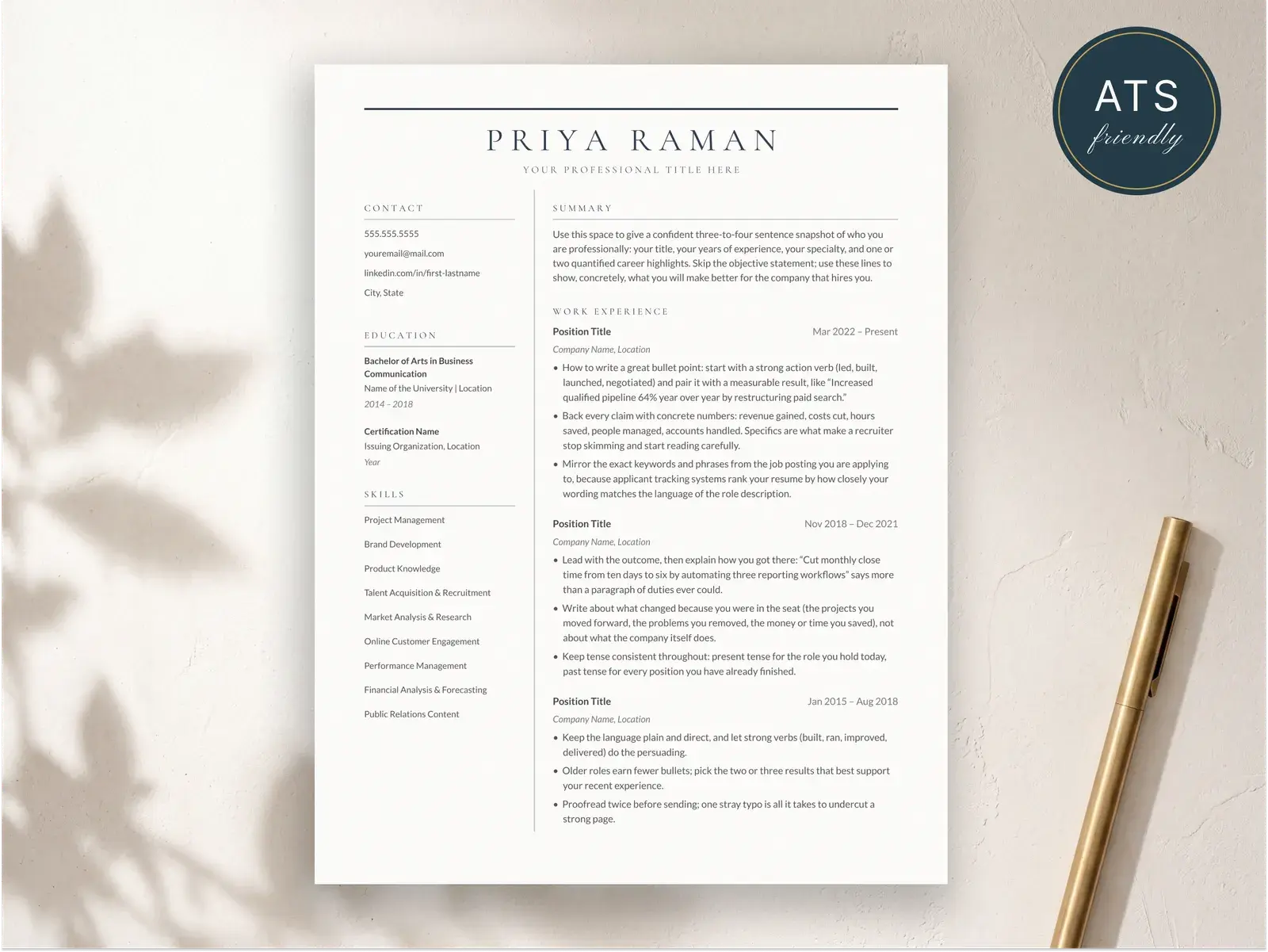
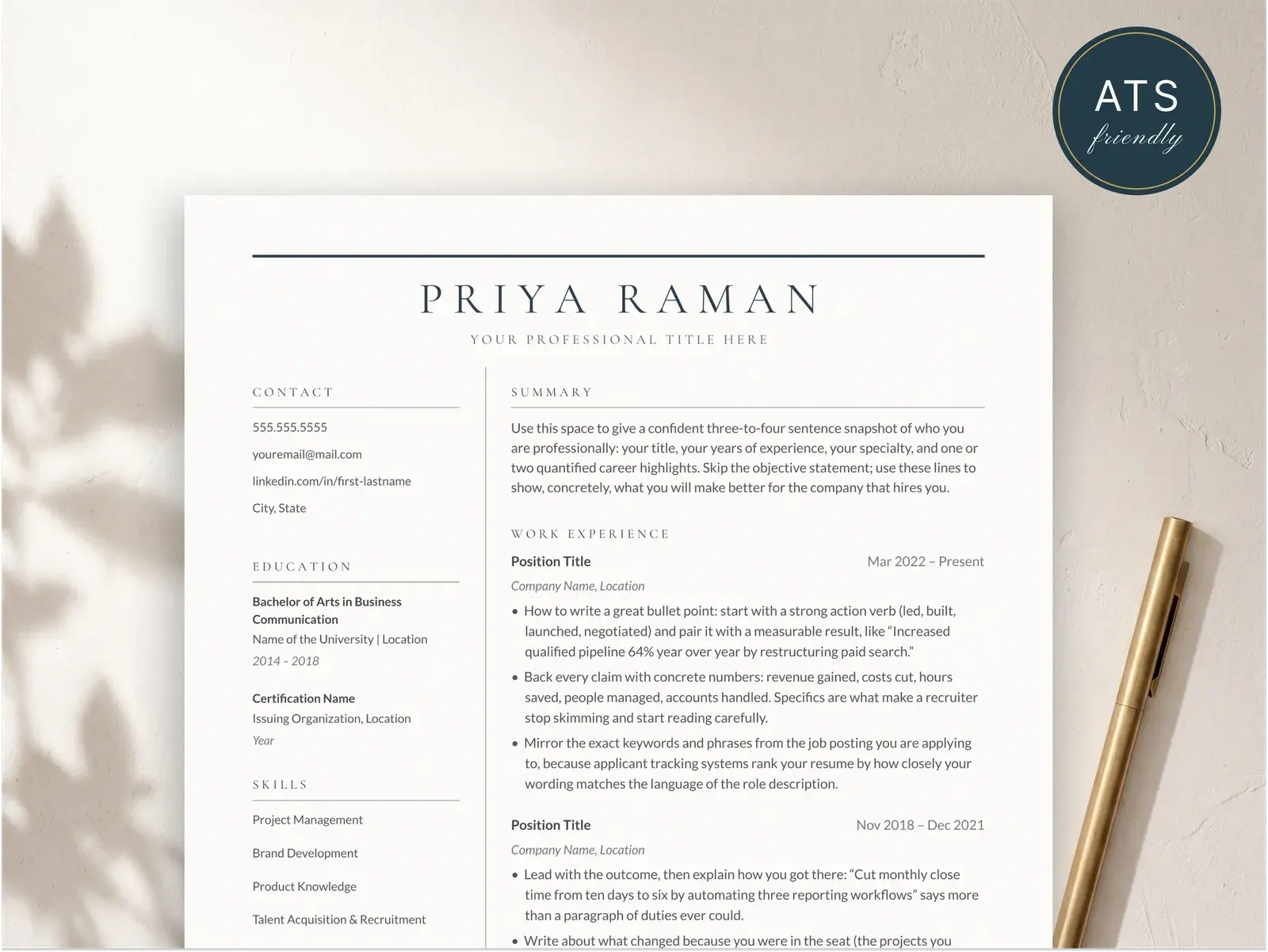
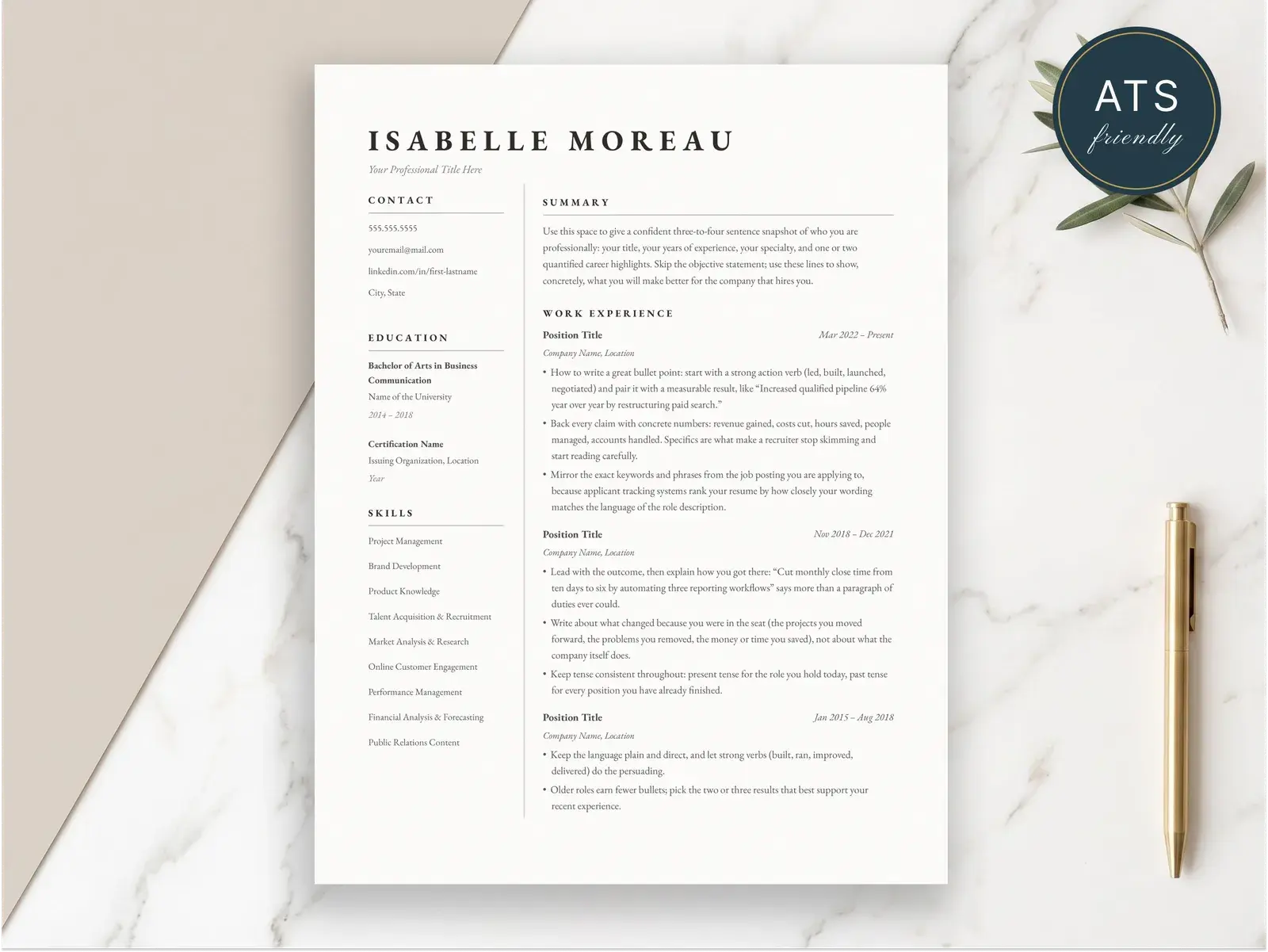
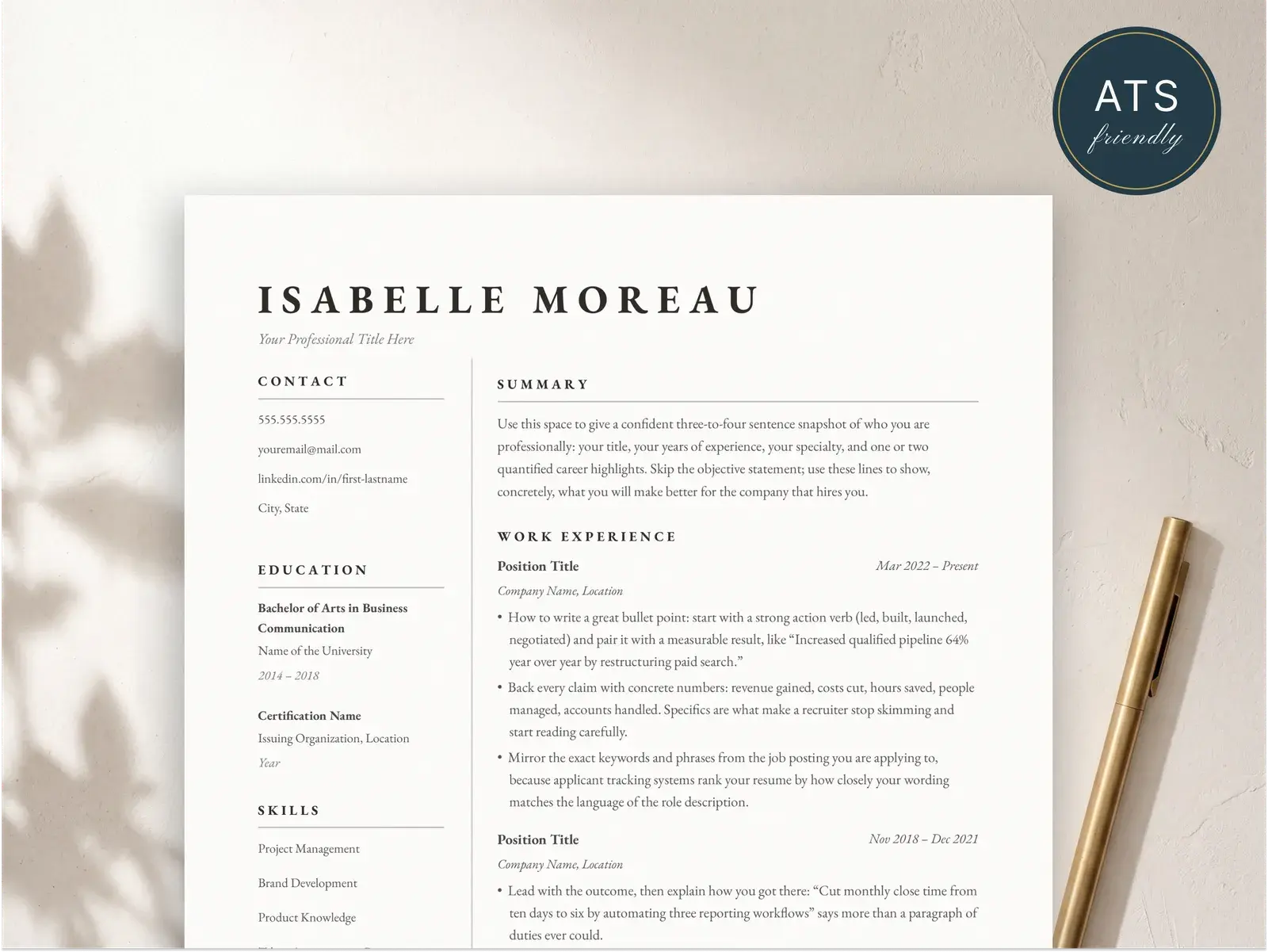
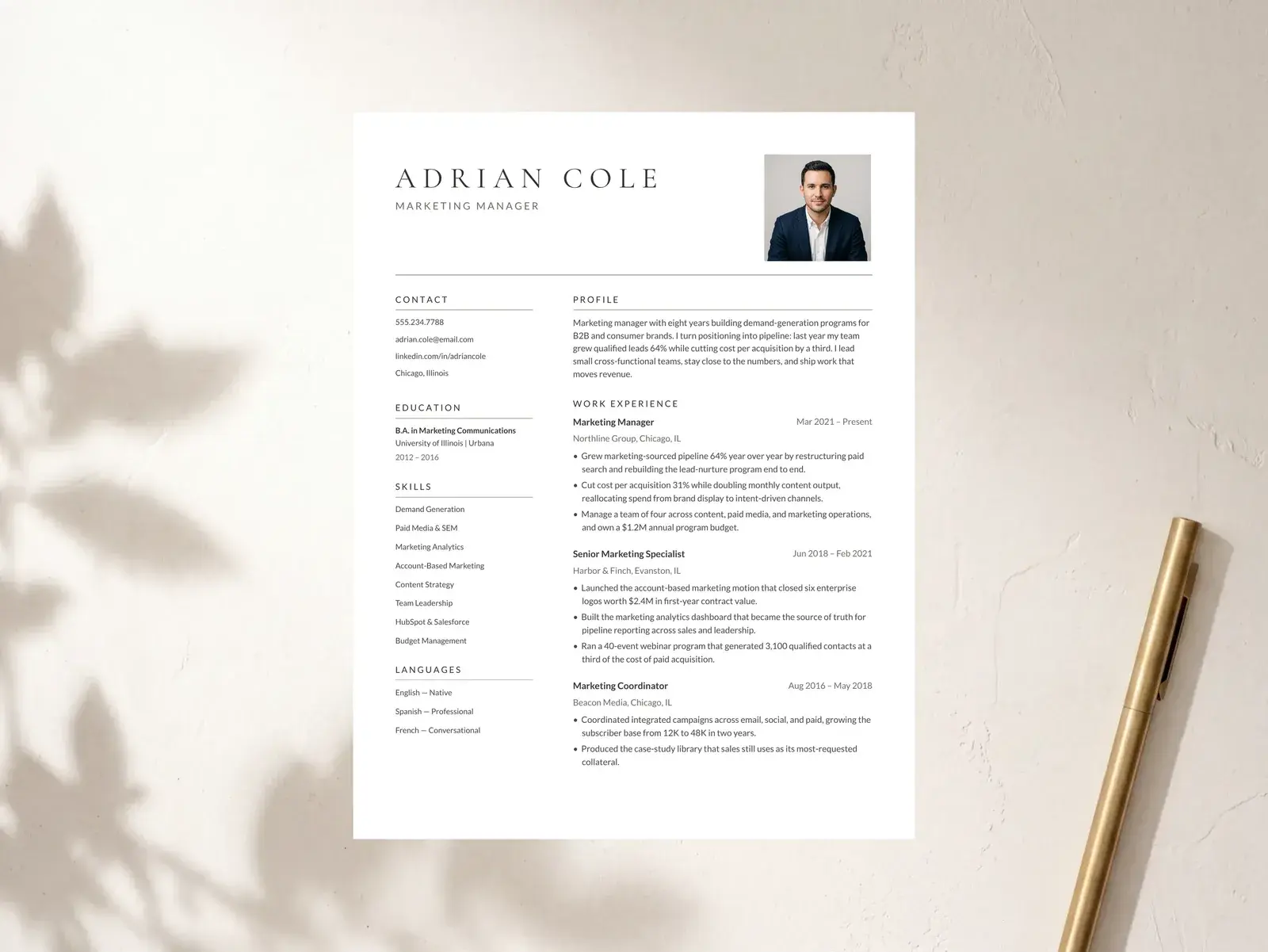
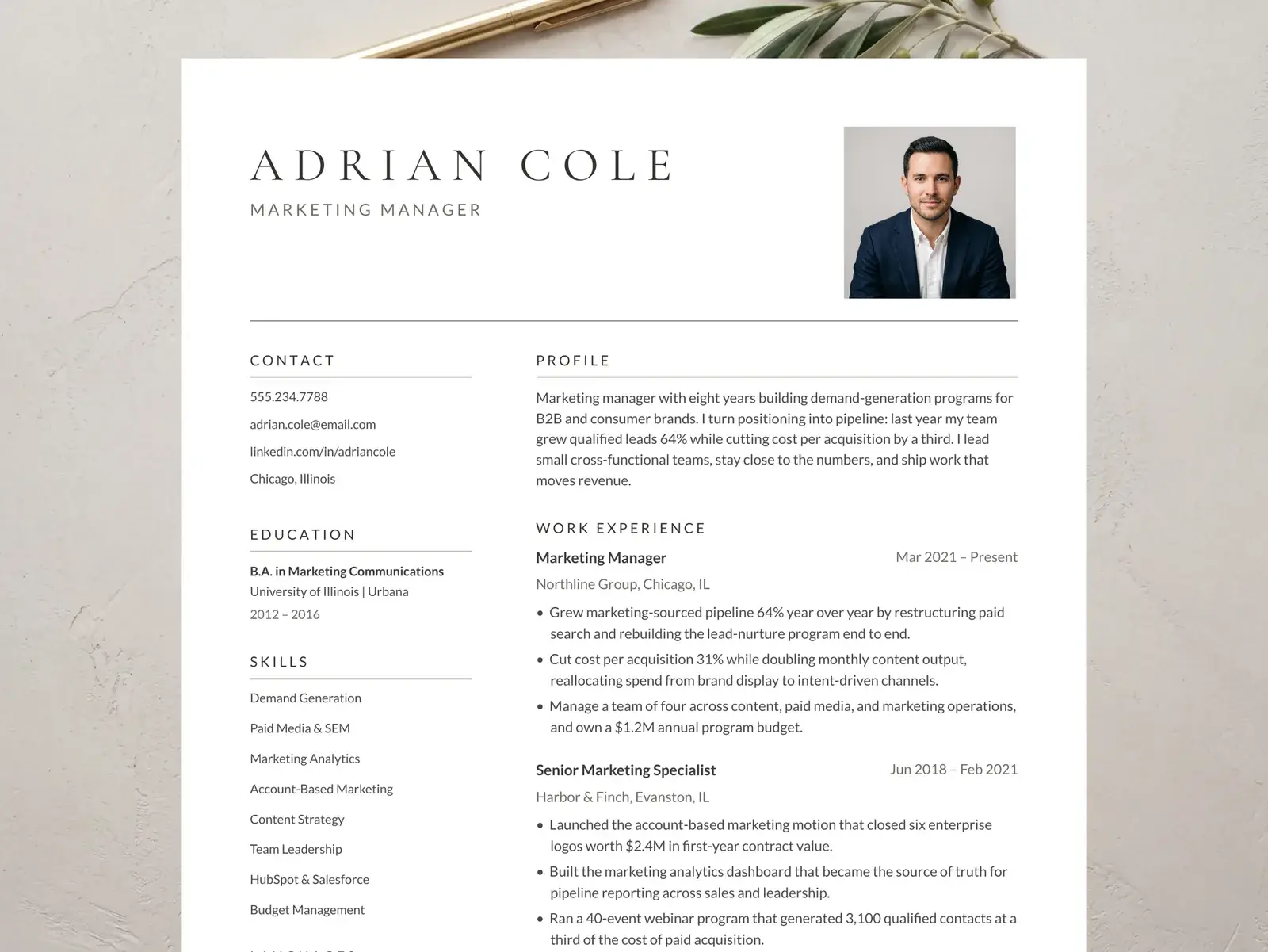
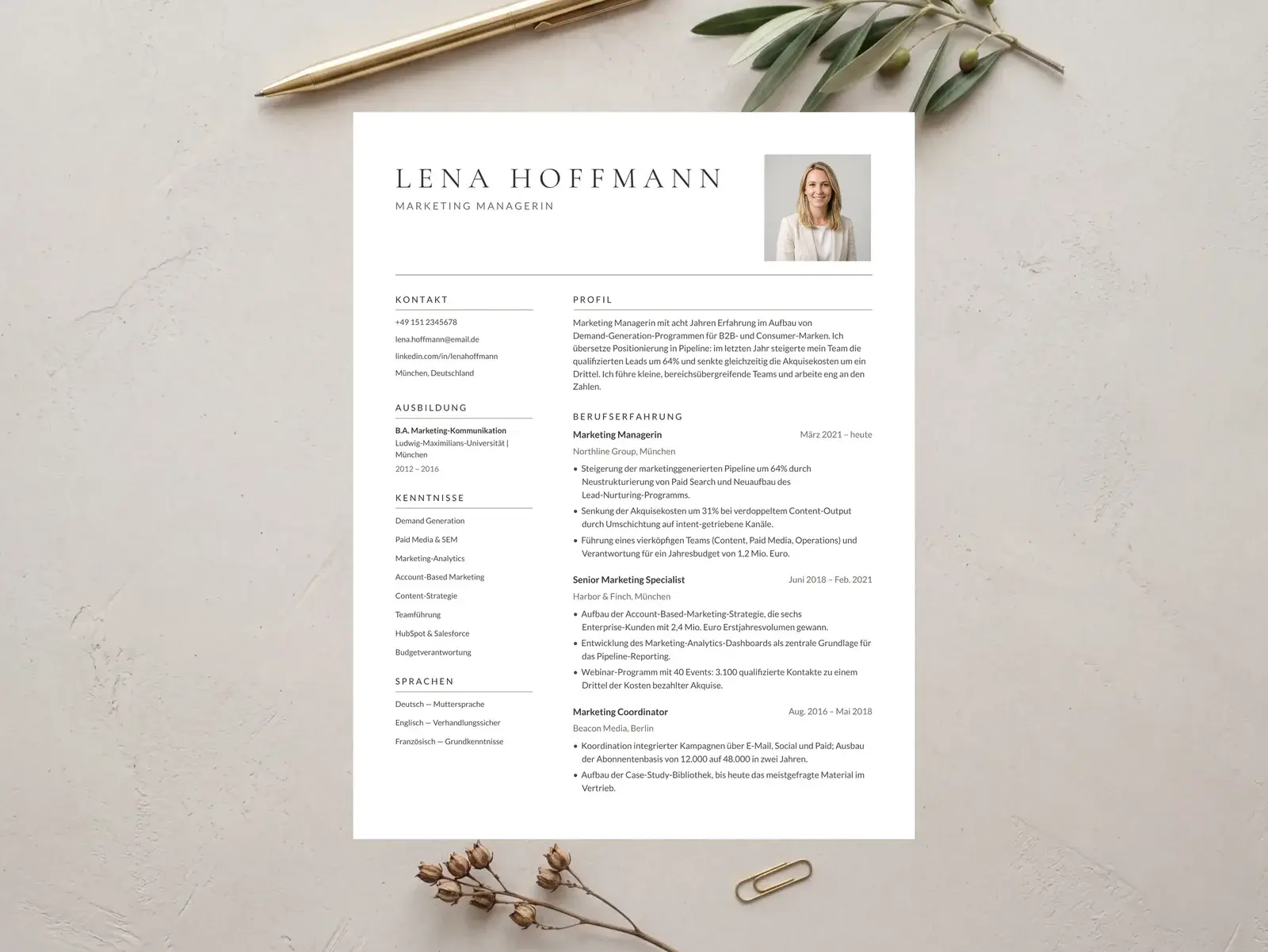
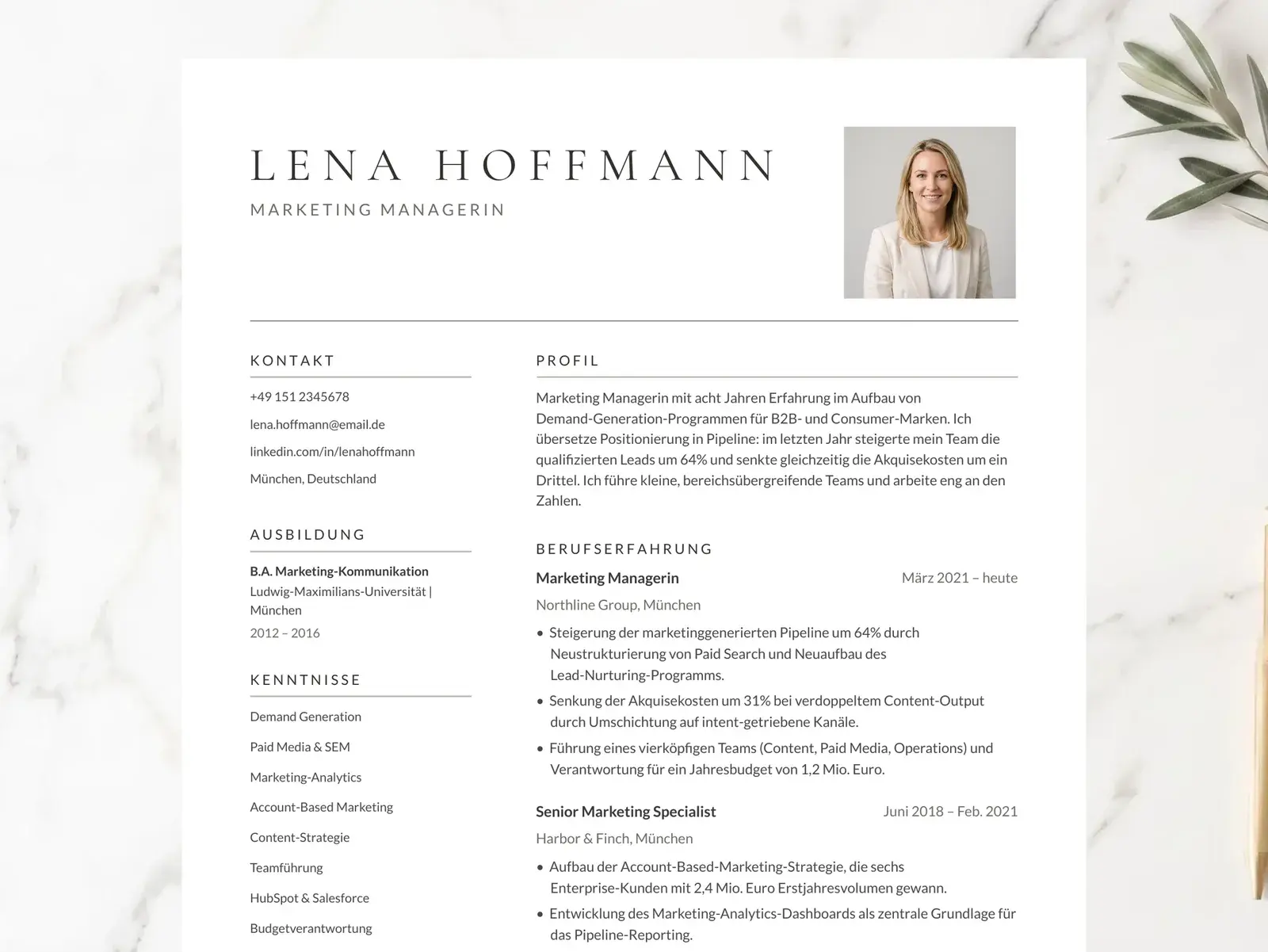
Which two-column template is right for you
All four are one page, edit in Google Docs, Word, or Pages, and come with a matching cover letter and references page. Here's how they differ.
| Template | Look | Best for | Also includes | Price |
|---|---|---|---|---|
| Harbor | Navy accents, centered serif name, sidebar for contact and skills | Tech, design, and operations roles with long skill or tool lists | Matching cover letter and references page | $4.99 |
| Atelier | Set entirely in EB Garamond, editorial and literary | Writers, editors, publishing, academia, research | Matching cover letter and references page | $4.99 |
| Ashford | Square headshot beside a wide-tracked serif name | Markets where a photo is expected (much of Europe, the Middle East, Asia); marketing and client-facing roles | A no-photo single-column version for ATS job boards, cover letter, references | $8.99 |
| Ashford (Deutsch) | German edition of Ashford, with photo | Applications in Germany, Austria, and Switzerland | Deckblatt (cover page), Anschreiben, references, no-photo version | $8.99 |
- Look:
- Navy accents, centered serif name, sidebar for contact and skills
- Best for:
- Tech, design, and operations roles with long skill or tool lists
- Also includes:
- Matching cover letter and references page
- Look:
- Set entirely in EB Garamond, editorial and literary
- Best for:
- Writers, editors, publishing, academia, research
- Also includes:
- Matching cover letter and references page
- Look:
- Square headshot beside a wide-tracked serif name
- Best for:
- Markets where a photo is expected (much of Europe, the Middle East, Asia); marketing and client-facing roles
- Also includes:
- A no-photo single-column version for ATS job boards, cover letter, references
- Look:
- German edition of Ashford, with photo
- Best for:
- Applications in Germany, Austria, and Switzerland
- Also includes:
- Deckblatt (cover page), Anschreiben, references, no-photo version
How to make a two-column resume work
Keep the sidebar short and scannable
The sidebar is for items a recruiter checks at a glance: contact details, skills, tools, languages, certifications. One or two words per line is ideal. If something needs a full sentence, it belongs in the main column.
Put your strongest evidence in the main column
Experience bullets with results and numbers do the persuading, so give them the wide column. Lead each bullet with a strong verb and end it with the outcome.
Mirror the job posting's keywords in both columns
Applicant tracking systems match your wording to the posting. List the exact tools and skills from the job description in the sidebar, then show them in action in your bullets.
Test the reading order before you send it
Copy all the text from your finished resume and paste it into a plain text editor. The sidebar should come out as one block and the main column as another, in a sensible order. These templates are built to pass that test.
Two columns: when it helps and when it doesn't
A two-column layout is a tool, not a default. Here's a quick guide.
Helps: you have many skills, tools, or certifications that would otherwise crowd your experience section.
Helps: you want contact details and languages visible without spending a full line on each.
Helps: you're in a design-aware field where a considered layout signals care.
Think twice: your resume is mostly long narrative bullets. A single column gives them more width.
Think twice: the posting asks for a plain text or very conservative format (some government roles). Use a single-column template such as Merritt.
Find the right template
Instant download, edit in Google Docs, Word, or Pages — and apply knowing the layout parses cleanly in hiring systems.
Browse the collectionQuestions, answered
Is a two-column resume ATS-friendly?
It depends on how it's built. Many two-column templates place the sidebar in a text box or a floating shape, and applicant tracking systems either skip it or read it in the wrong order. Every two-column template here is built on a real table grid, so the sidebar reads first as one block, then the main column, with nothing lost. A quick way to check any resume: copy all the text and paste it into a plain text editor. If it comes out in a sensible order, a parser can read it too.
When should I use a two-column resume instead of one column?
Use two columns when you have a lot of short, scannable items to show: skills, tools, languages, certifications. The sidebar keeps them visible while your experience gets the wide column. If your resume is mostly long experience bullets, or you're applying to very conservative employers, a single-column layout is the simpler choice.
What should go in the sidebar?
Short items a recruiter scans rather than reads: contact details, skills, tools, languages, certifications, and often education. Keep full sentences and achievements in the main column, where there's room for them.
Which two-column template should I choose?
Harbor is the all-rounder, with a navy accent and a sidebar for contact and skills, a good fit for tech, design, and operations roles. Atelier sets everything in EB Garamond for a literary, editorial feel suited to writing, publishing, and academia. Ashford adds a headshot for markets where a photo is expected and includes a no-photo single-column version. Ashford (Deutsch) is the German edition with a cover page (Deckblatt).
Can I edit these two-column templates in Google Docs for free?
Yes. Open the template, choose File → Make a copy, and edit everything in Google Docs in your browser at no cost. Each download also includes a Word and Pages compatible .docx file, a matching cover letter, and a references page.