Page layout
Page layout: margins, alignment, page count
- Margins: 1 inch on all four sides. Reduce to 0.75 inch only if your letter is genuinely on the edge of running to a second page. Never go below 0.5 inch.
- Alignment: Left-aligned. Not centered. Not justified. Justified text creates uneven word spacing and reads as amateur — the rivers of white space between words are immediately visible to any trained reader.
- Page count:One page. Always. If your draft runs to a second page, the problem is content, not margins. Cut, don’t shrink.
- Indentation: None. Use a blank line between paragraphs to separate them. First-line indentation belongs in books, not business letters.
Fonts and sizes
Use the same font as your resume. If a hiring manager opens both files and the fonts don’t match, the documents feel like they came from two different people.
Safe choices that work in every system, render cleanly on screen and in print, and pass ATS parsing without issue:
- Sans-serif: Calibri, Arial, Helvetica, Verdana, Geist, Inter.
- Serif: Georgia, Cambria, Garamond, Charter.
Avoid:Times New Roman — technically safe, but it reads as dated. Comic Sans, Papyrus, anything decorative — instant rejection in any professional context. Script fonts for body text — illegible on screen and through ATS.
Sizes:Body text 11pt is the sweet spot (10.5pt or 12pt are acceptable). Your name in the header: 14–18pt, bold. The rest of the header: match the body size.
The header (your contact info)
Your cover letter header should mirror your resume header exactly — same name spelling, same email, same phone format, same font. The most common version is three lines:
Maya Okonkwo
maya.okonkwo@gmail.com · (973) 555-0148 · Newark, NJ
linkedin.com/in/mayaokonkwo
Or a more compact single-line version under the name:
Maya Okonkwo
maya.okonkwo@gmail.com · (973) 555-0148 · Newark, NJ · linkedin.com/in/mayaokonkwo
Include: full name (matches your resume), professional email (firstname.lastname@ is the standard), phone number, city and state (no street address required in 2026 unless asked), LinkedIn URL or portfolio URL if relevant.
Don’t include: date of birth, marital status, photo (in US applications), multiple phone numbers, or “References available on request” (this belongs nowhere).
Date and recipient block
Below your header, leave one blank line. Then the date in long format:
May 14, 2026
Not 5/14/26, not 14-May-2026. Long format reads as deliberate; short formats read as automated.
One blank line. Then, if you’re sending a traditional letter or know the company expects formality, the recipient block:
Mr. David Olawale
Senior Director of Marketing
Northstar Outdoor
4823 Industrial Parkway
Boulder, CO 80301
If you’re applying through a portal, by email, or to a startup where the recipient block would look stilted, you can omit it — go straight from the date to the salutation.
Salutation conventions
Default: Dear [First Last], with a comma at the end.
Dear David Olawale,— neutral, works in most contexts.Dear Mr. Olawale,— more formal, appropriate for finance, law, healthcare administration, government.Hi David,— only when the company’s communications use first names and the role is junior-to-mid. Risky for senior or external-facing roles.Dear Hiring Manager,— when you have genuinely tried and failed to find a name. Acceptable but signals less research.To Whom It May Concern,— never. Reads as a mass mailing.Dear Sir or Madam,— never. Dated and presumes gender.
Paragraph spacing and structure
- Within paragraphs: Single-spaced. Standard line height (1.15 in most word processors is fine).
- Between paragraphs: One blank line. Do not indent.
- Number of paragraphs: Three or four. An opener, one or two body paragraphs, and a close.
- Paragraph length: 3–6 sentences each. Anything longer is a wall of text — the hiring manager’s eye will skip to the next gap.
Signature and sign-off
Two blank lines below your closing paragraph, then your sign-off:
- Sincerely, — default.
- Best regards, — slightly warmer, still formal.
- Best,— casual, fine for modern industries.
- Thank you, — works if your close hasn’t already thanked the reader.
Avoid “Yours truly” (Victorian), “Cheers” (UK/AU OK, US too informal), “Warmly” (overly intimate). Then one blank line and your typed name.
File format and filename
- Format: PDF. Always, unless the application specifically asks for a Word document.
- Why PDF: Fonts and spacing render identically across machines. A Word document opened on a different system can shift line breaks, change fonts, and reformat your header.
- Filename:
FirstName-LastName-Cover-Letter-Company.pdf. For example:Maya-Okonkwo-Cover-Letter-Linden-Health.pdf. No spaces, no underscores, no version numbers (cover_letter_final_v3.pdfis unprofessional).
Email body vs. PDF attachment
Different formatting rules apply.
Attached PDF cover letter
- Full header with your contact info at the top.
- Date and (optionally) recipient block.
- Salutation, paragraphs, close, typed name.
- Filename as above.
Cover letter pasted into email body
- Skip the header — your email signature handles that.
- Skip the date — the email metadata handles that.
- Start with the salutation.
- Subject line:
Application for [Job Title] — [Your Name]. - Keep paragraphs short — emails read narrower on phones, so 3-sentence paragraphs are easier on mobile.
- Attach the resume as a PDF.
ATS and cover letters: what’s actually different
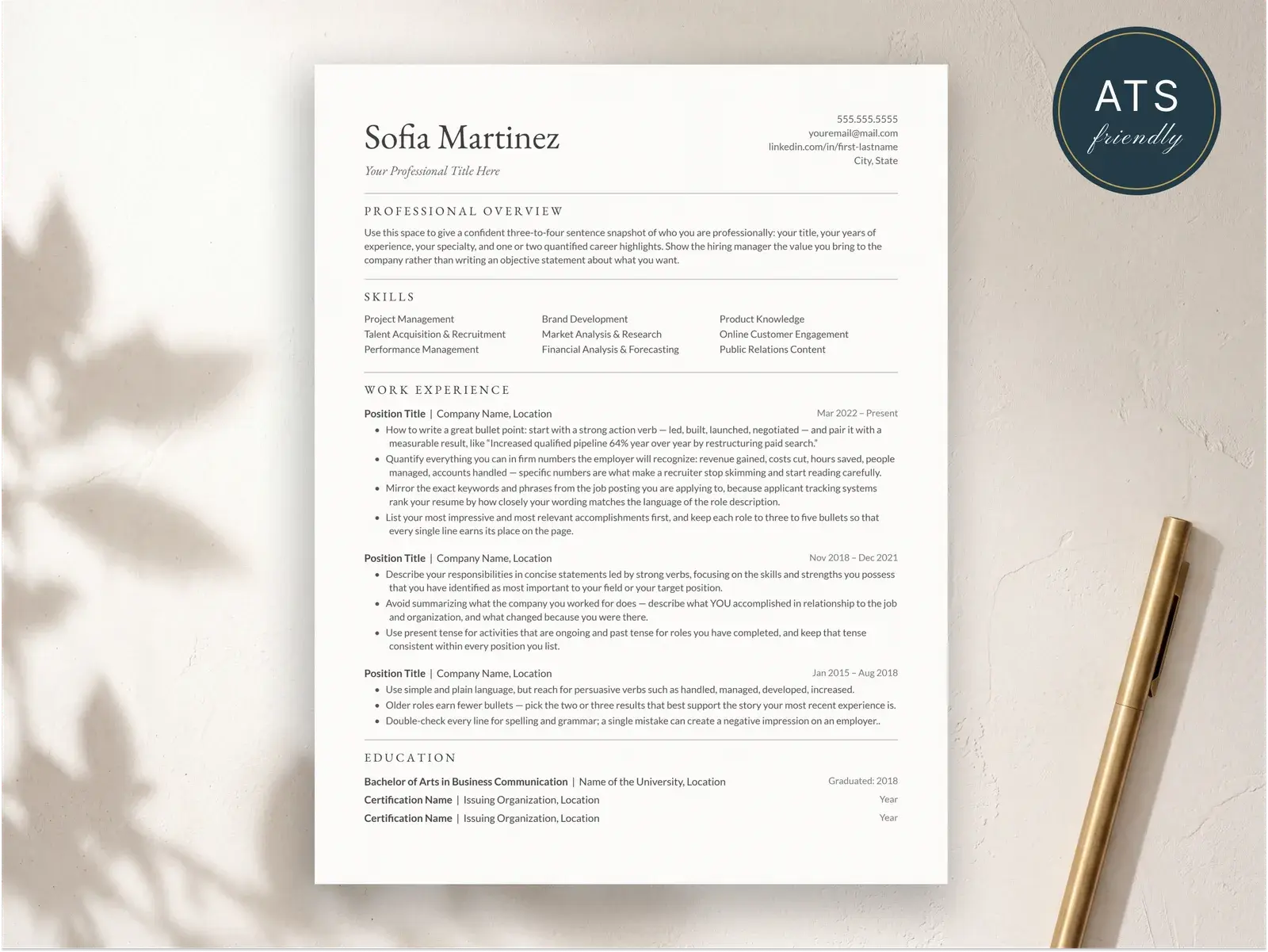
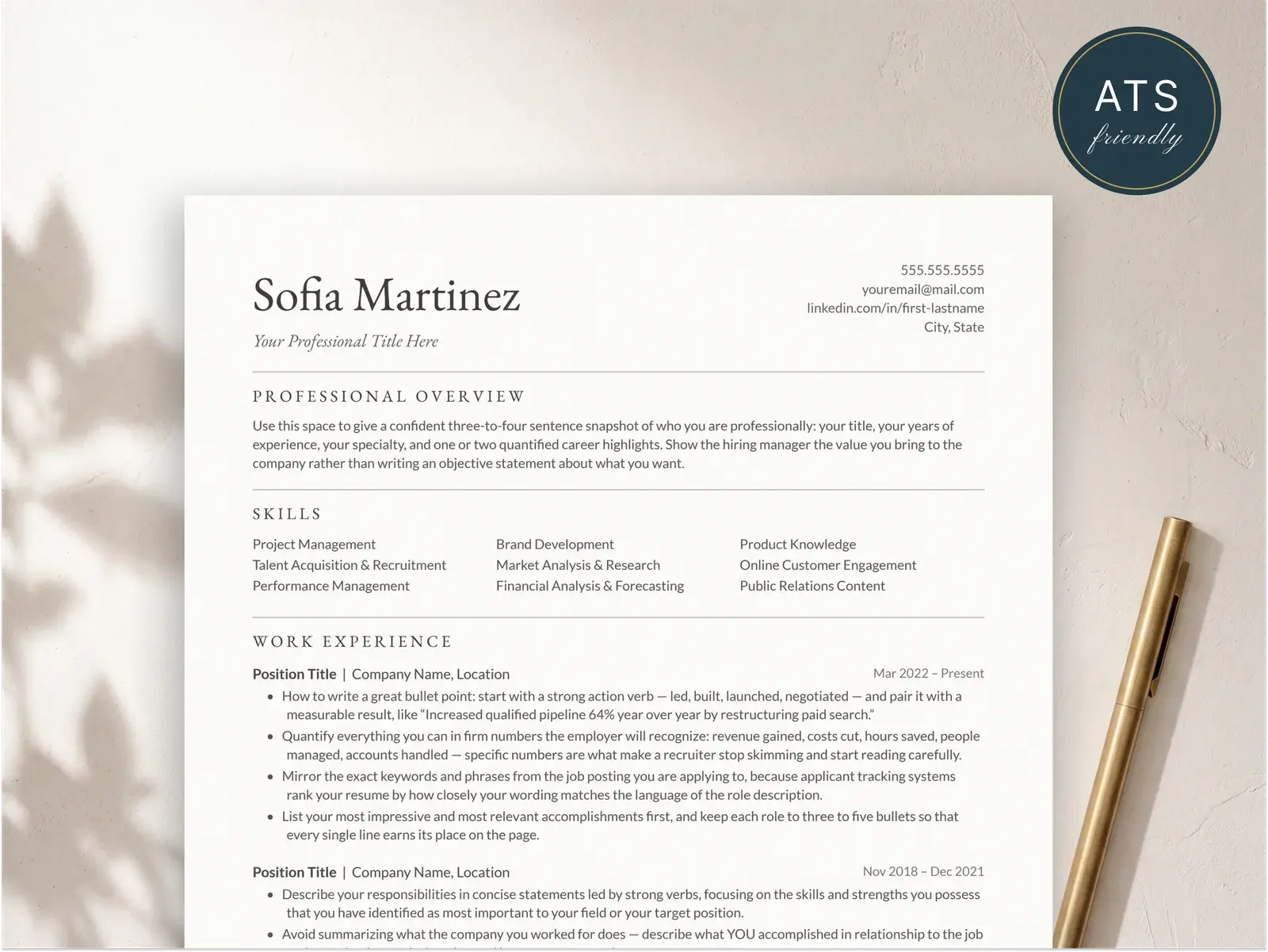
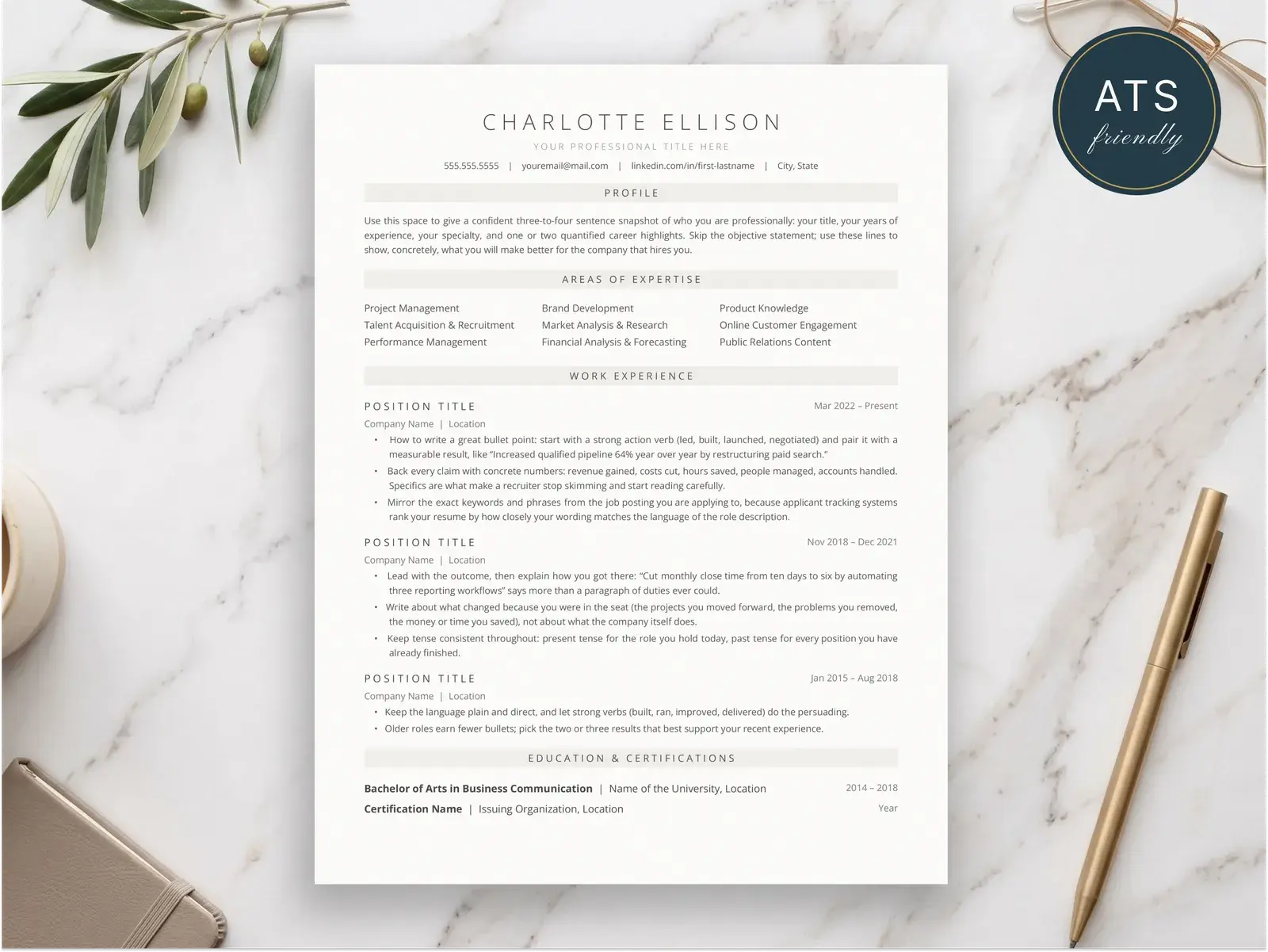
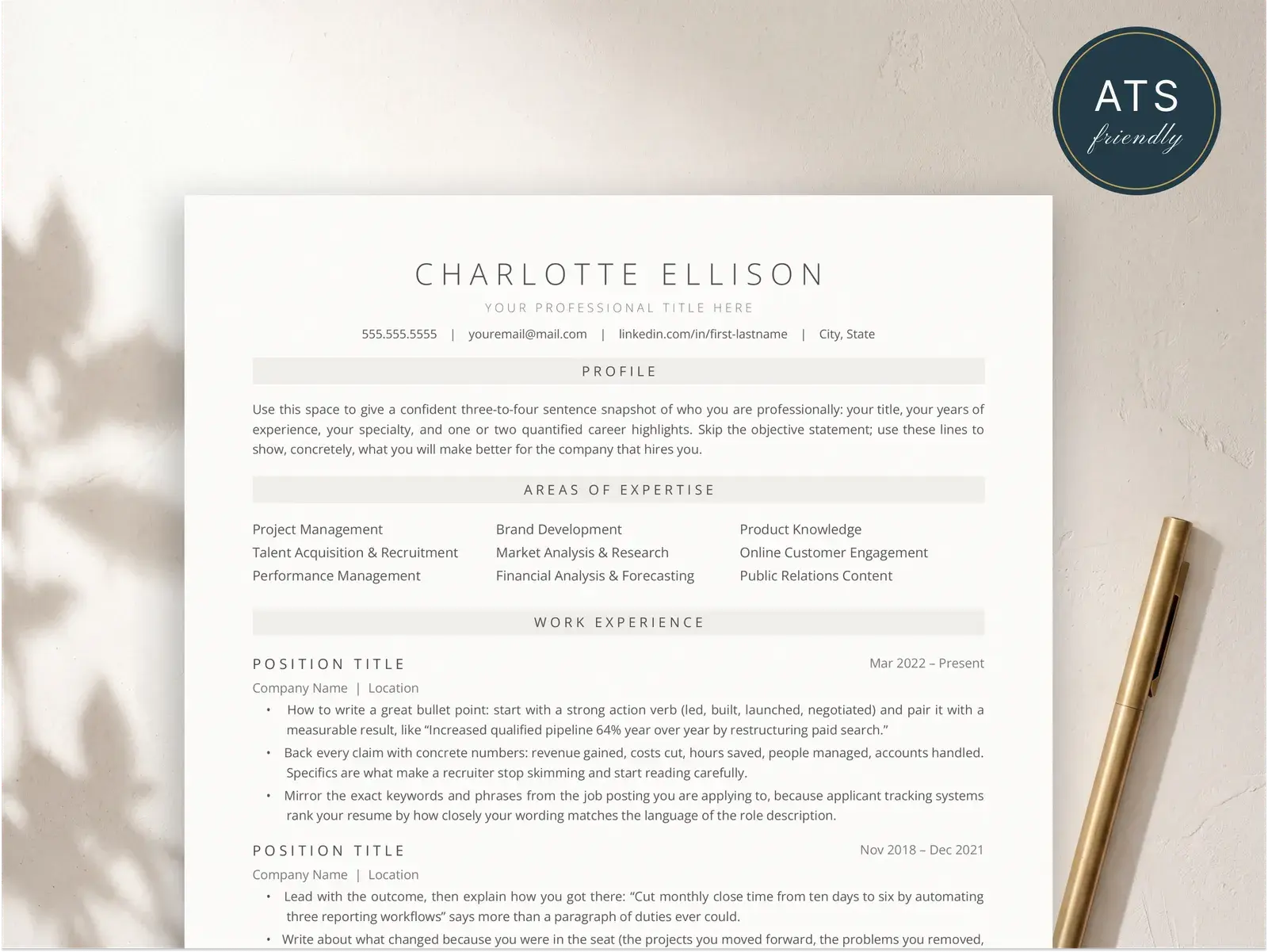
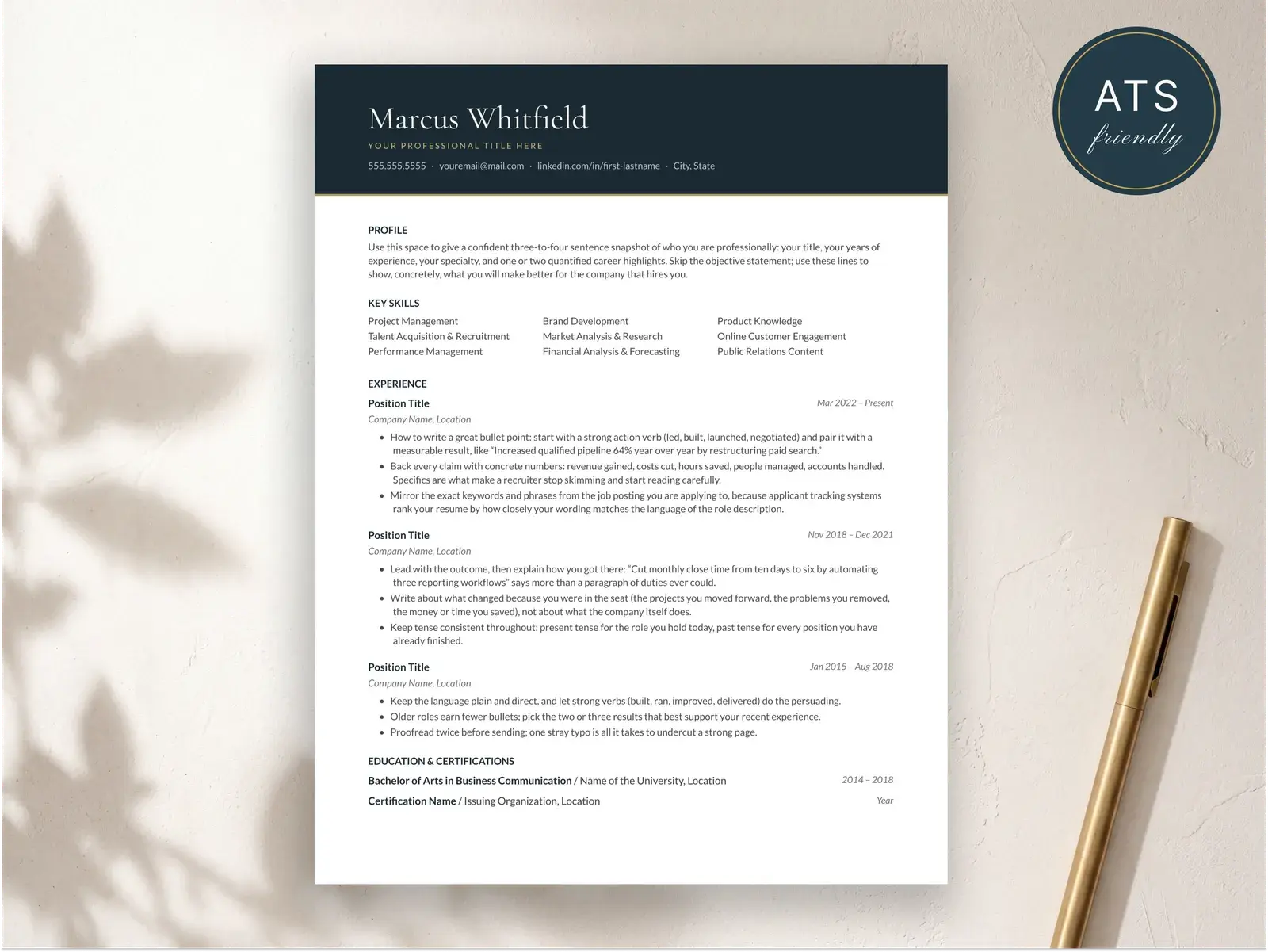
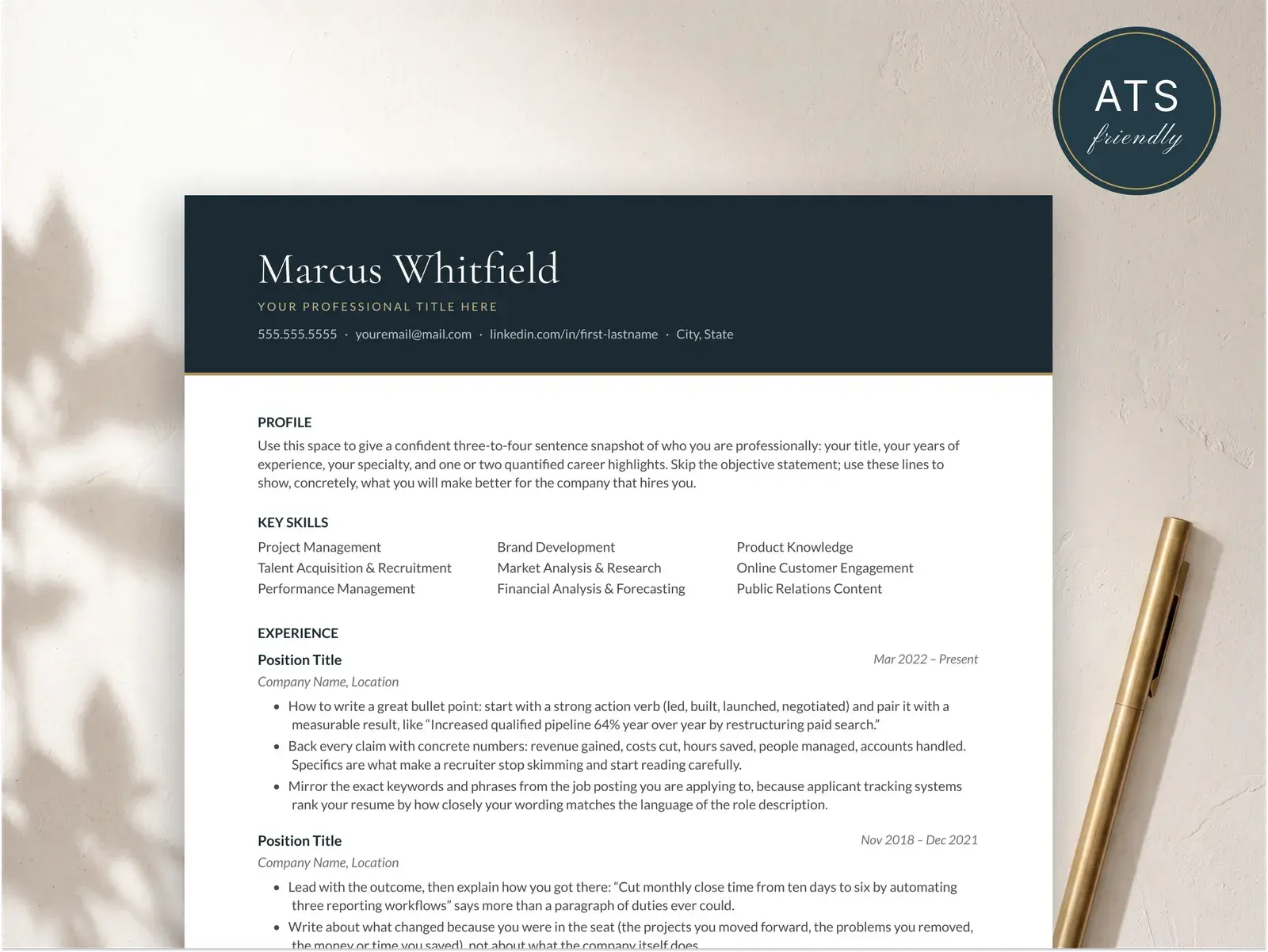
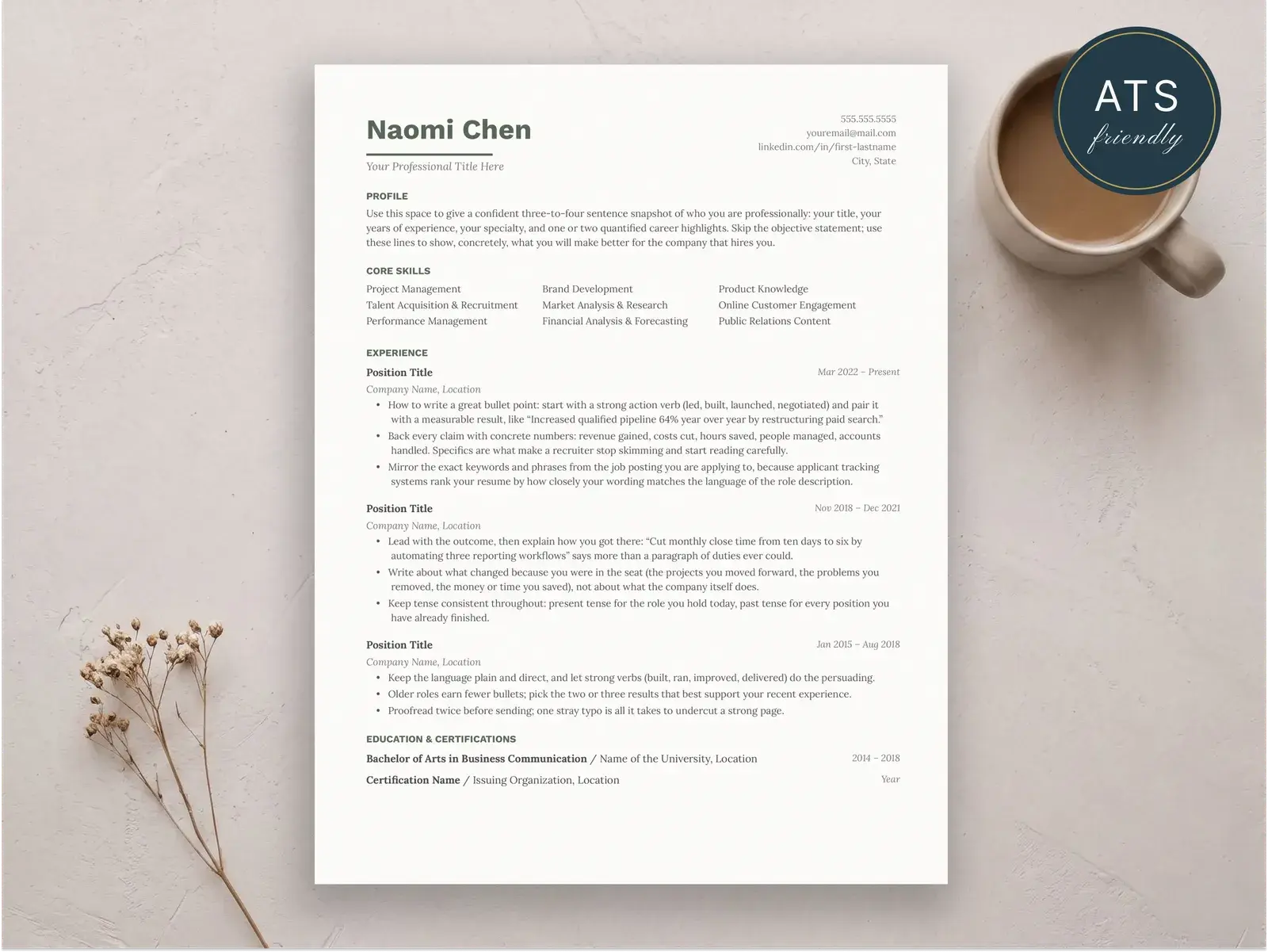
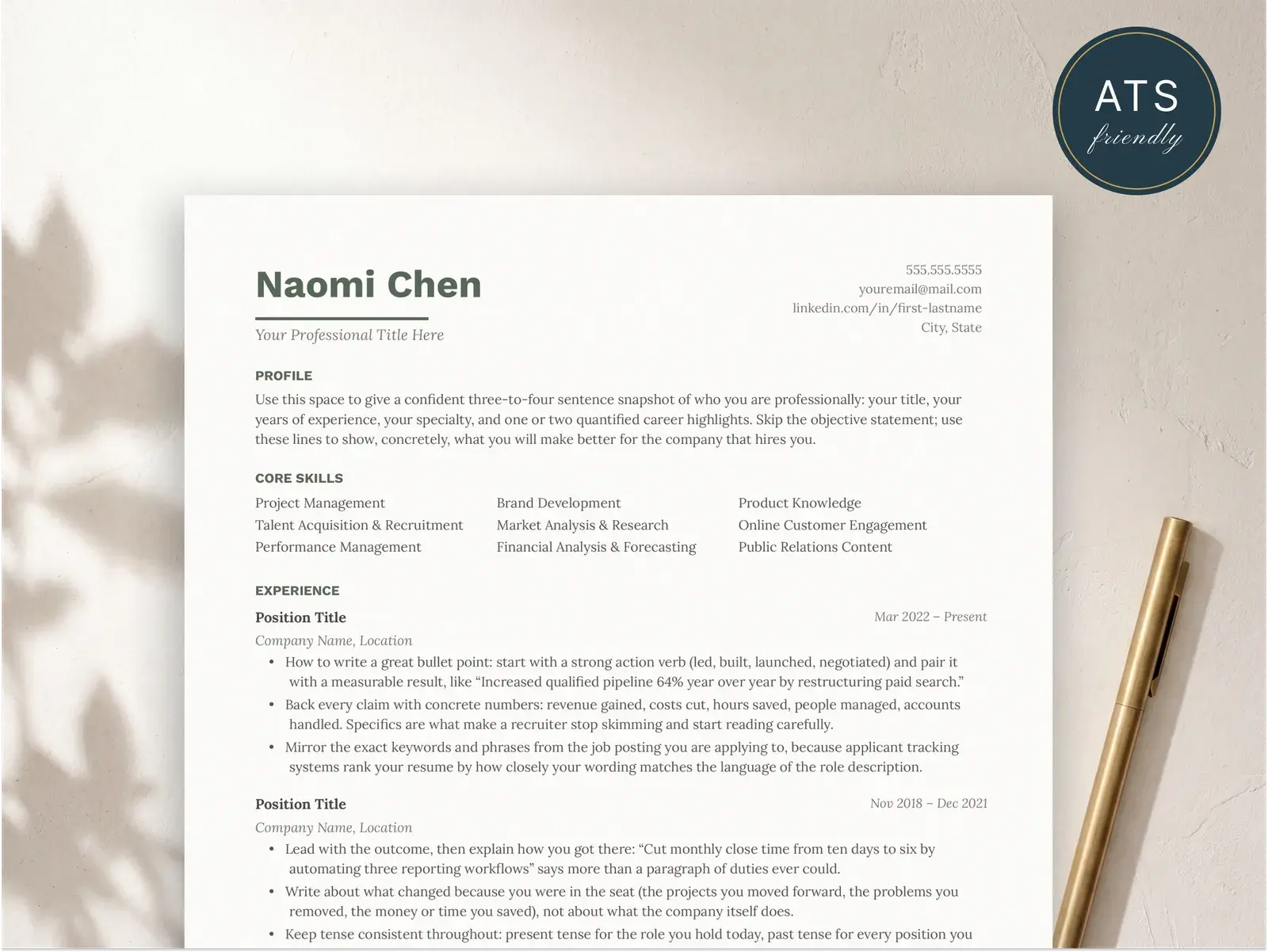
Applicant tracking systems handle resumes and cover letters differently. The ATS-friendly resume conventions (single column, no tables, no images, standard fonts) apply to cover letters too — but with a few additions specific to how cover letters are parsed.
What ATS does with cover letters:
- Most modern ATS platforms parse cover letter text into the candidate record alongside the resume. The text is searchable by recruiters.
- Some ATS systems run keyword matching on cover letters in addition to resumes — meaning the keywords in your cover letter contribute to your overall match score.
- A subset of ATS treats cover letters as an attached document only, without parsing — in those cases, the cover letter is only seen if a human opens it.
What this means in practice:
- Submit your cover letter as PDF or DOCX, not as a JPG, PNG, or RTF.
- Use a single column. No sidebars, no two-column layouts, no decorative boxes.
- No headers or footers — text in headers/footers is frequently ignored by parsers. Your name and contact info should be in the body of the document, at the top.
- Use standard section structure: header, salutation, body paragraphs, close.
- Include 4–6 keywords from the job posting in your body paragraphs, used naturally. Don’t stuff.
- Match the file format the application portal asks for. PDF for most, DOCX for some legacy ATS platforms.
For a deeper breakdown of ATS-friendly formatting in general, see the ATS-friendly resume guide and the ATS templates collection.
Good vs. bad — a side-by-side
Bad version
                              MAYA OKONKWO
                          maya123@hotmail.com
                            (973) 555-0148

5/14/26

To Whom It May Concern,

    I am writing to express my keen interest in the Junior Data Analyst position at your esteemed company. I am a hardworking and detail-oriented professional with a passion for data and a proven track record of success. I am confident that my skills and experience would make me a valuable asset to your team.

    Throughout my academic career, I have worked diligently to develop a strong foundation in statistics and data analysis. I have taken numerous relevant courses and completed several projects that demonstrate my abilities. I am a quick learner who is eager to apply my skills in a professional setting.

    I would welcome the opportunity to discuss how I can contribute to your organization. Thank you for your time and consideration. I look forward to hearing from you soon.

                                                Warmest regards,

                                                Maya Okonkwo
What’s wrong: header is centered (looks like a flyer); maya123@hotmail.com is unprofessional; date is in short format; “To Whom It May Concern” reads as a mass mailing; first-line indents are outdated; right-aligned “Warmest regards” is twee; the body is generic with no company name, no specific accomplishment, no number, no real reason to interview this person.
Good version
Maya Okonkwo
maya.okonkwo@gmail.com · (973) 555-0148 · Newark, NJ · linkedin.com/in/mayaokonkwo

May 14, 2026

Dear Ms. Patel,

When my advisor sent me the Junior Data Analyst posting at Linden Health Group, I recognized your team from a case study we read in my health informatics seminar — the readmission-rate dashboard your group built for the New Jersey hospital network.

I graduated from Rutgers in May with a B.S. in Statistics. During my internship at Princeton HealthData last summer, I cleaned and modeled three years of claims data for a Medicaid quality study, cutting the team's weekly reporting time from six hours to under one by replacing a manual Excel workflow with a parameterized SQL view.

The reason I am writing about this role specifically is the work your team has published on care-coordination reporting — it overlaps almost exactly with my capstone. I would welcome a conversation.

Thank you for your time.

Sincerely,
Maya Okonkwo
What’s right: header is left-aligned with a professional email; date in long format; salutation names the hiring manager; opening hook names the company’s actual work; body has one specific accomplishment with a real number (six hours to under one); close proposes a next step and thanks the reader once; sign-off is “Sincerely” — neutral and professional.
For full written-out cover letter examples, see cover letter examples. For plain-text templates you can paste into your document, cover letter templates. For the step-by-step writing process, how to write a cover letter.