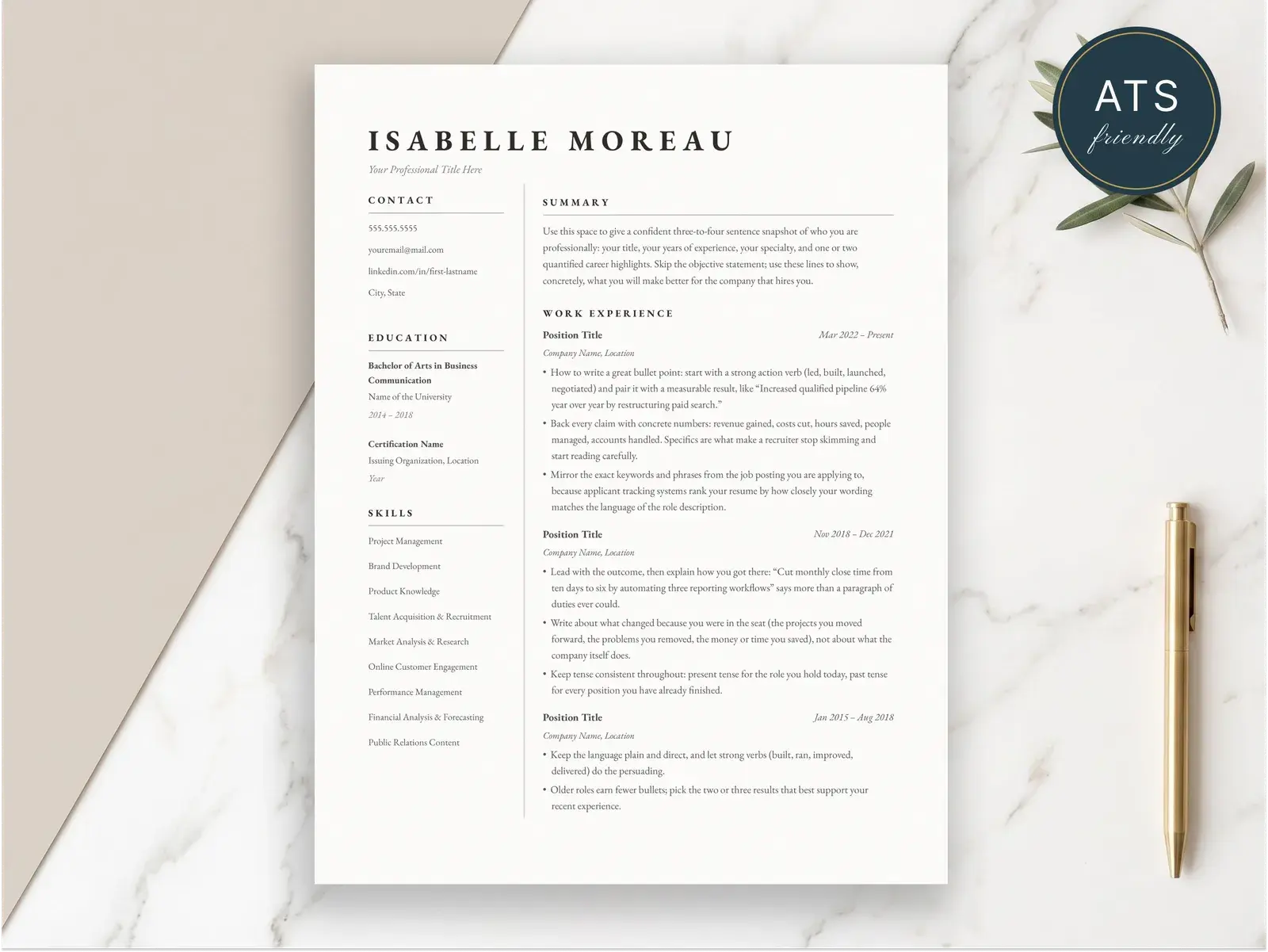
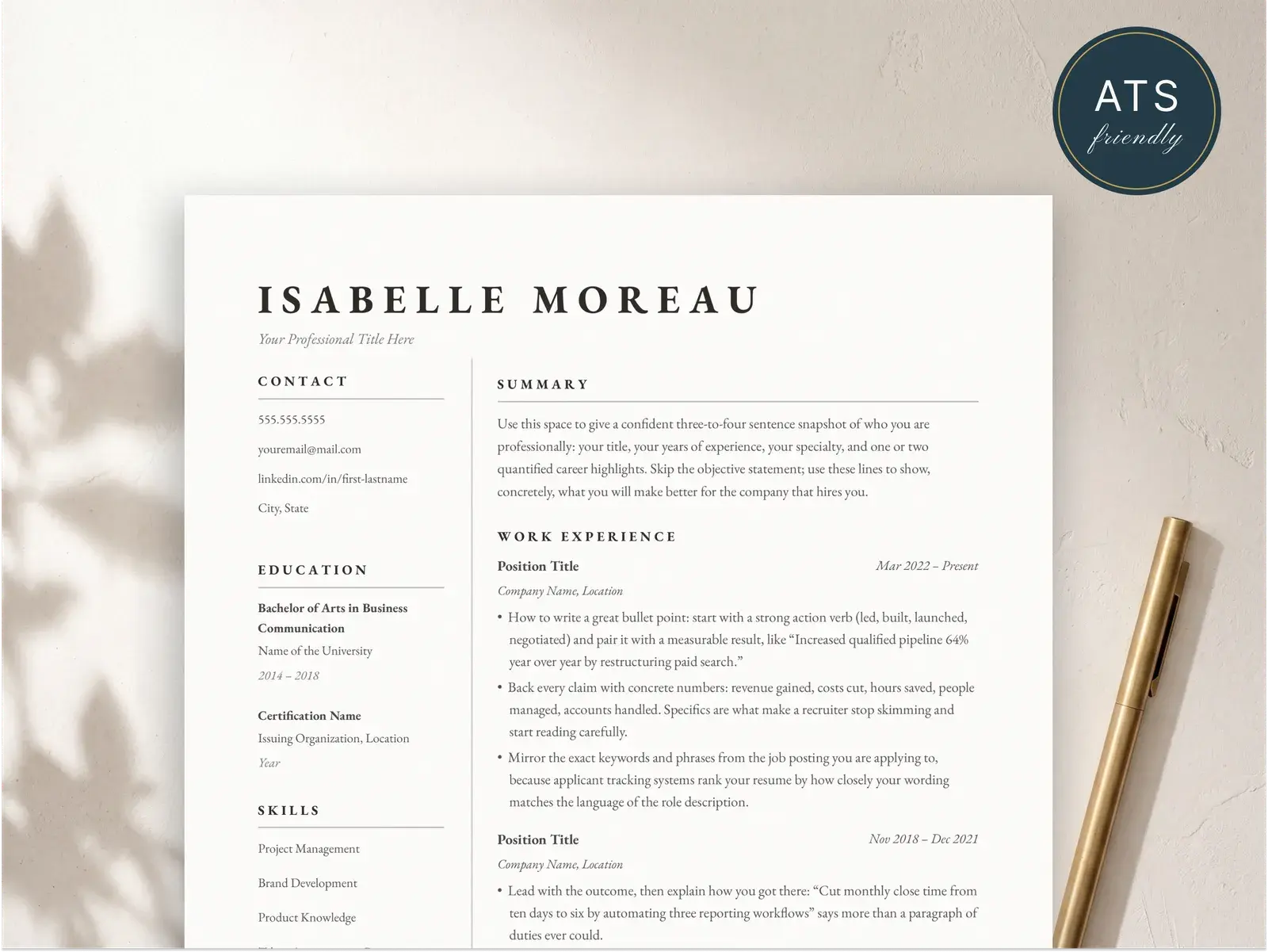
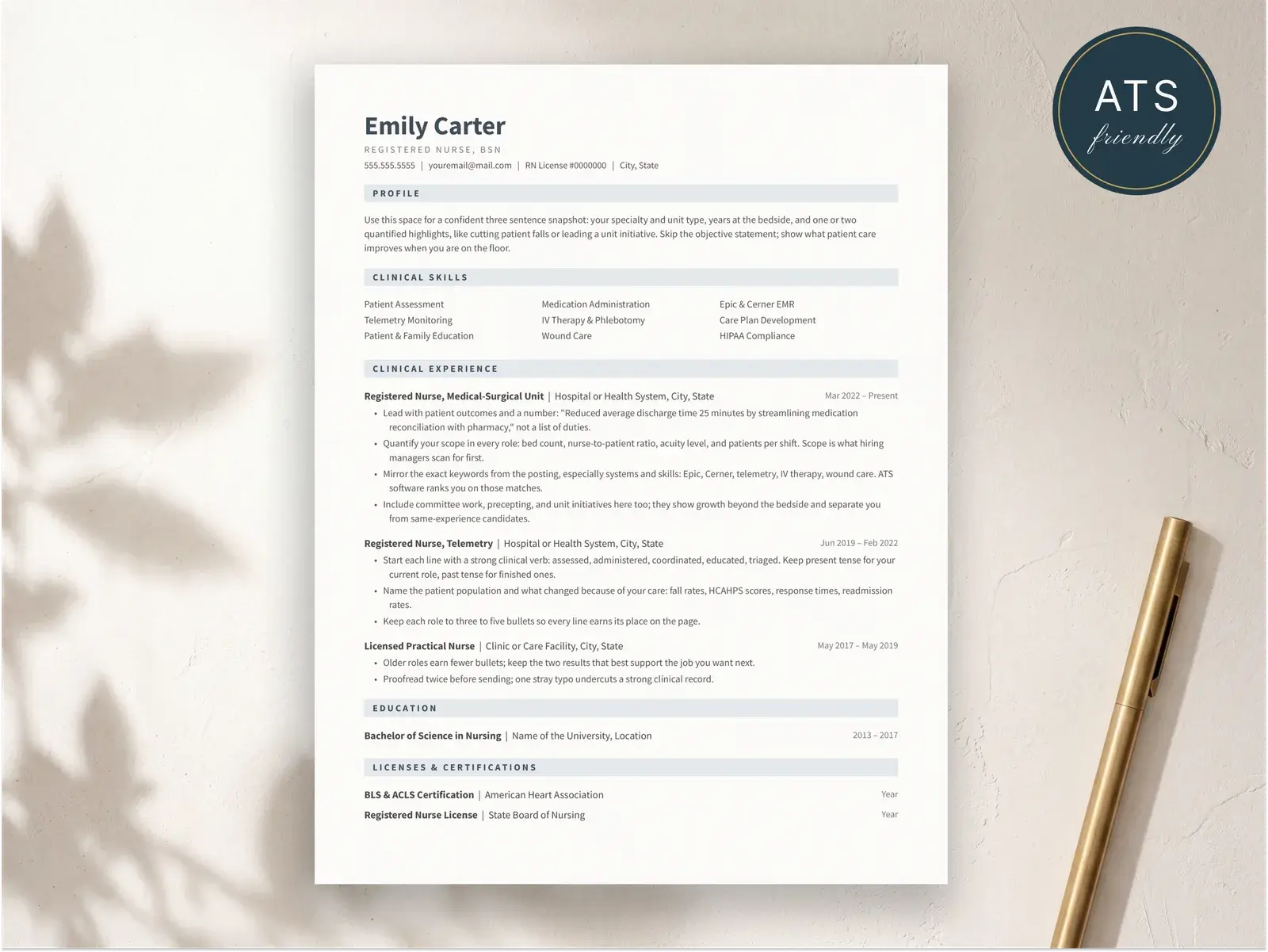
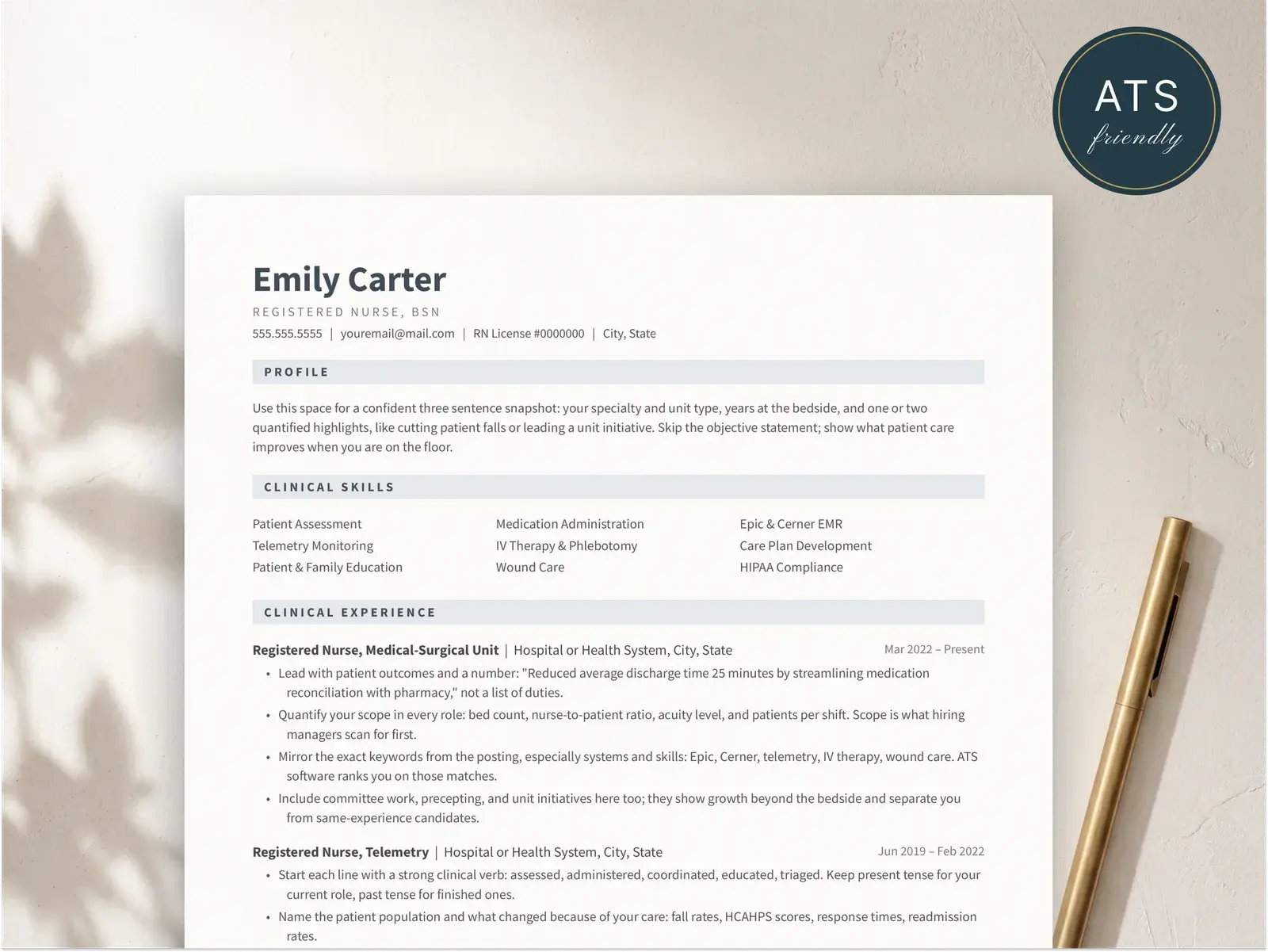
What it is
Unless you have a specific reason to do something else, this is the format you should use.
What a reverse-chronological resume is
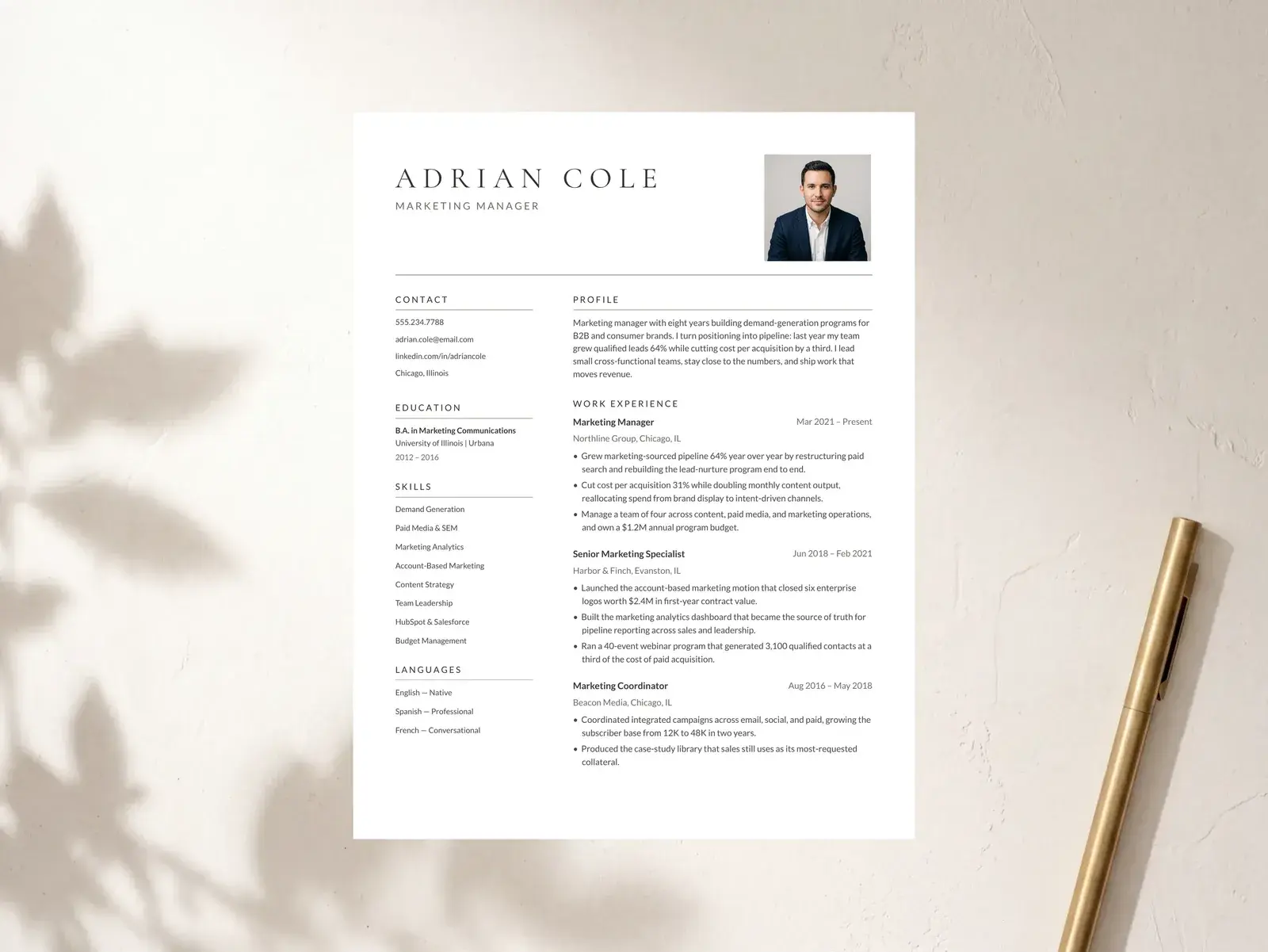
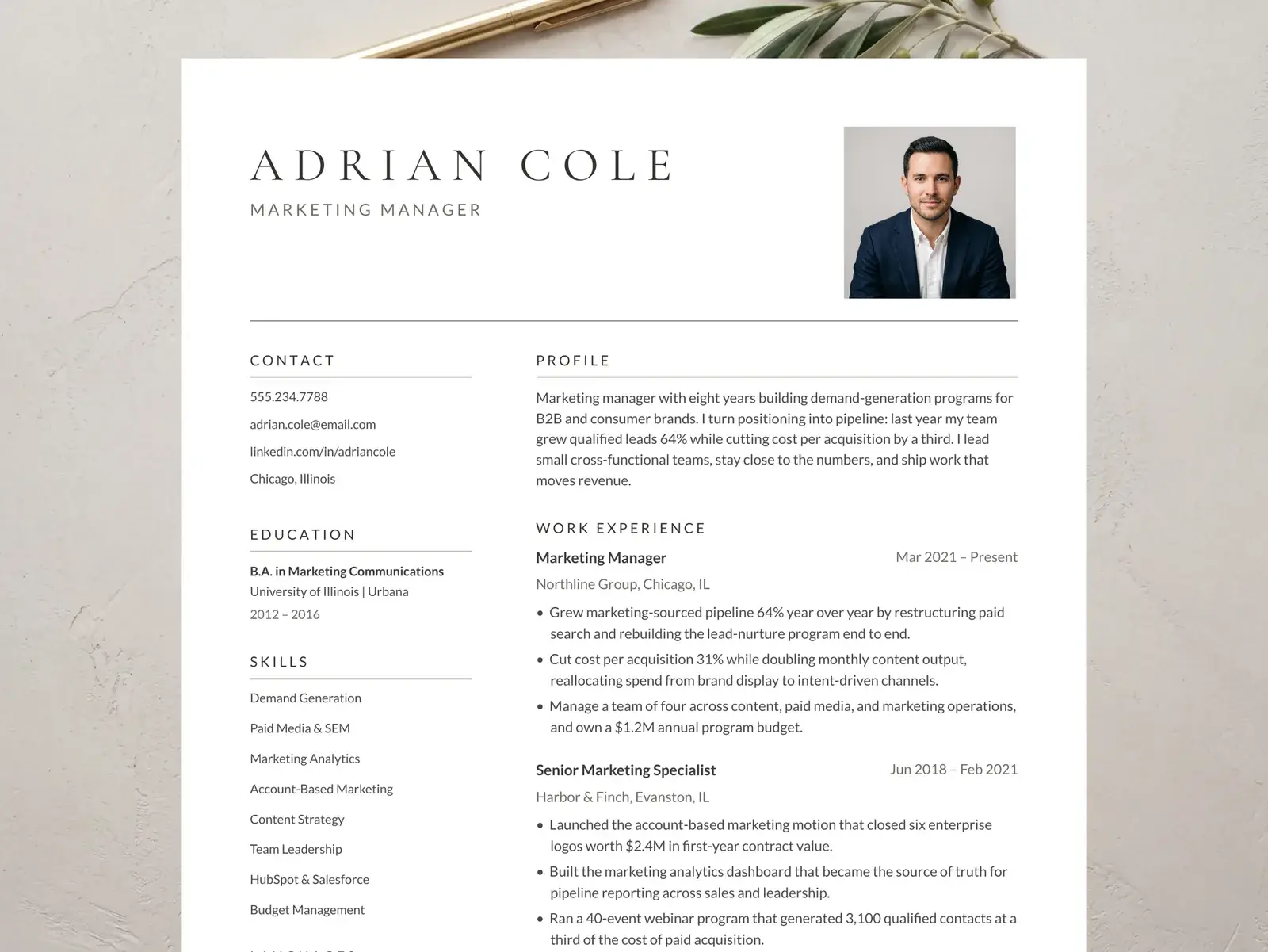
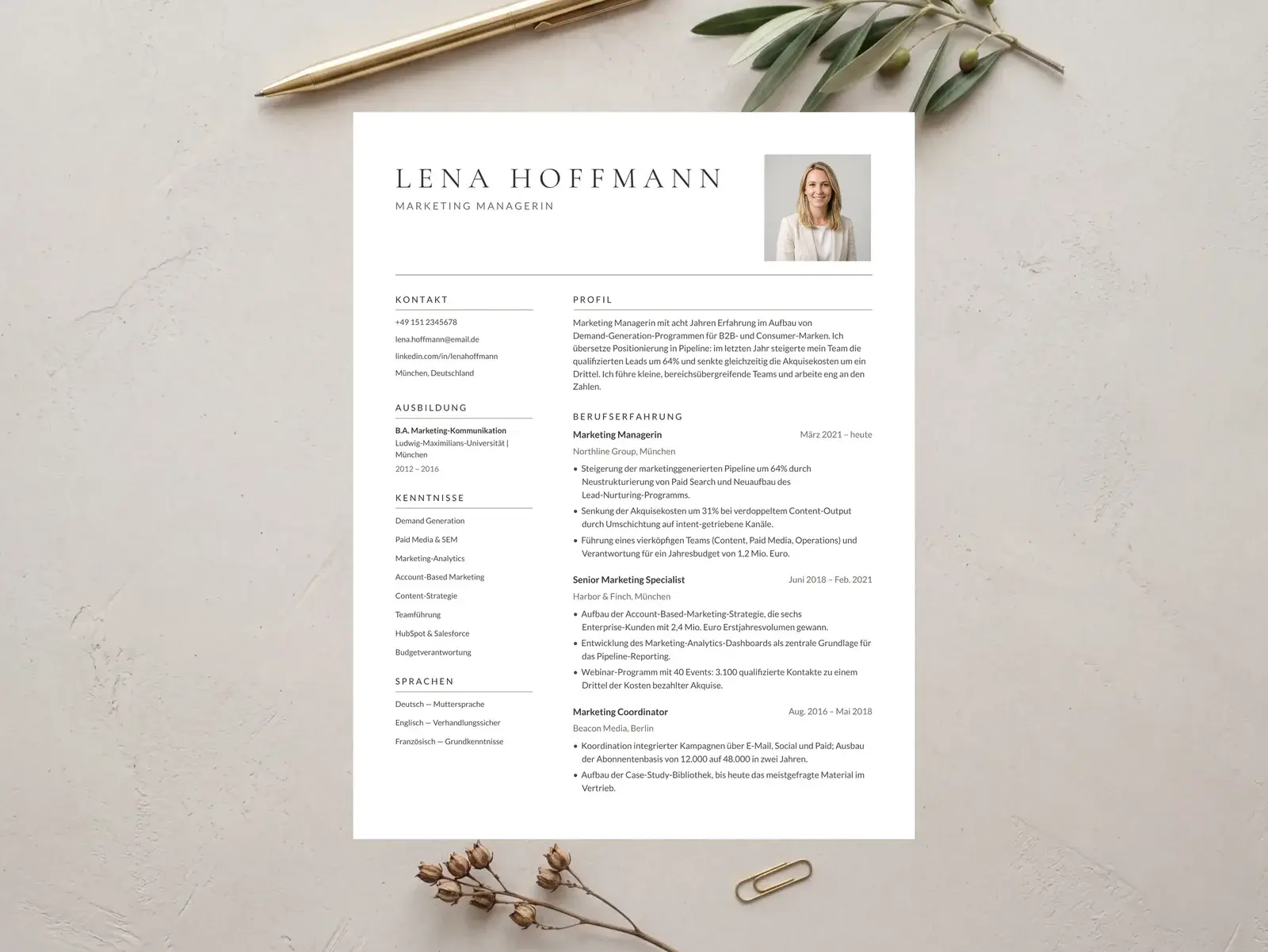
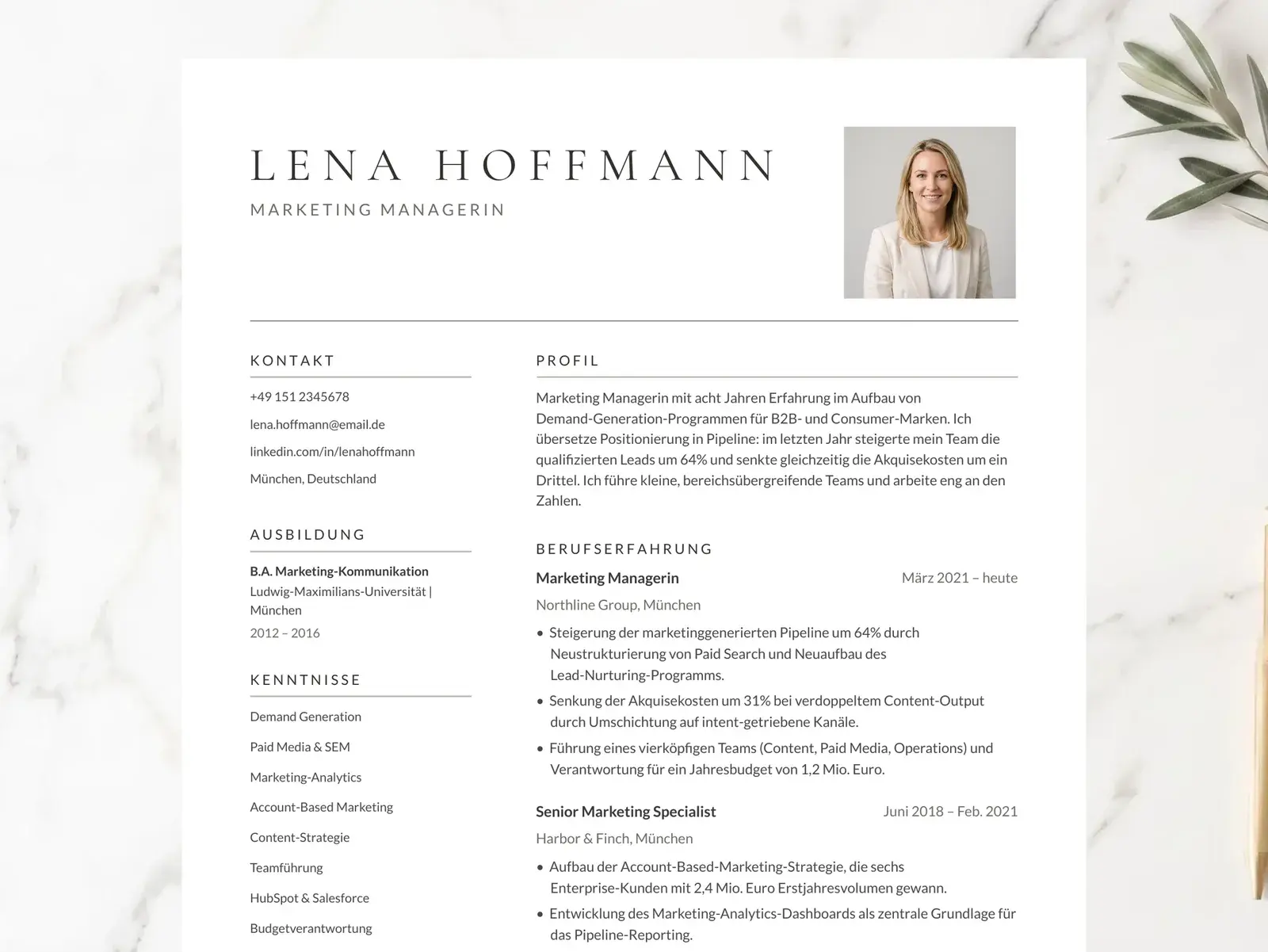
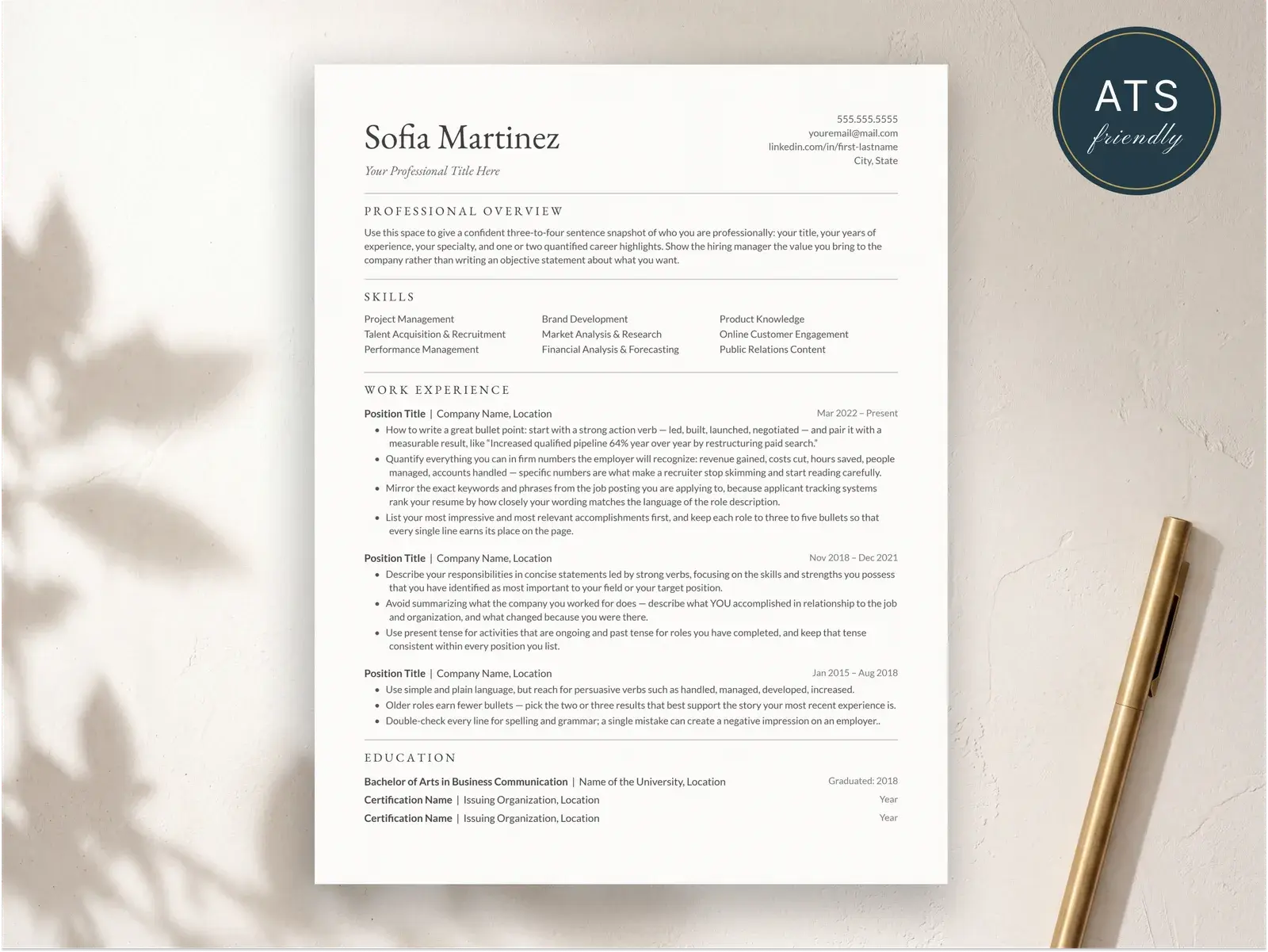
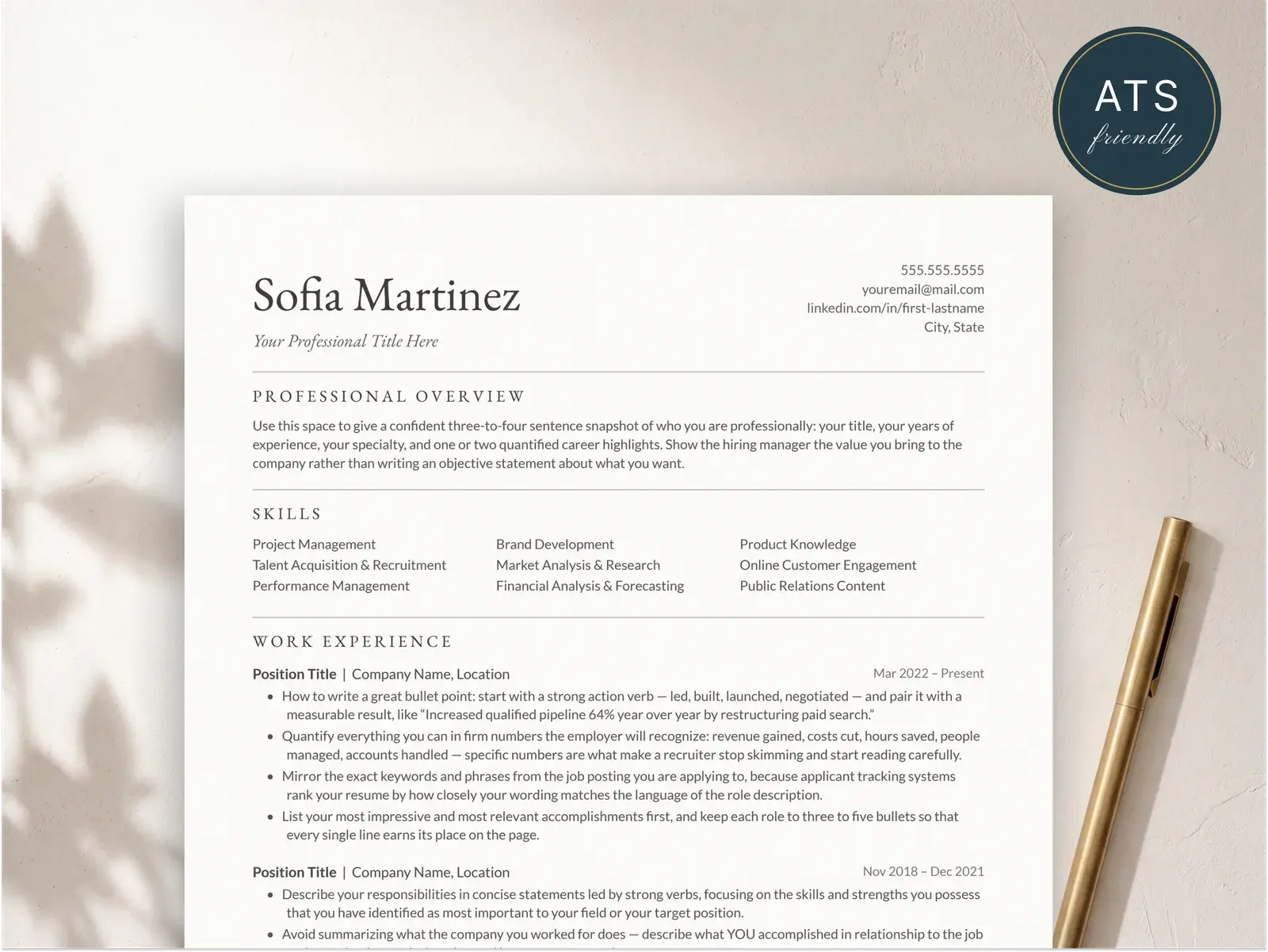
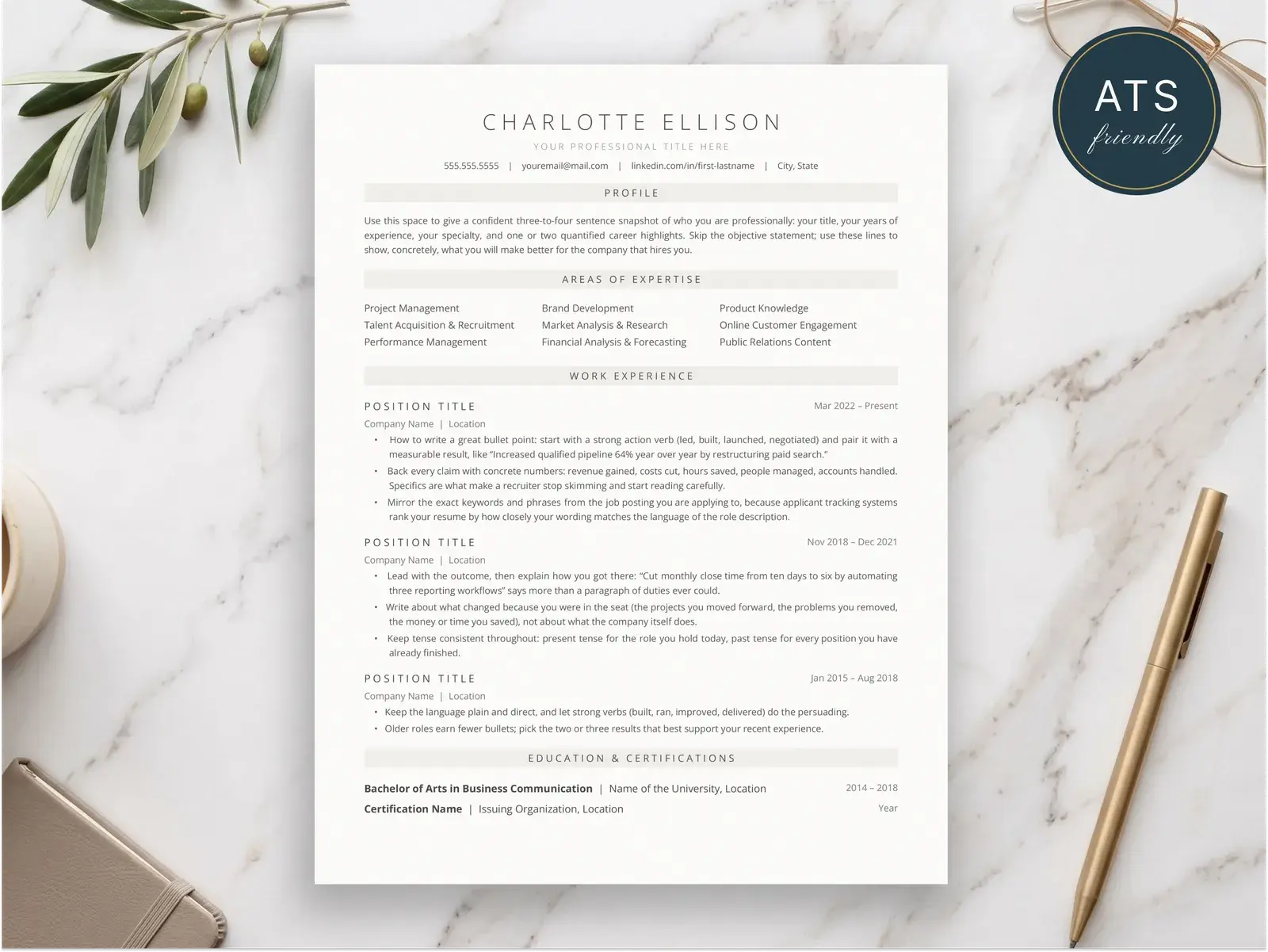
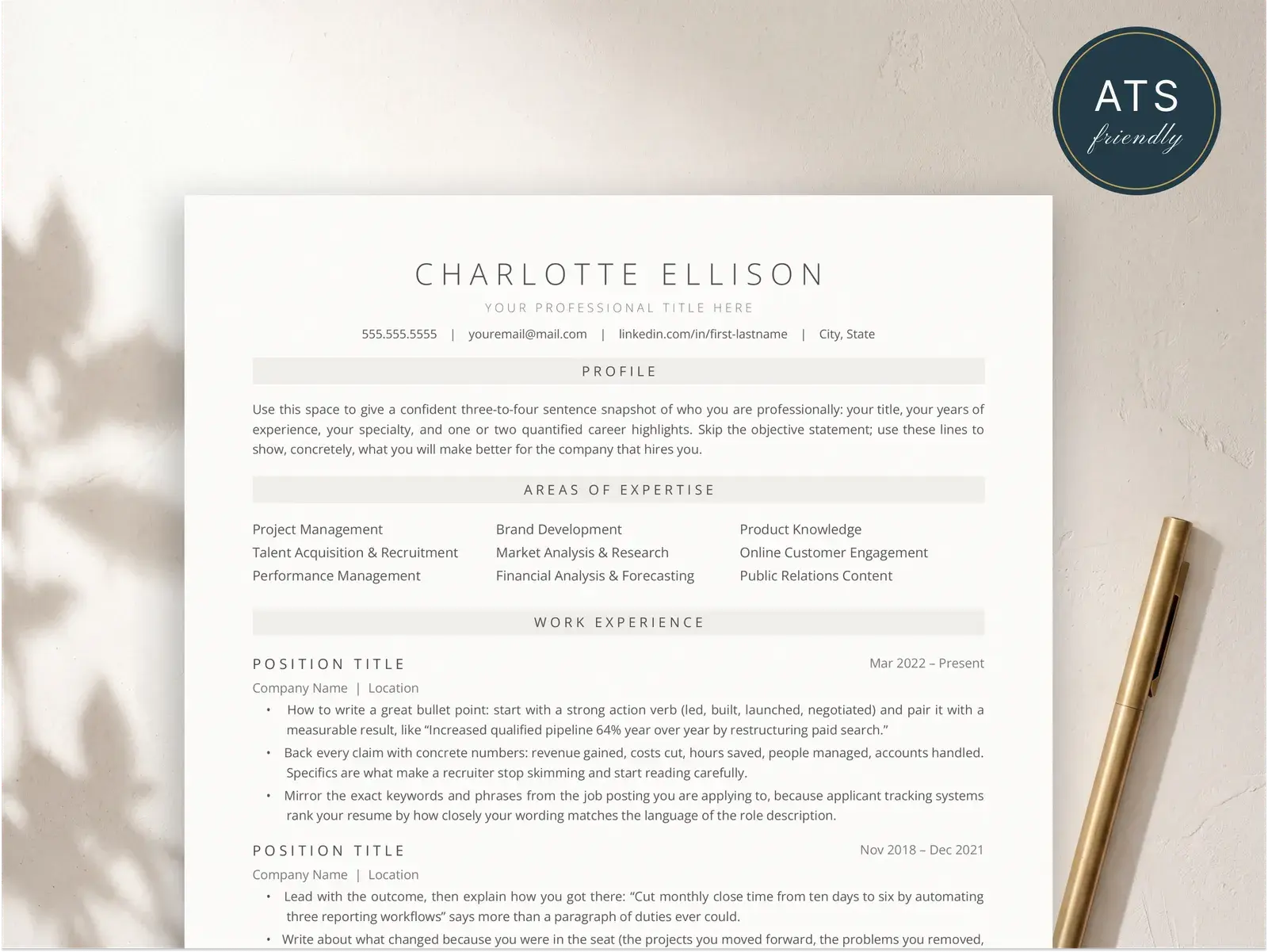
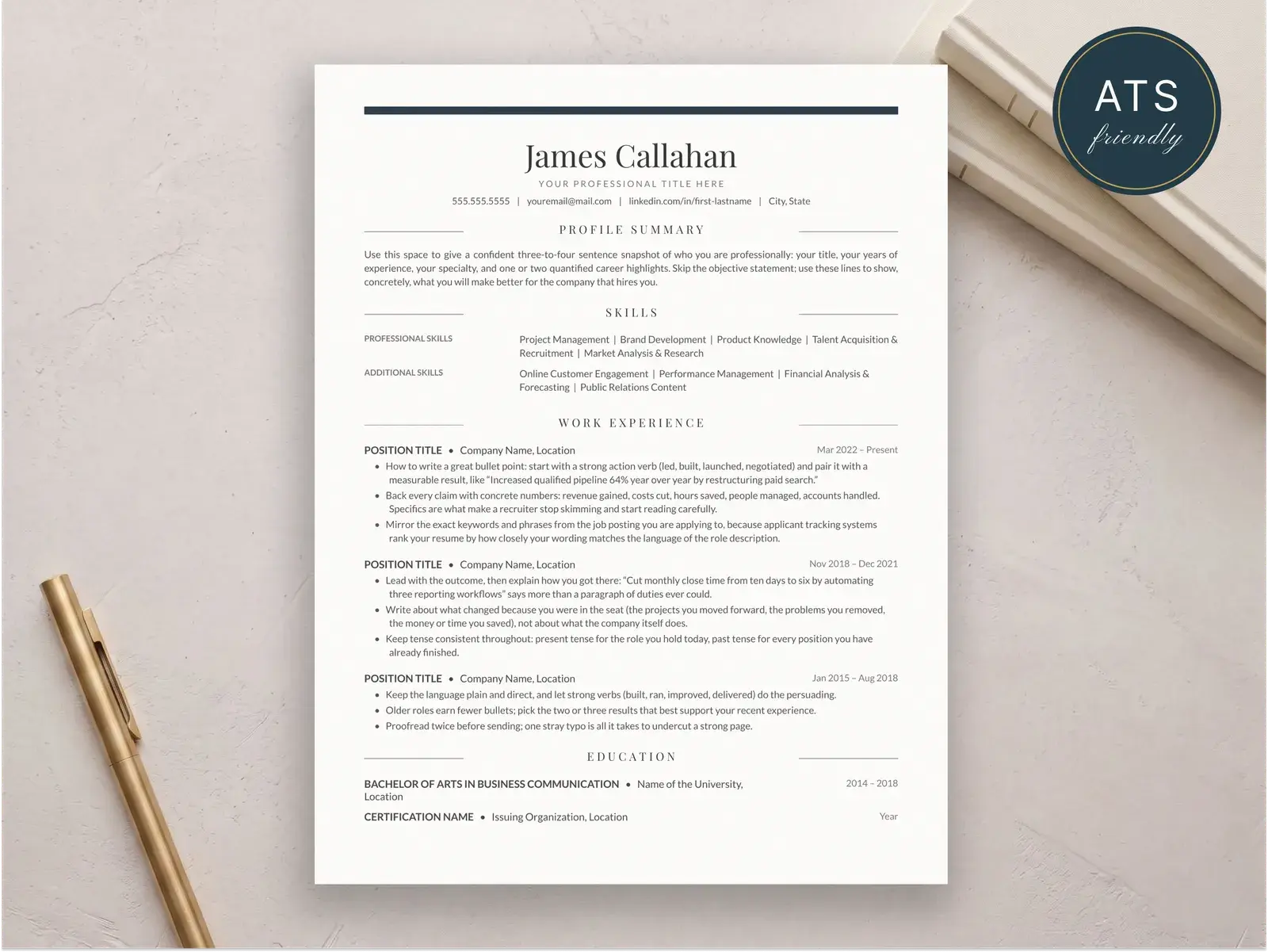
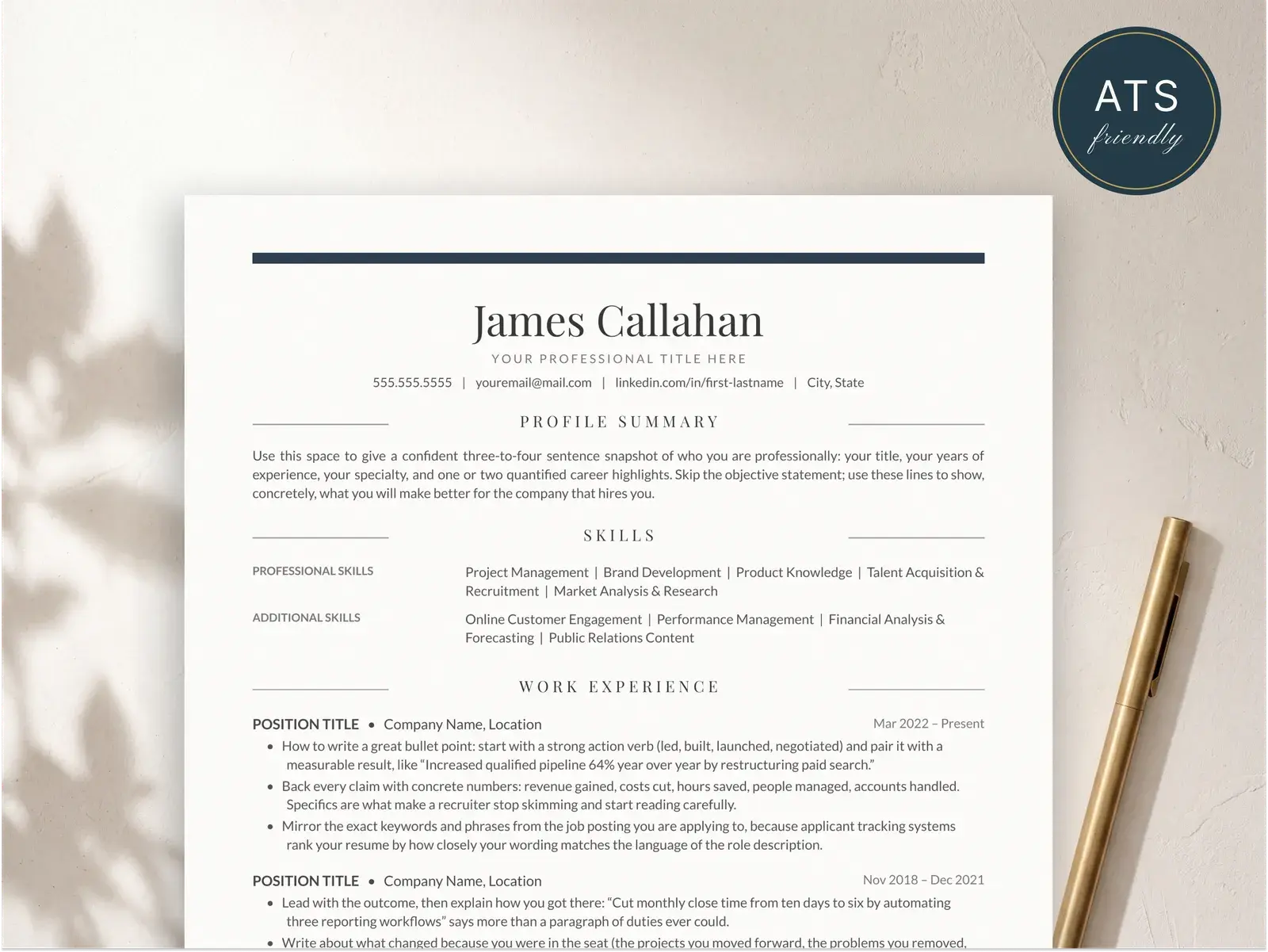
The structure is exactly what the name says. Your work history is ordered with the newest job at the top and the oldest at the bottom. Within each job, you list the role, the company, the dates, and a short set of bullet points describing what you actually did and what came of it.
The same logic applies to education — the most recent degree goes first — and to any sections where dates matter, like certifications or projects.
People sometimes confuse “chronological” and “reverse-chronological,” and most resume sites use the terms interchangeably. They mean the same thing in practice: newest first. The full breakdown is in the chronological resume format guide.
Why it’s the default format
Recruiters expect it
A recruiter opens dozens of resumes a day. They’ve trained their eyes to look in specific places — the top right for your current title, the dates running down the left side, the company names just above the bullets. When you use the reverse-chronological format, they find what they’re looking for in the first few seconds. Use anything else, and you force them to hunt. Most won’t.
ATS parsers were built around it
Applicant tracking systems read your resume top to bottom, expecting a predictable section layout: contact info, summary, experience, education, skills. They map your job titles to dates and your dates to companies. Break that pattern — group jobs under “skill categories” instead of dates, for example — and the parser produces a mangled record. Some systems just reject the file outright. If you want your resume to make it through the ATS filter, the reverse-chronological structure is the safest path.
It reads in six seconds
That’s how long a recruiter typically spends on a first pass. Reverse-chronological respects that constraint. The most recent and most relevant information is at the top of the page, and the rest is there for the deeper read once you’ve cleared the first cut.
When to use it
Use the reverse-chronological format if any of these are true:
- You have at least one to two years of work experience.
- Your career has been linear-ish — same industry, similar roles, or a clean progression.
- You’re applying through a company portal or a job board (which means ATS).
- You’re staying in the same field as your most recent role.
That covers roughly 90% of job seekers. For most of you, reading any further about format alternatives is a distraction.
When to use something else
There are real cases where reverse-chronological underperforms. Consider an alternative if:
- You’re a career changer and your most recent role is unrelated to what you’re applying for. A hybrid resume lets you lead with transferable skills before the work history.
- You’re returning to work after a long gap. Hybrid again — it gives you space to anchor your strengths up front.
- You’re a senior candidate whose strongest credentials are skills and certifications, not a current title. A skills-forward hybrid format works better.
The functional resume — the one that strips out dates entirely — exists, but it’s a poor choice for almost everyone. Recruiters distrust it and ATS parsers struggle with it. If you’ve heard the advice “use a functional resume to hide a gap,” ignore it. Use a hybrid instead.
The exact section order
Top to bottom, here’s how a reverse-chronological resume should be ordered:
- Contact information — name, phone, email, city/state, LinkedIn URL. No street address.
- Professional summary — three to four sentences that frame the rest of the page. Skip the objective. Full breakdown in the professional summary guide.
- Work experience — newest first, with bullet points.
- Education— degree, institution, dates. Place this above experience only if you’re a current student or recent graduate.
- Skills— a compact, scannable section. See how to put skills on a resume.
- Optional sections — certifications, projects, volunteer work, languages, publications. Only if directly relevant.
That order is not negotiable for the first three sections. After that, you have some flexibility based on the role.
A full reverse-chronological resume, written out
Here’s what a complete reverse-chronological resume looks like for a mid-career marketing manager. Use it as a structural reference, not a copy-paste template.
Jordan Patel
San Francisco, CA  |  jordan.patel@email.com  |  (415) 555-0149  |  linkedin.com/in/jordanpatel

PROFESSIONAL SUMMARY
Marketing manager with seven years of experience running paid acquisition
and lifecycle programs for B2B SaaS companies. Built and scaled a $4M
annual paid channel mix at a Series B startup and cut blended CAC by 38%
in 14 months.

EXPERIENCE

Senior Marketing Manager
Helio (Series B SaaS, 80 employees)        Jan 2023 — Present
San Francisco, CA
 • Own paid acquisition across Google, LinkedIn, and Meta with a $2.4M
   annual budget; reduced blended CAC from $612 to $379.
 • Launched lifecycle email program that lifted trial-to-paid conversion
   18% in two quarters.
 • Manage two contractors and a junior marketer.

Marketing Manager
Lumen Analytics                              Mar 2020 — Dec 2022
Remote
 • Ran SEO and content program; grew organic signups 4.2× over 24 months.
 • Owned product launch campaigns for three major releases.
 • Partnered with sales to build a sequenced ABM pipeline that closed
   $1.1M in net-new revenue.

Marketing Coordinator
Sage & Co. Agency                            Jun 2018 — Feb 2020
Oakland, CA
 • Managed paid social for a portfolio of six DTC brand clients.
 • Wrote performance reports and weekly client decks.

EDUCATION
Bachelor of Arts in Communications
University of California, Berkeley           May 2018

SKILLS
Paid acquisition  •  Lifecycle marketing  •  SEO  •  Google Ads
LinkedIn Ads  •  HubSpot  •  Segment  •  SQL  •  Looker  •  Figma
Notice the pattern: contact info in one tight block, a short summary, then experience with the newest job at the top. Each job follows the same internal shape — role, company, date range, location, three to five bullets. The bullets lead with what you did and end with the outcome.
Formatting rules that actually matter
Dates
Use the format “Mon YYYY — Mon YYYY” or “MM/YYYY — MM/YYYY.” Pick one and use it for every entry. Don’t mix “May 2023” with “5/23” on the same resume. If you’re still in the role, use “Present” — not “Current,” not “Now.”
Job titles and companies
Your real job title goes on its own line, in bold. The company goes on the next line. If your title is internally weird (“Wizard of Light Bulb Moments”), translate it to the industry-standard equivalent in parentheses. Recruiters and ATS parsers don’t care about your company’s cute conventions.
Bullet points
Three to five per job. Lead with a strong verb, end with a result or a quantifier. “Managed marketing” is filler. “Managed $2.4M paid budget; reduced blended CAC 38%” is signal. If you can’t quantify, describe the scope: “owned the website for a company with 12M monthly visitors.”
Fonts, margins, length
Use a single, readable sans-serif (Geist, Inter, Helvetica, Calibri) or a clean serif (Source Serif, Libre Baskerville for headings only). Body text at 10–11pt. Margins at 0.5–0.75 inches. Keep it to one page under 10 years of experience and one to two pages above that. Never three.
ATS notes
Reverse-chronological is the format ATS systems prefer, but you can still wreck it with bad layout choices. The rules:
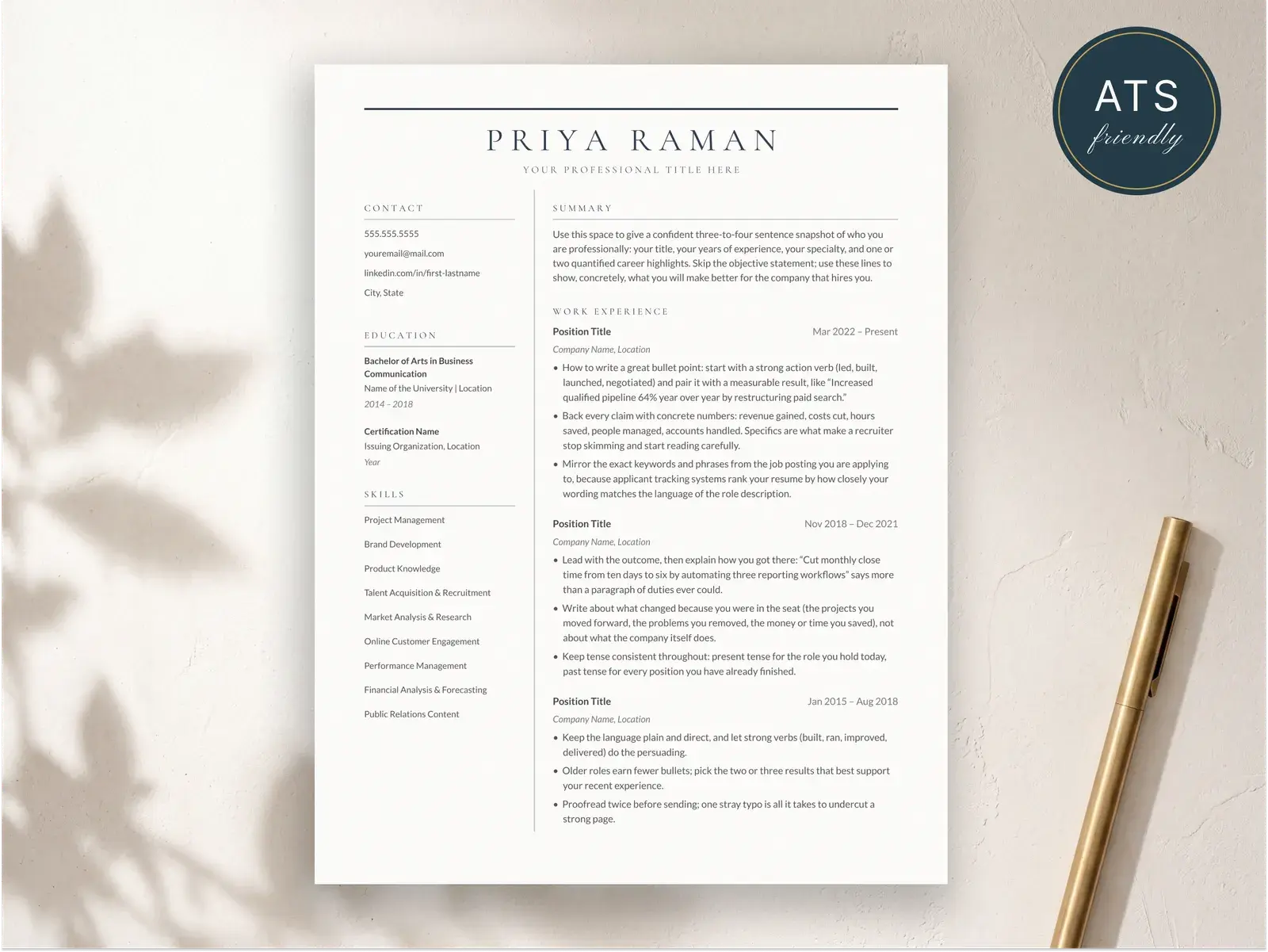
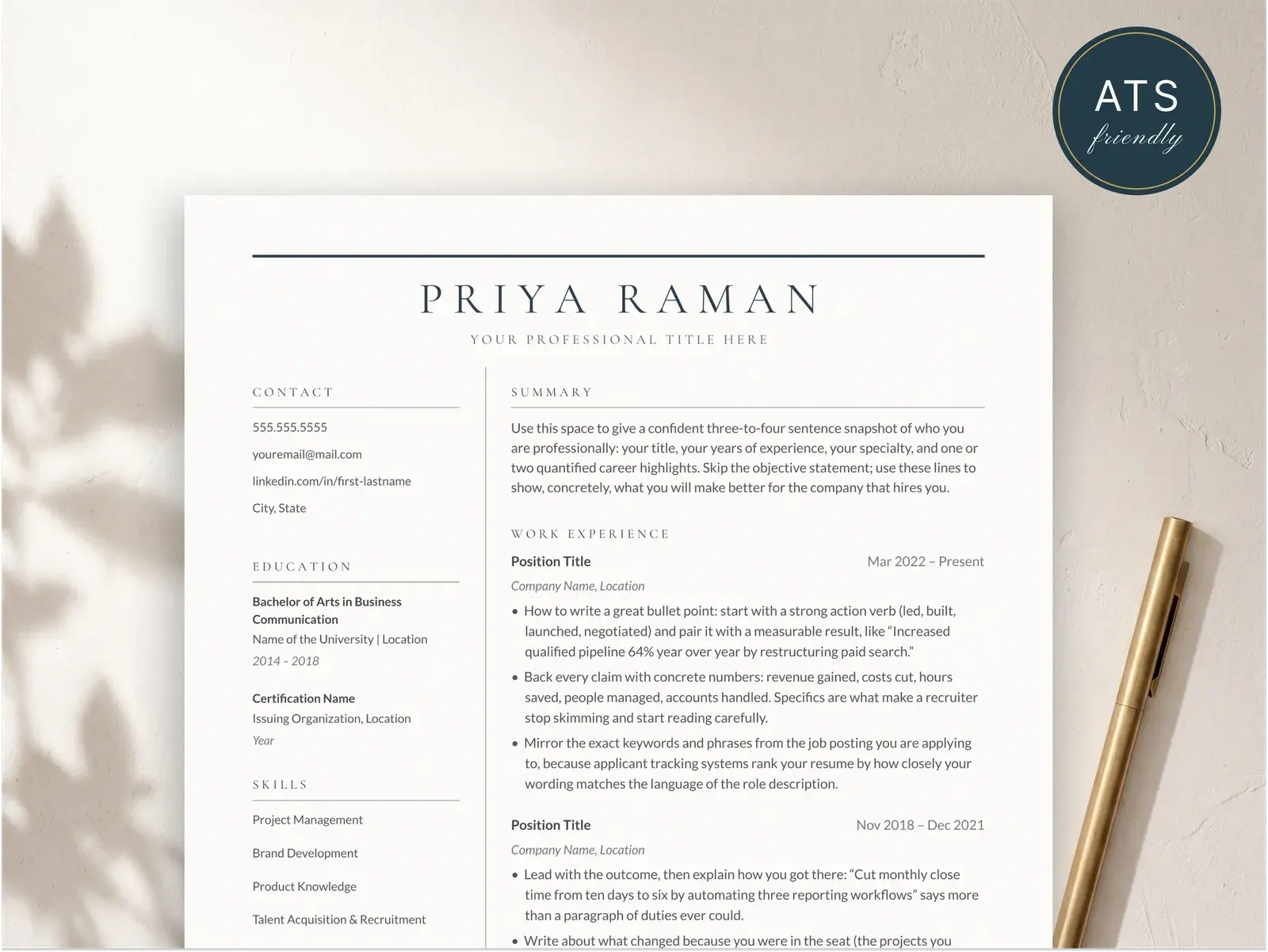
- No tables, columns, or text boxes. Single-column layout only. Multi-column resumes parse top-to-bottom in one column, then the other, which scrambles the order.
- No images, no icons, no logos. The parser ignores them and they take up parsing real estate.
- Standard section headers — “Experience,” “Education,” “Skills.” Not “Where I’ve been” or “My Toolkit.”
- Save and submit as PDF unless the portal specifies .docx. Both work, but PDF preserves layout. More detail in the PDF resume guide.
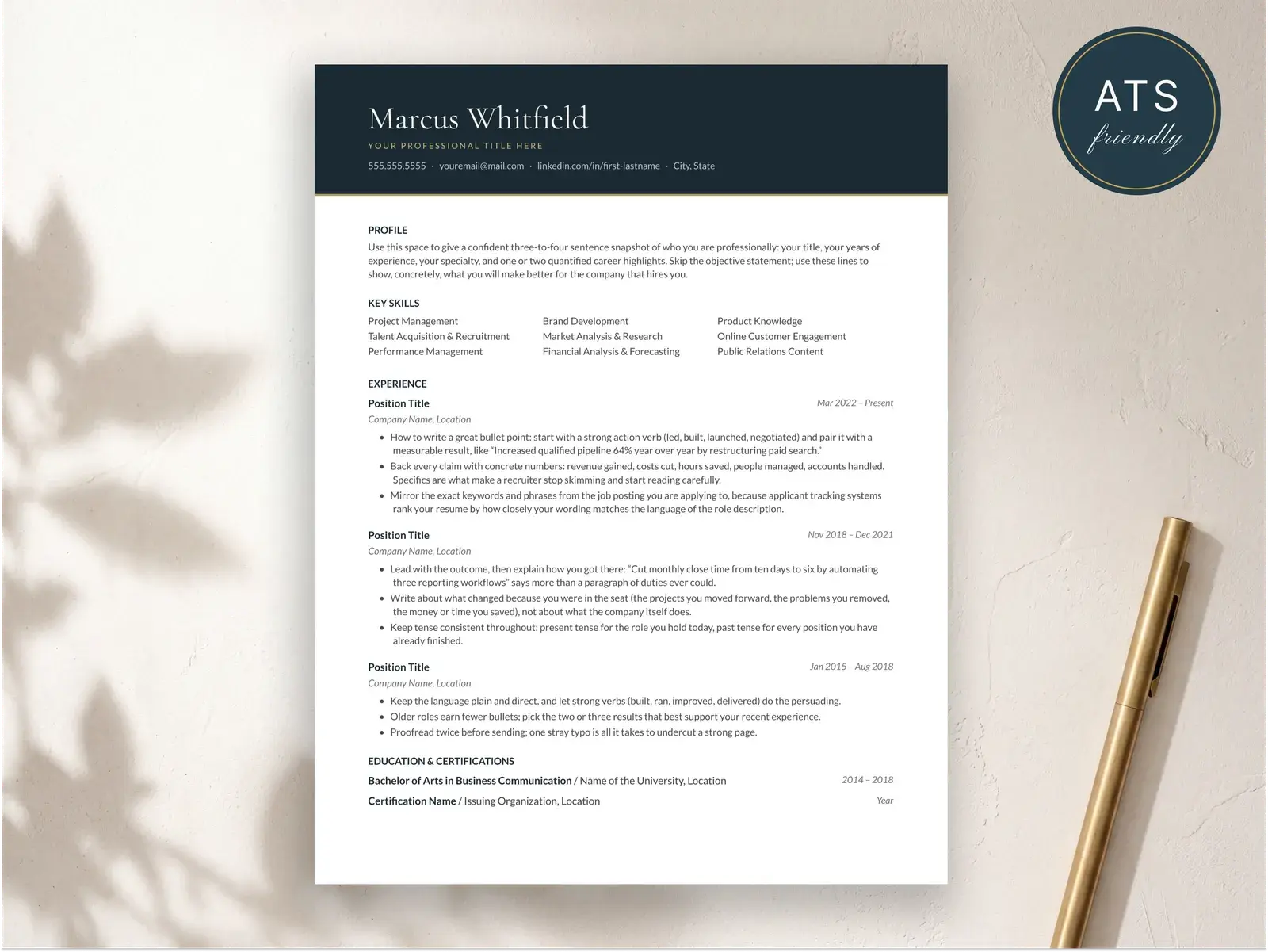
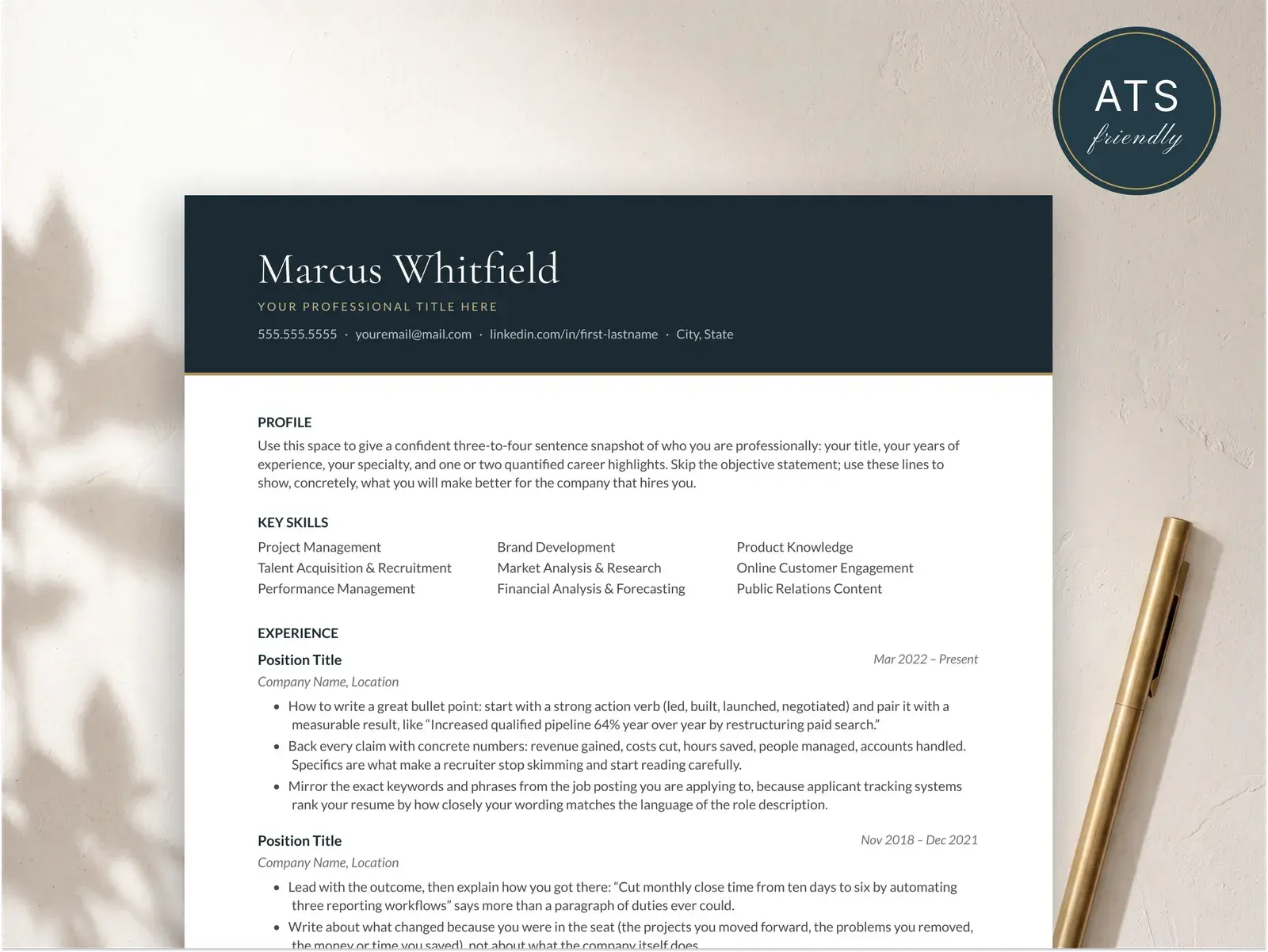
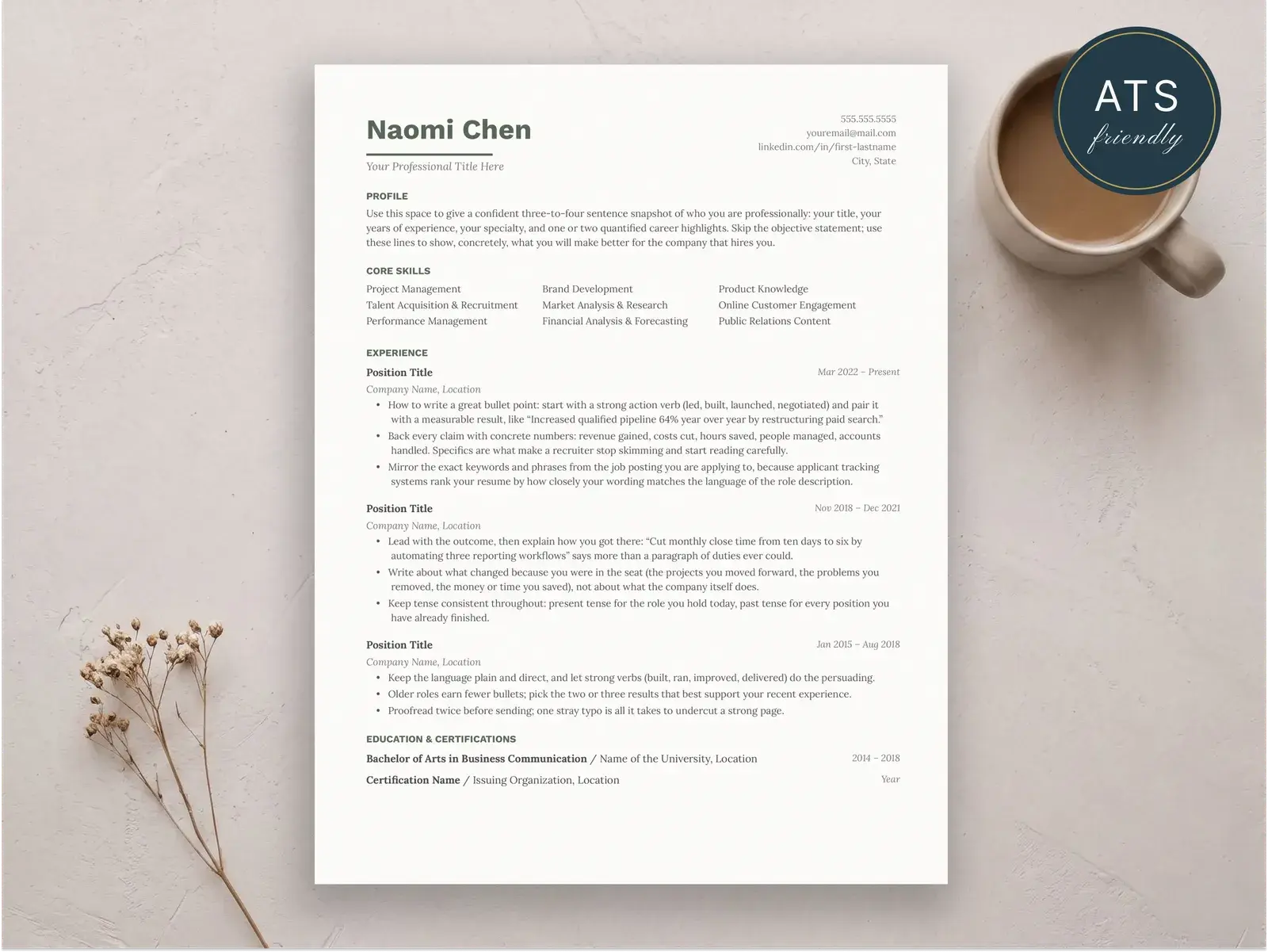
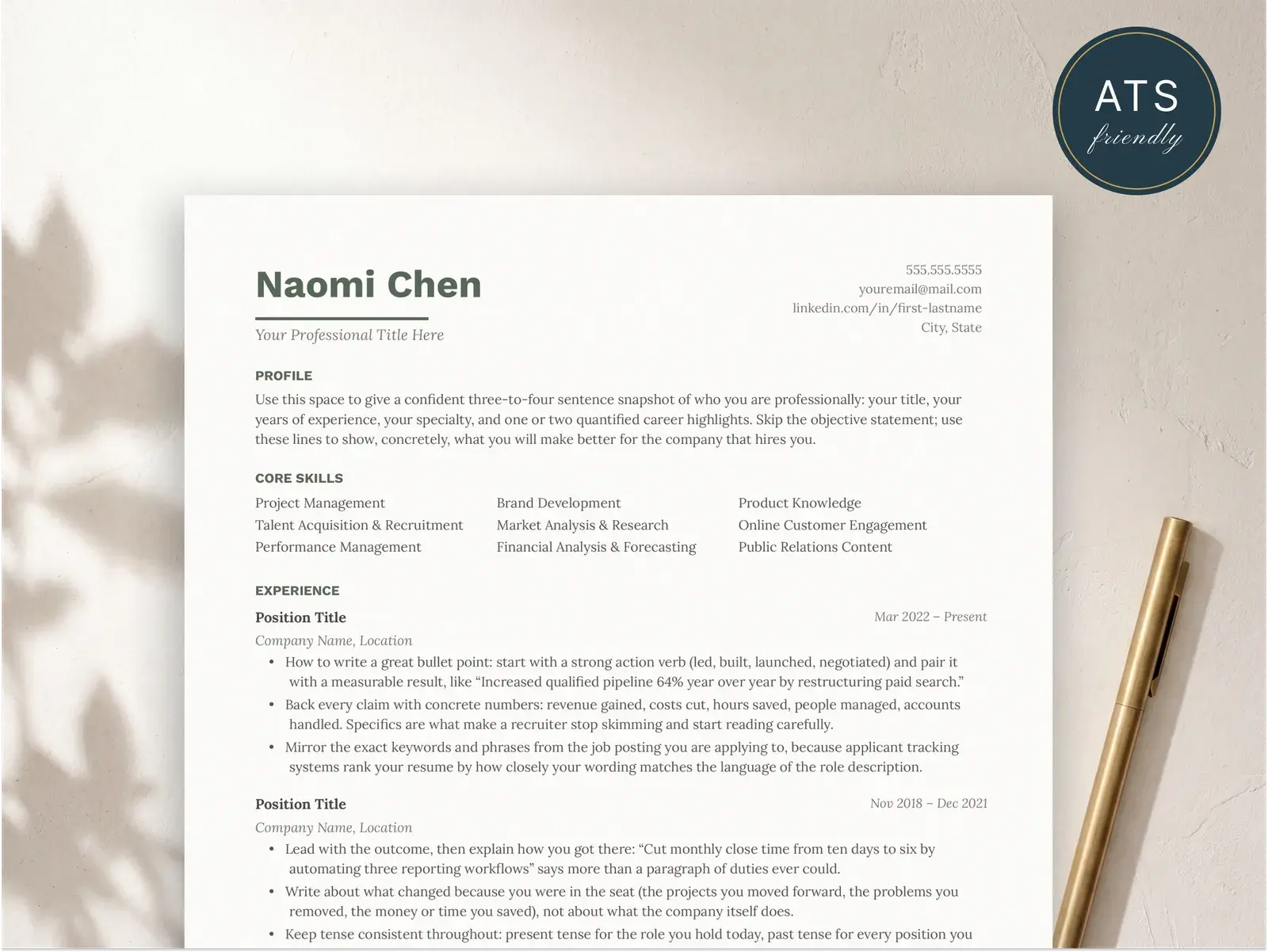
Pick a resume template that’s been built for ATS compatibility and you can stop worrying about most of this.
Common mistakes
A short list of things that will cost you, even with the right format:
- Burying your most recent role. It belongs immediately under the summary. Not under “Skills.” Not under “Education.” Top of the experience section, every time.
- Listing 15 years of experience. Cap it at 10 to 12. Older roles either don’t matter or can be condensed into a one-line “Earlier experience” note.
- Writing bullets that describe duties. Recruiters know what a marketing manager does. They want to know what you specifically did and what changed because of it.
- Repeating the same opening verb. If every bullet starts with “Managed,” vary it. Built, launched, owned, scaled, cut, grew.
- Including a graduation year from 1998. If you’re more than ten years out of school, drop the year. The degree stays; the date goes.
- Adding an “Objective” statement. Replace it with a professional summary. Objectives are about what you want; summaries are about what you bring.
If you want a head start, every BravoResume templateis built around the reverse-chronological structure with ATS-safe layout. Pick one, fill it in, and you’ll have a resume that lands where it’s supposed to.