Resume templates
PDF resume templates
Build a polished resume and download it as a clean, ATS-friendly PDF. No subscription, no watermarks, no catch.
See the templatesTemplates that export beautifully to PDF
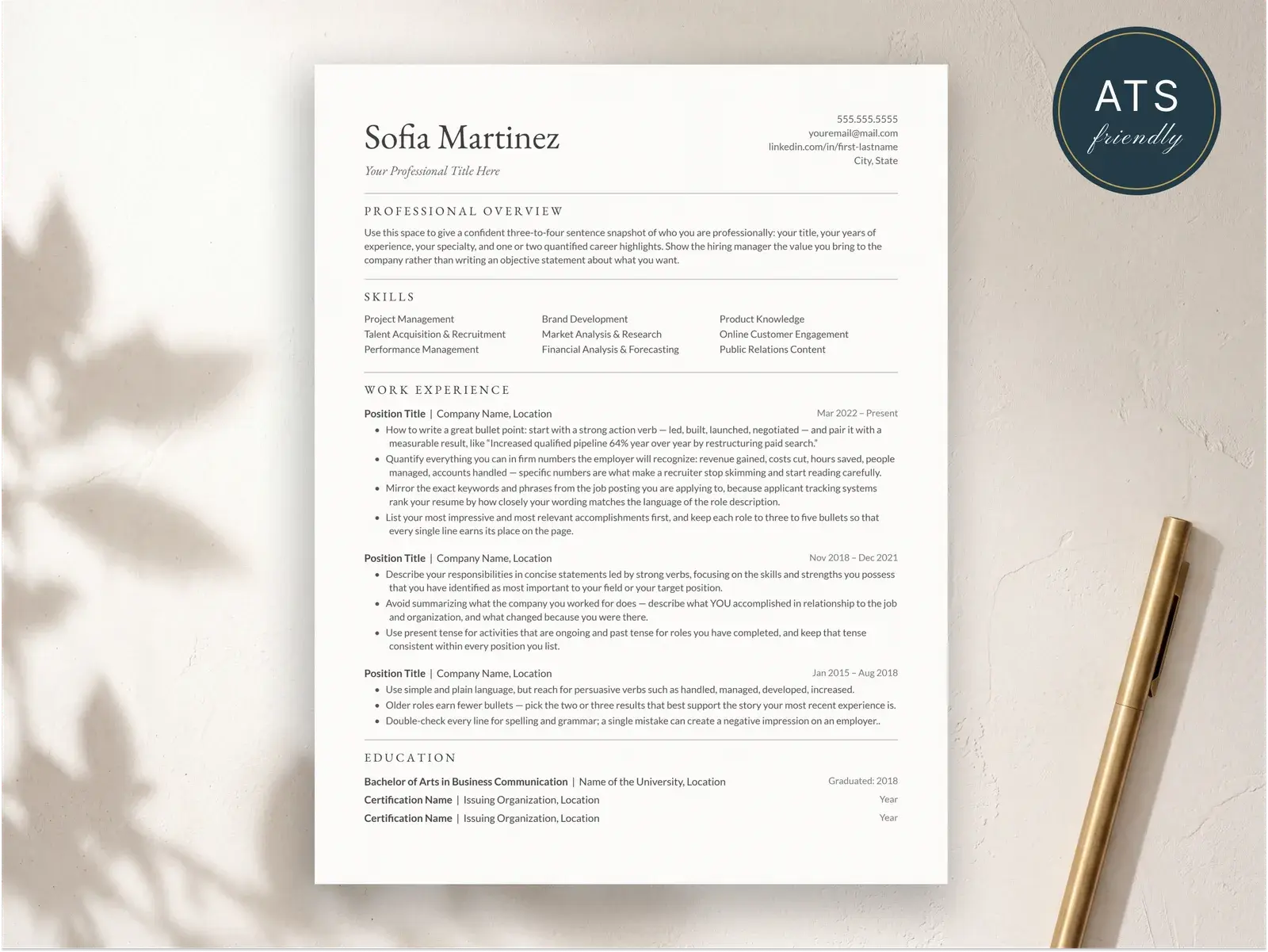
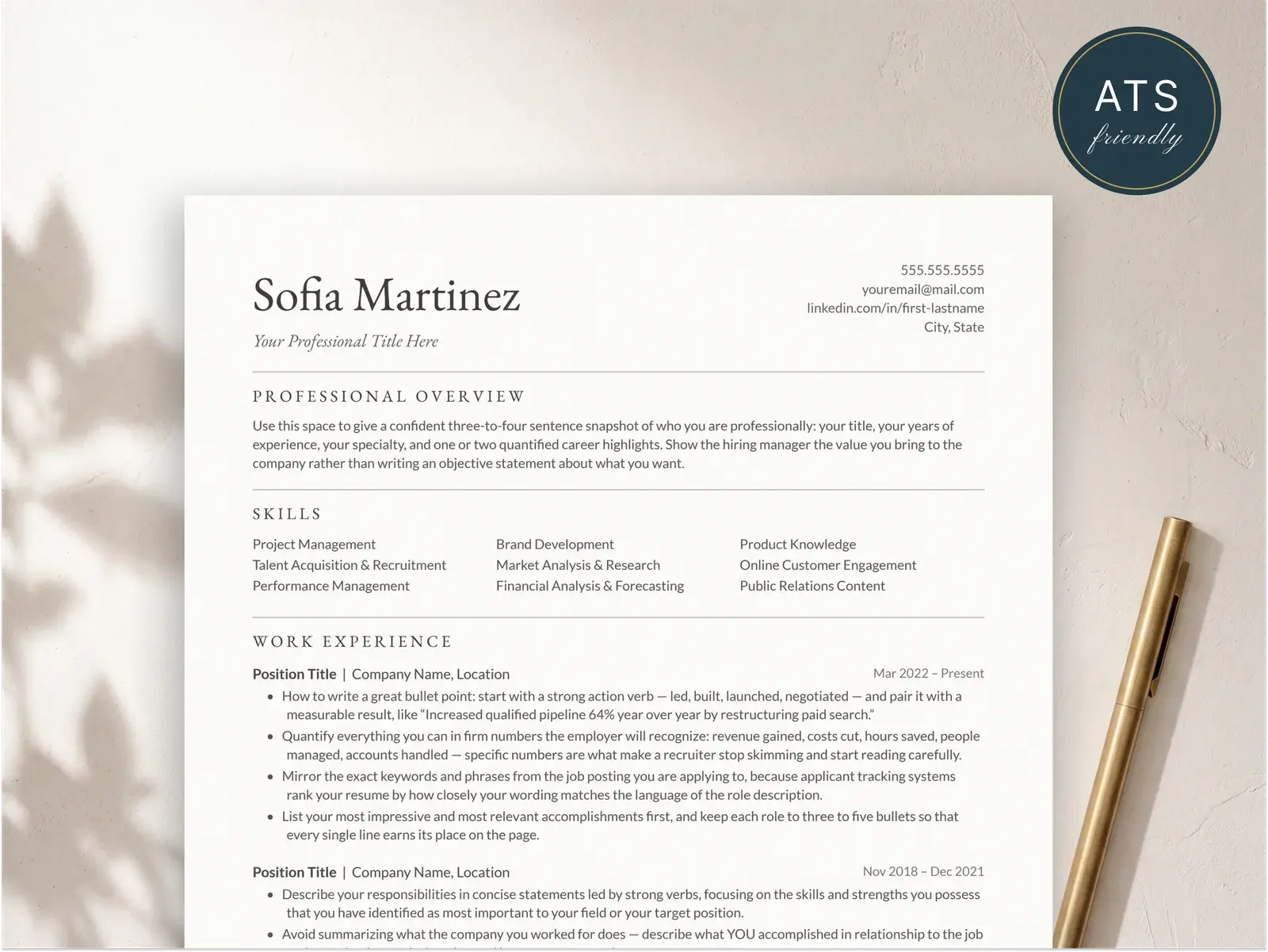
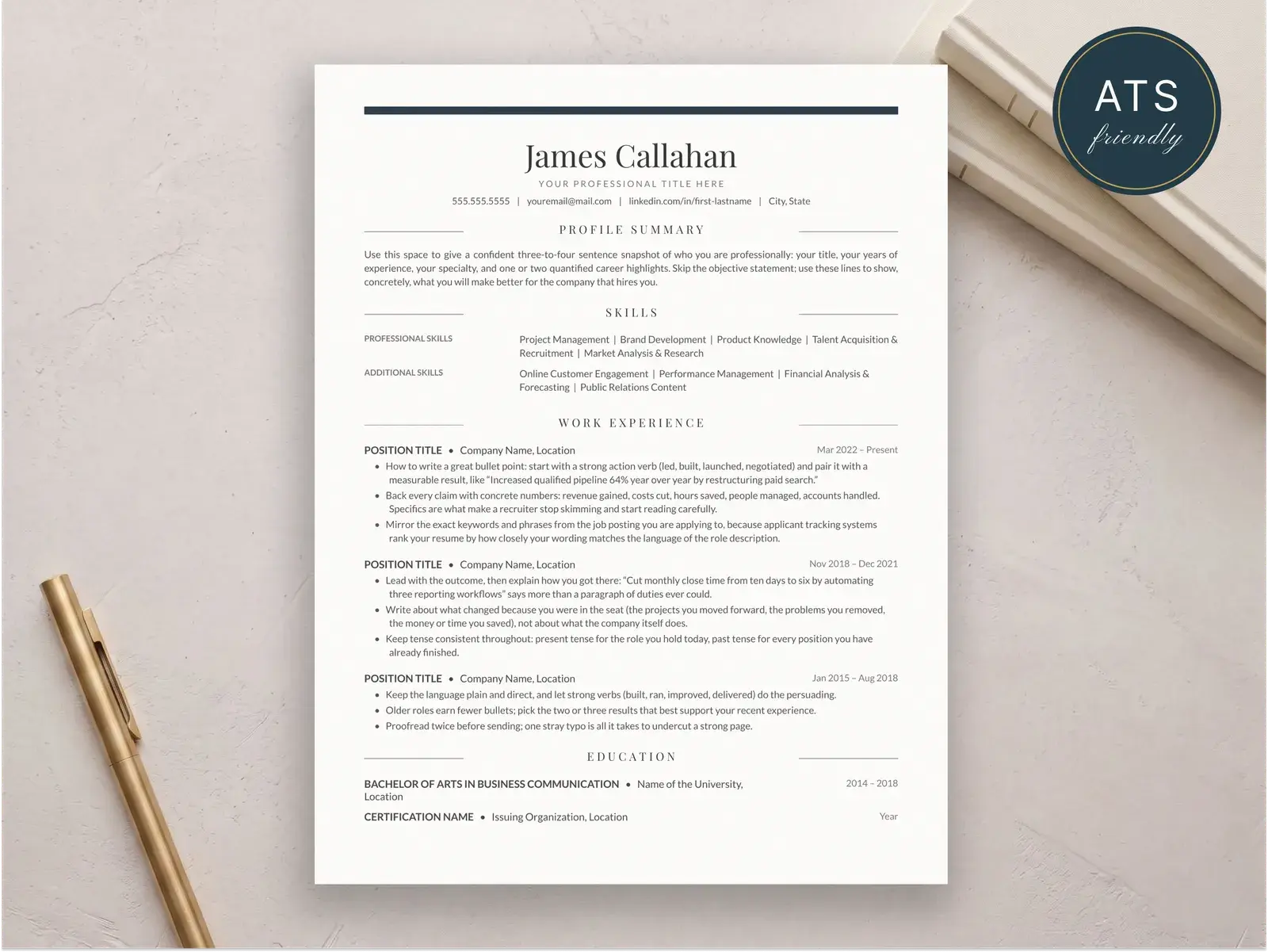
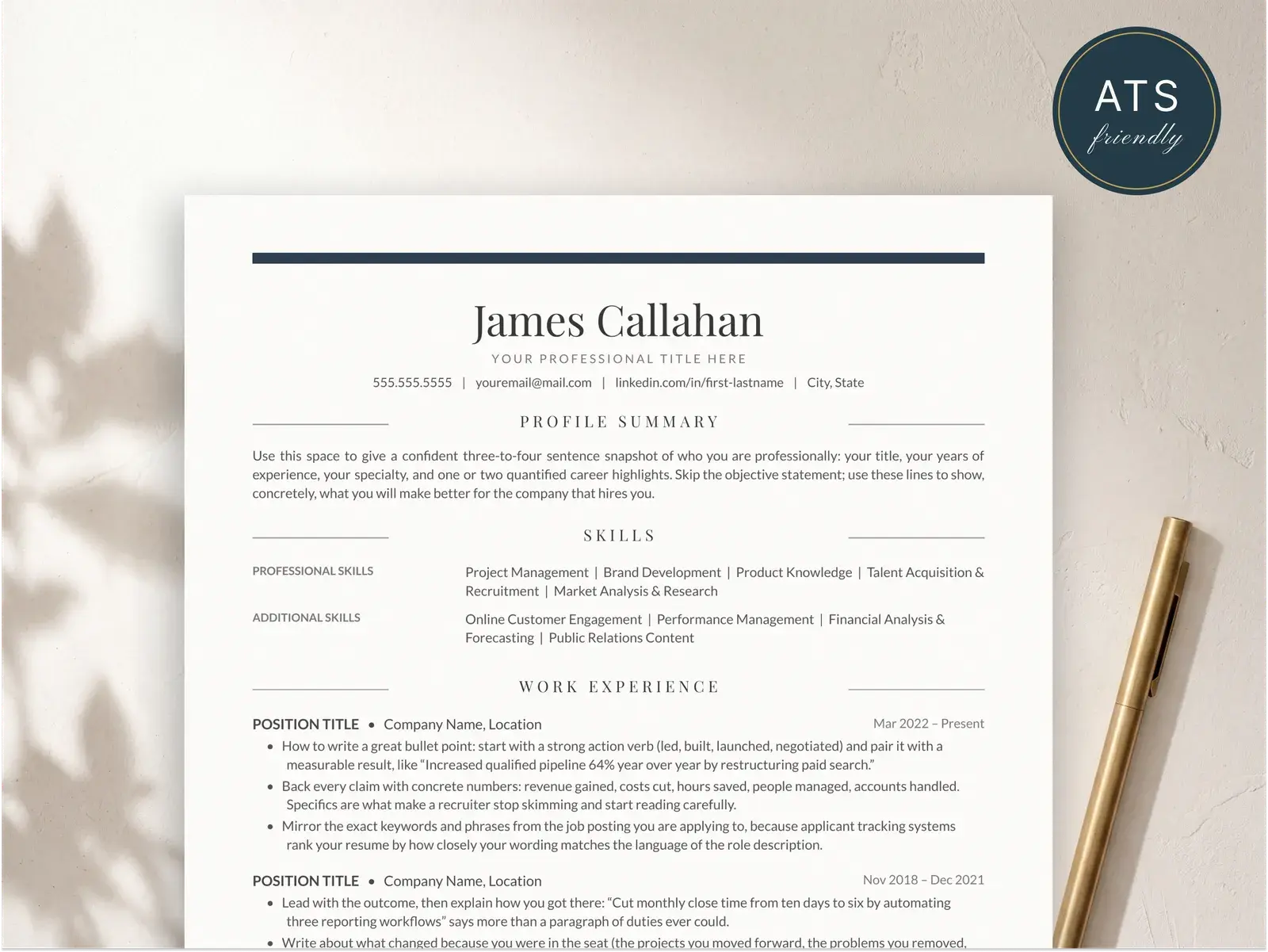
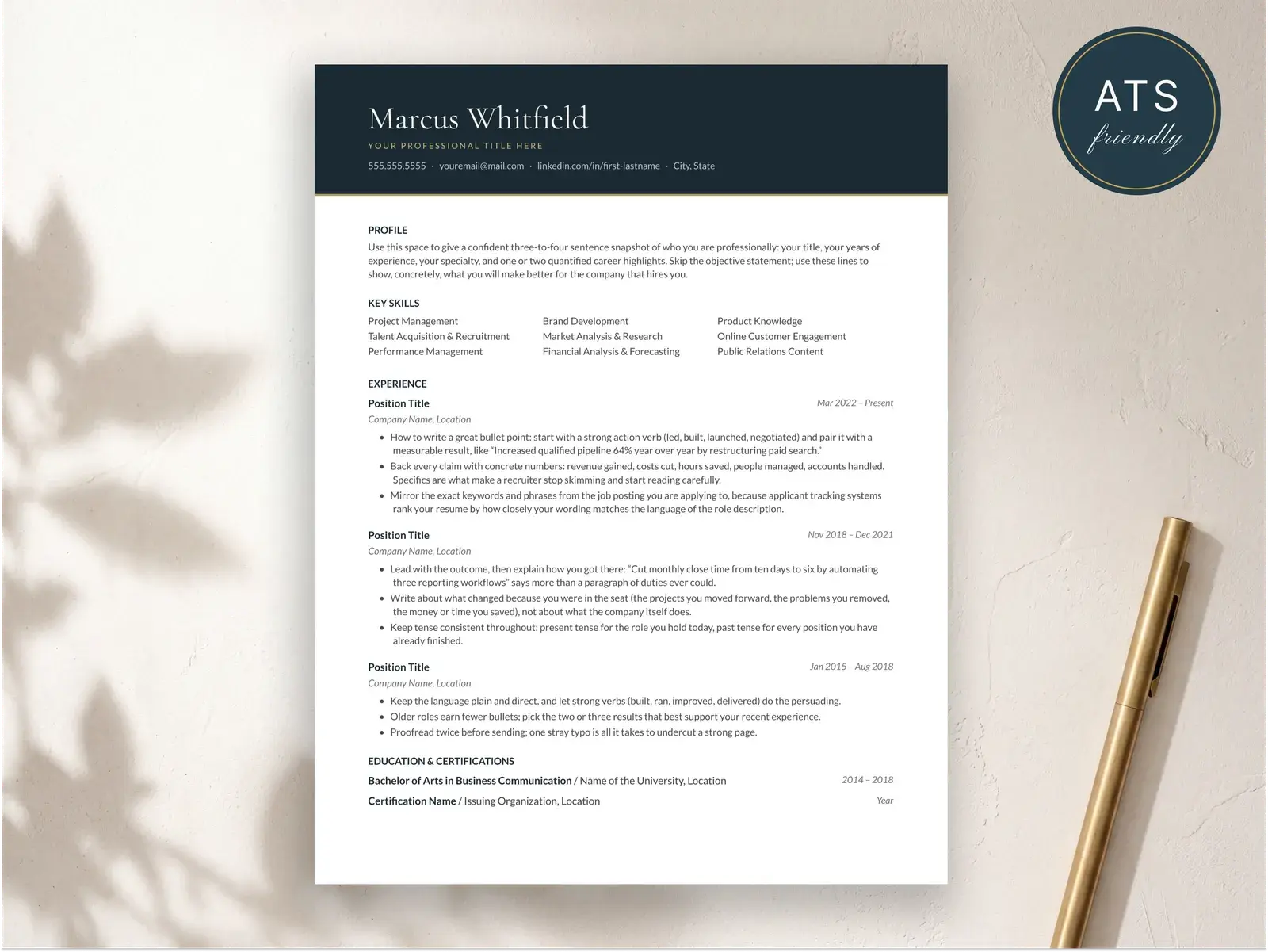
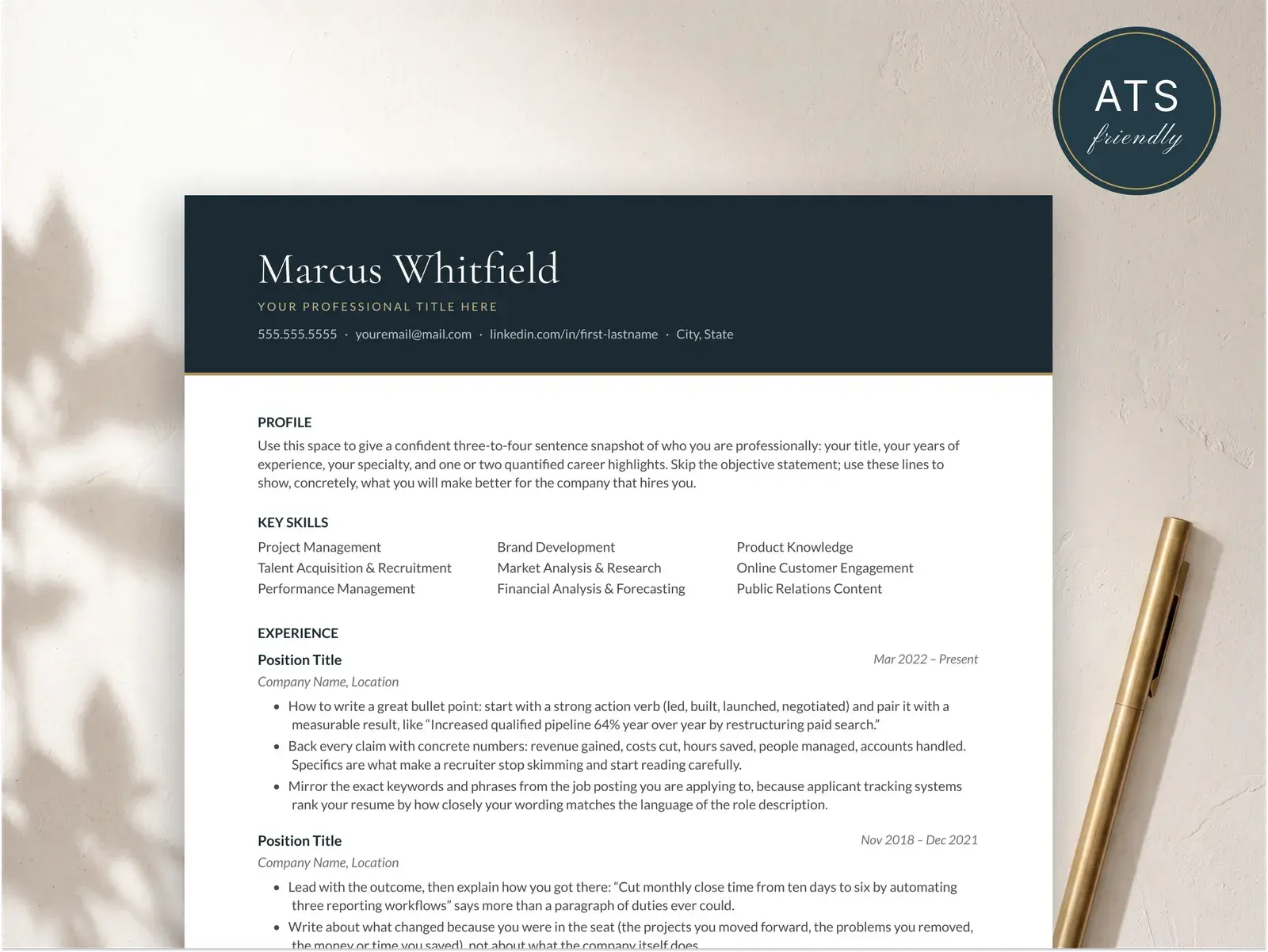
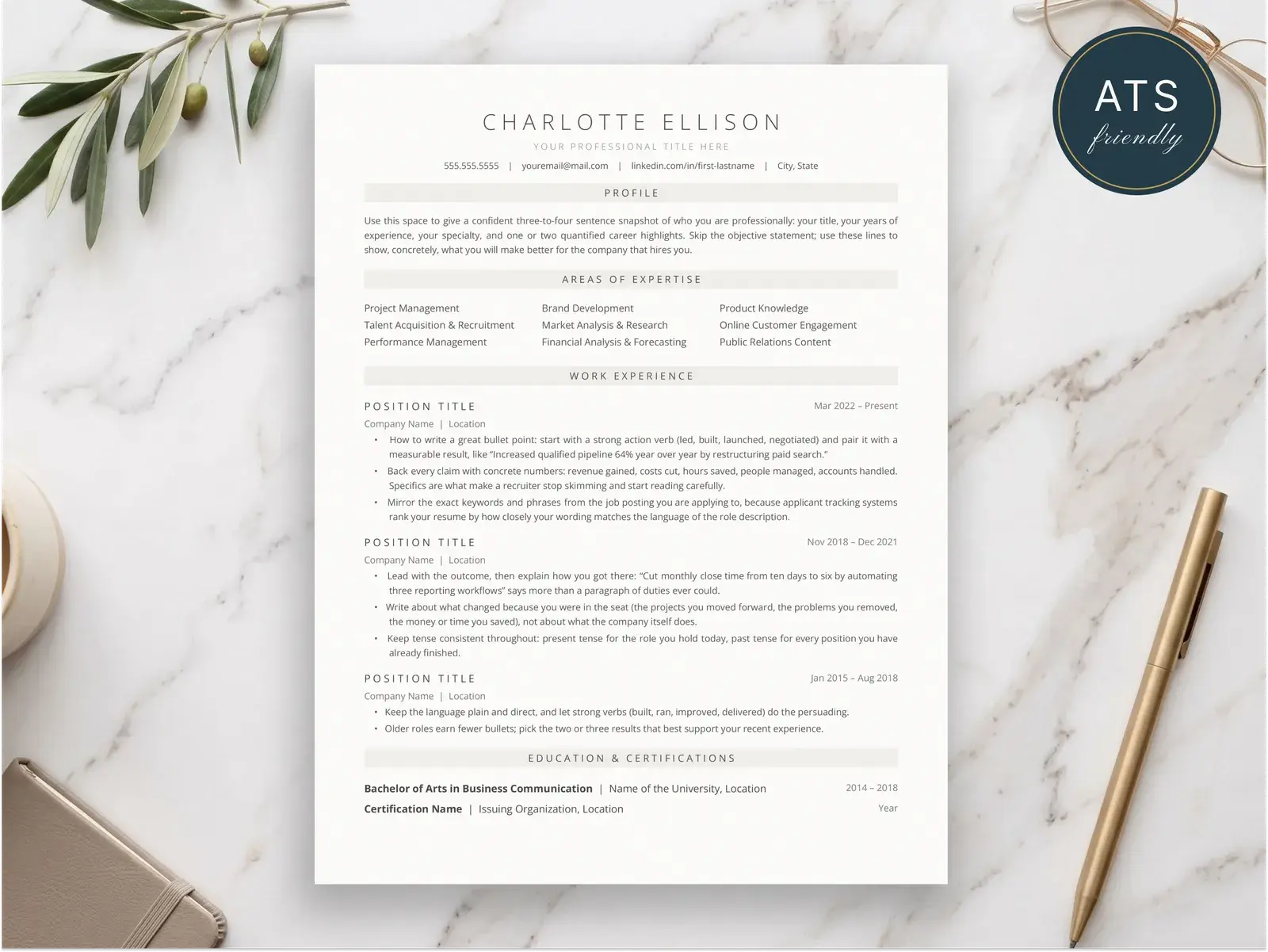
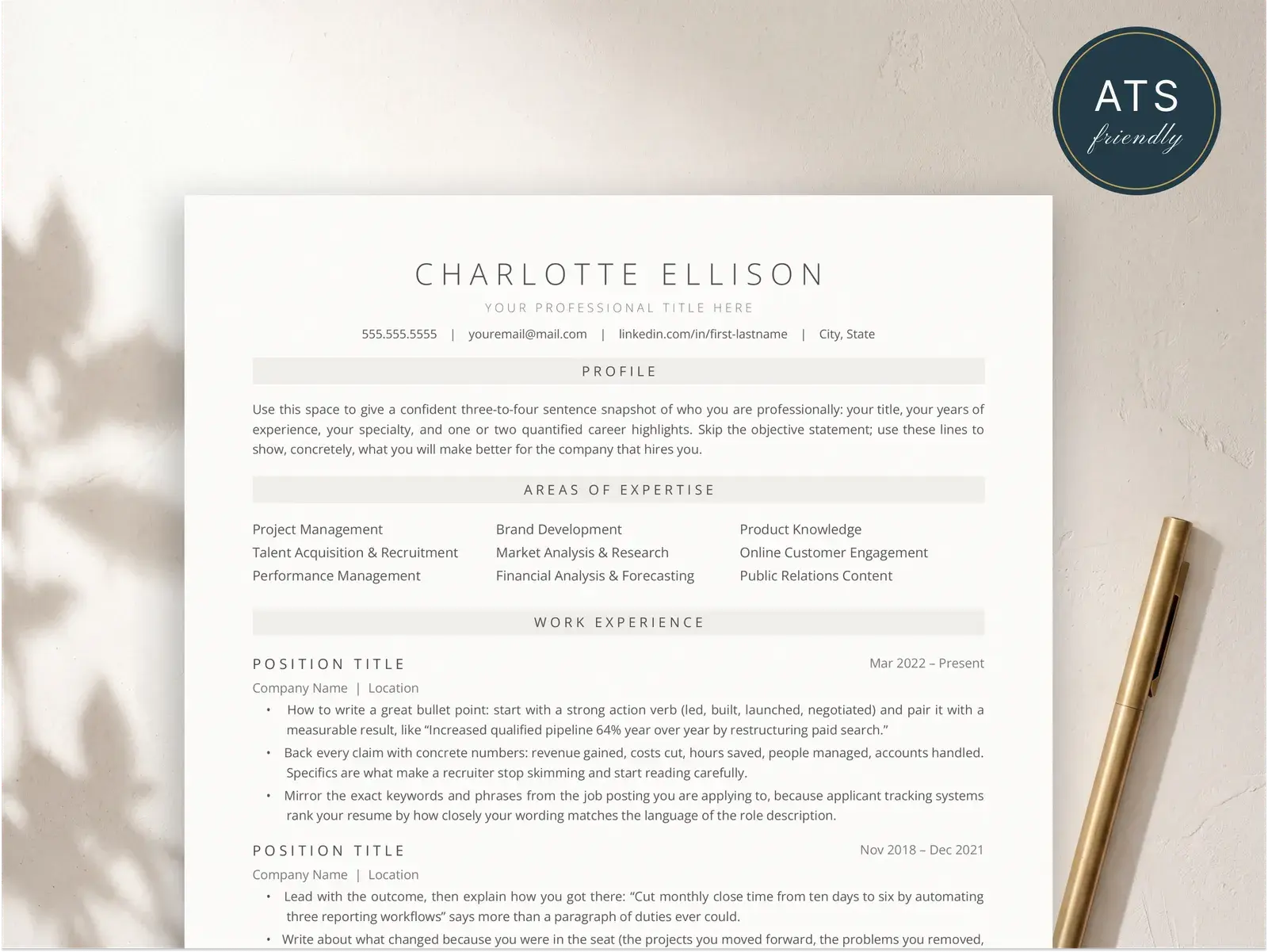
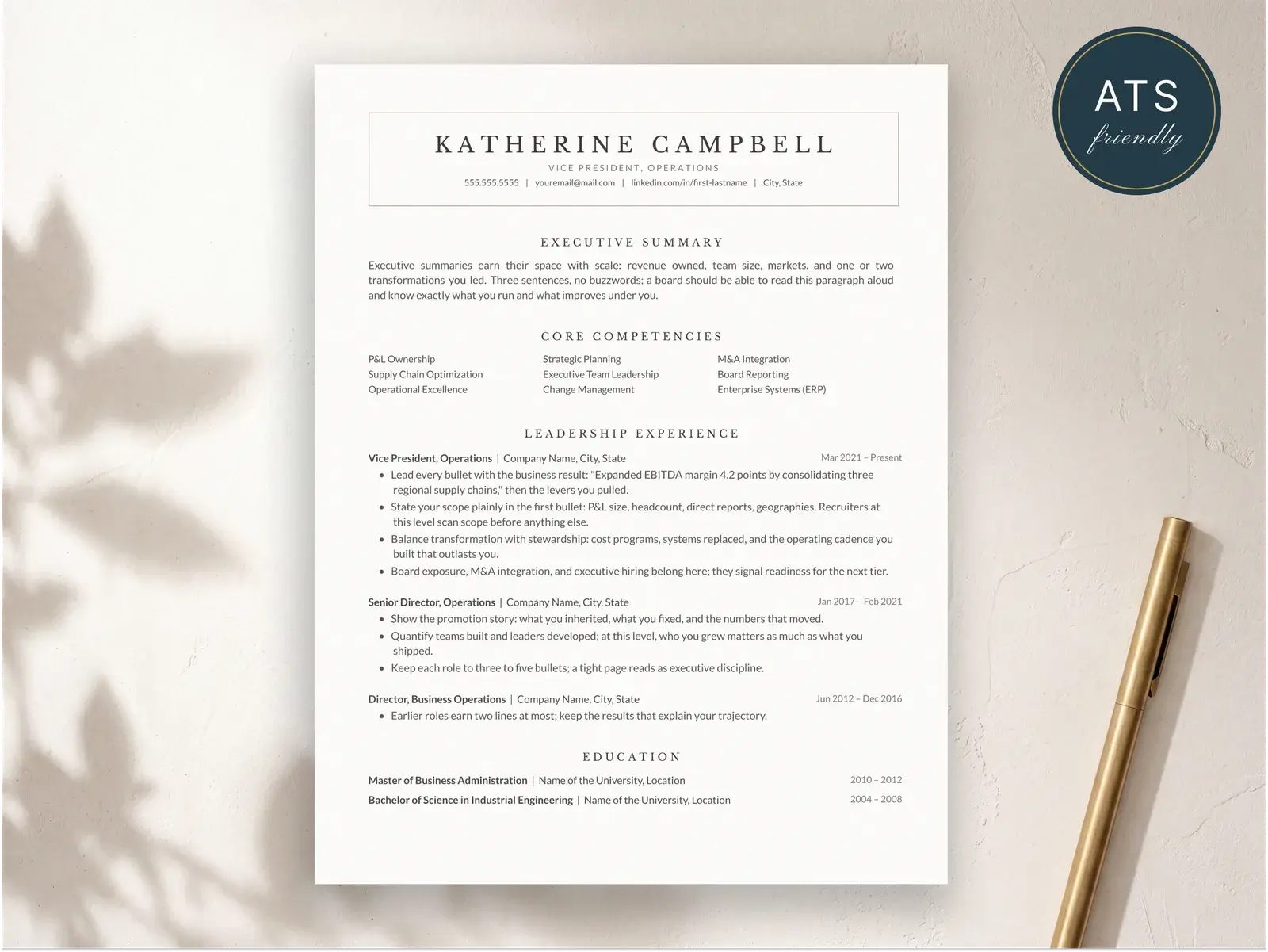
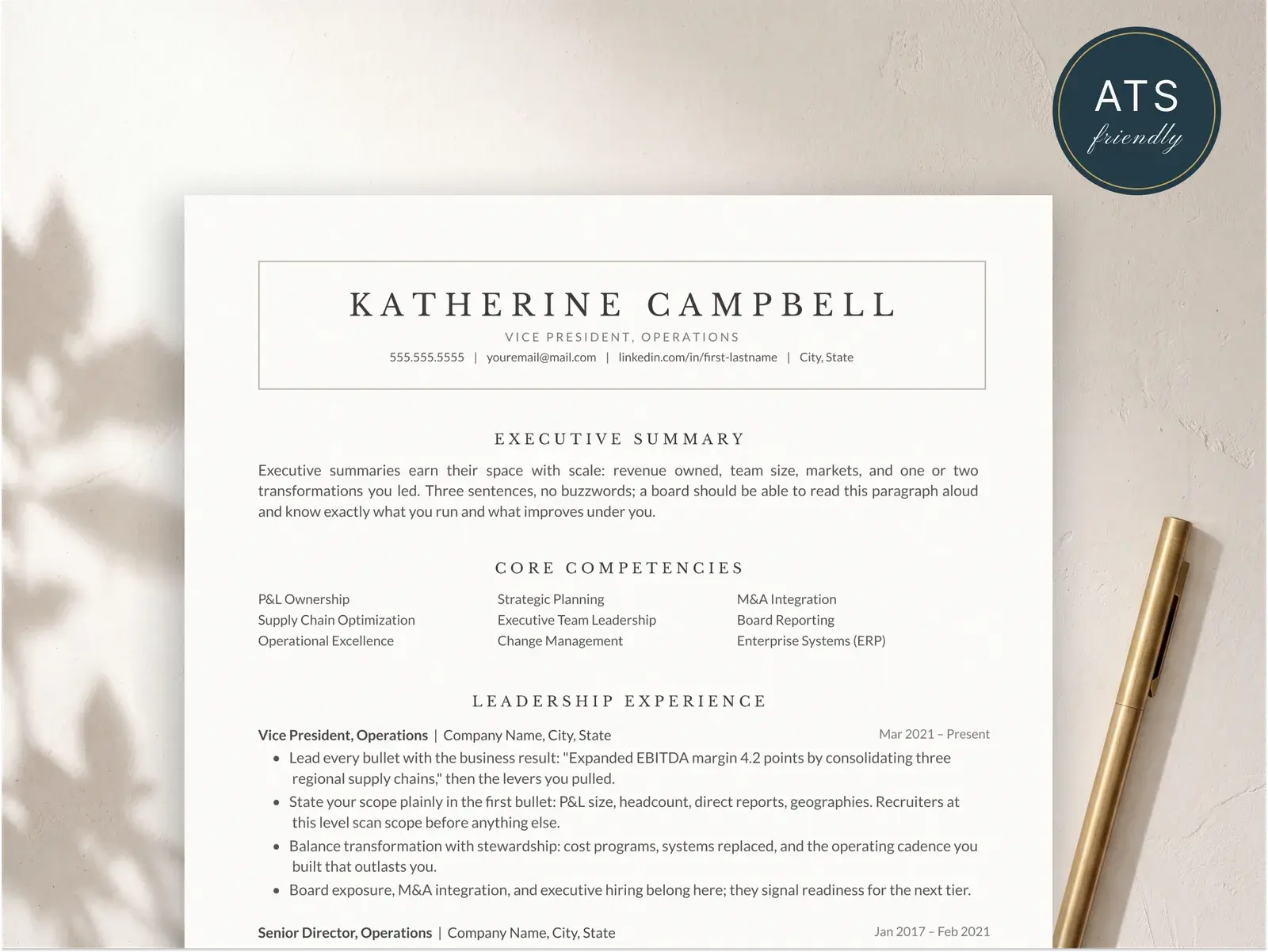
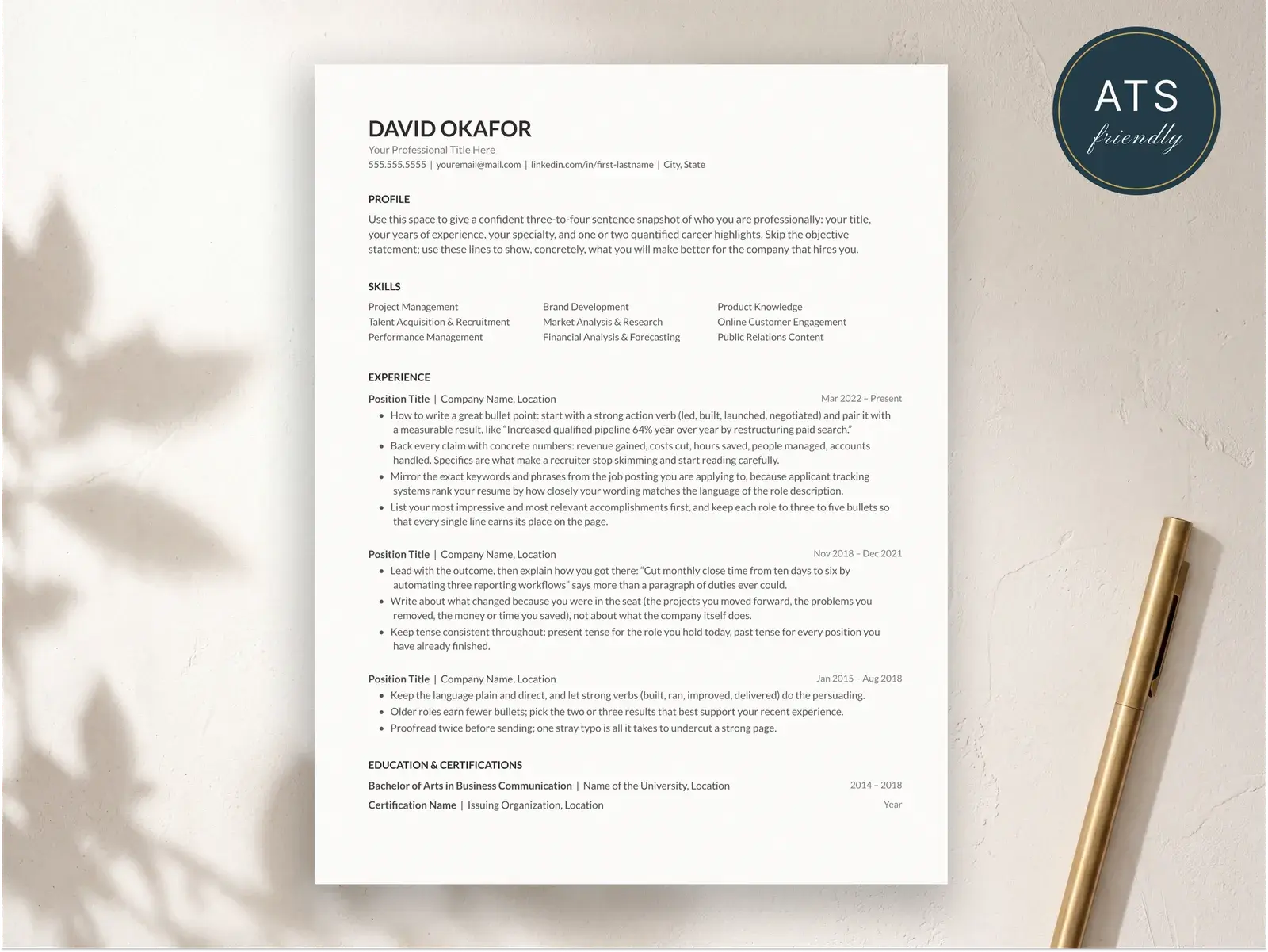
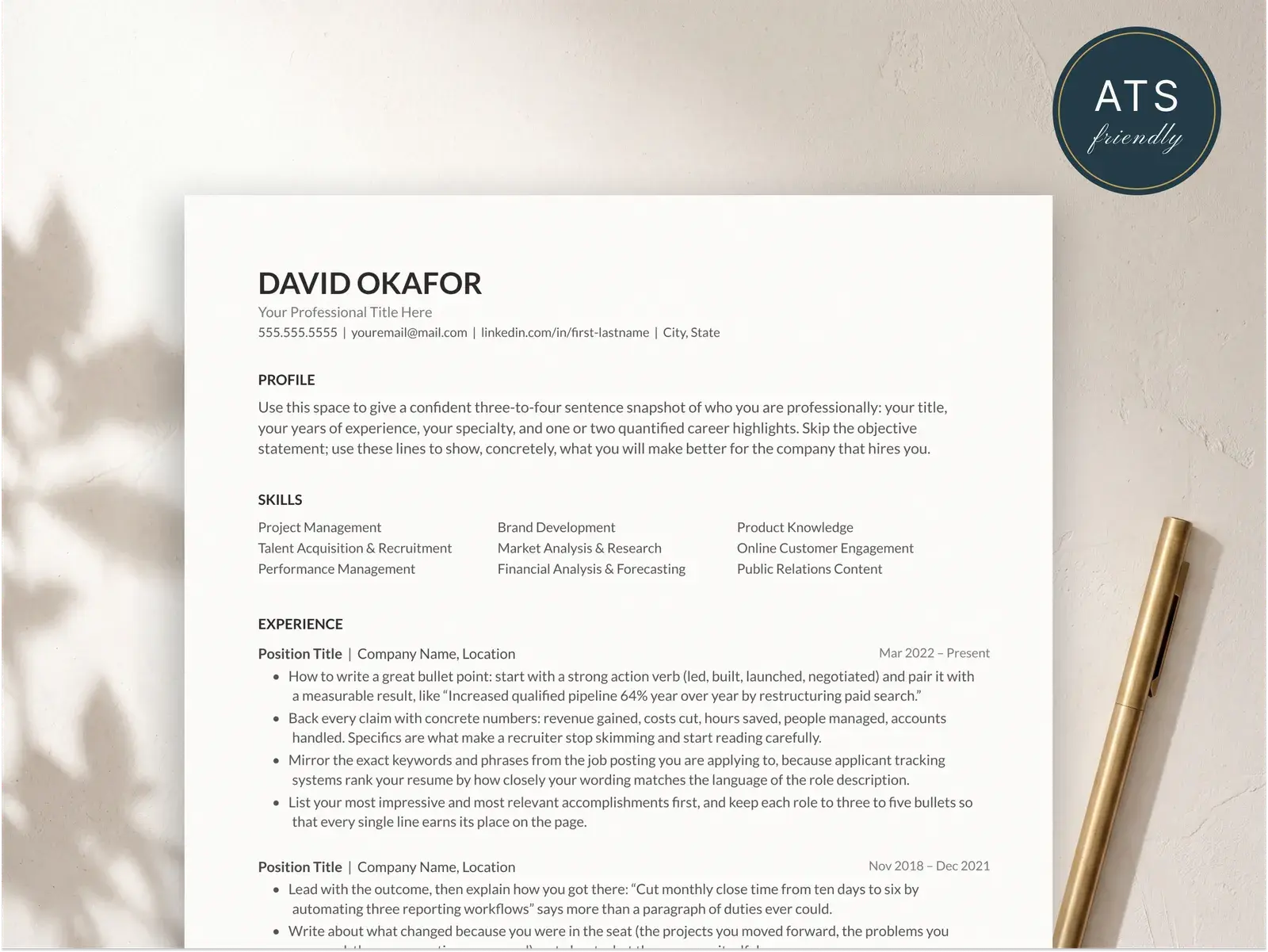
Every template is designed for pixel-perfect PDF output. What you see in the editor is exactly what you get in the downloaded file — no font swaps, no broken margins, no surprises.
Why PDF is the best resume format
PDF preserves your formatting on every device
A PDF locks your layout, fonts, and spacing into a single portable file. Whether a recruiter opens your resume on a Windows desktop, a MacBook, or a phone, the document looks identical. There’s no dependence on installed fonts or software versions — the file carries everything it needs to render correctly. This consistency is especially important for resumes with multi-column layouts, custom typography, or precise alignment, where even a minor reflow can throw off the visual hierarchy. When you send a PDF, you know exactly what the reader sees.
Modern ATS software parses PDF resumes reliably
The old advice to avoid PDFs came from a time when applicant tracking systems struggled with anything other than plain text. That era is over. Today’s ATS platforms — Greenhouse, Lever, Workday, iCIMS, Taleo — parse text-based PDFs just as accurately as Word documents. The key requirement is that your PDF contains real selectable text, not a scanned image. BravoResume’s export generates clean, text-based PDFs with a logical reading order, so your content is fully machine-readable while looking polished to human eyes.
Word documents can reflow and break your layout
A .docx file is editable by design, which means it’s also unstable by design. If the recruiter’s computer doesn’t have the exact font you used, Word substitutes a different one — and that substitution can change line lengths, push text onto a new page, or misalign columns. Different versions of Word (and alternatives like LibreOffice or Google Docs) interpret formatting differently, so a resume that looks perfect on your machine can look broken on someone else’s. PDF eliminates this entire category of risk.
PDFs look professional when printed
Even in a digital-first hiring process, resumes still get printed — for in-person interviews, hiring committee meetings, and career fairs. A PDF prints exactly as it appears on screen, with crisp text and precise margins. Word documents can shift when sent to a printer, especially if the page size or margin defaults differ between the author’s system and the printer. If you’re handing a physical copy to a hiring manager, a printed PDF is the most reliable way to make a sharp first impression.
Related guides for PDF resumes
Reading material that pairs with PDF export.
Resume examples
Ten full resumes you can see rendered before exporting — useful for picking a template that exports cleanly.
Read moreCover letter format
PDF-specific formatting rules for the cover letter that pairs with your resume — fonts, margins, file naming.
Read moreATS-friendly resume builder
How applicant tracking systems read PDFs, and the encoding requirements that make your file parseable.
Read moreFind the right template
Instant download, edit in Google Docs, Word, or Pages — and apply knowing the layout parses cleanly in hiring systems.
Browse the collectionQuestions, answered
Can ATS read PDF resumes?
Yes. Modern applicant tracking systems parse PDF files reliably, as long as the PDF contains real selectable text rather than a scanned image. BravoResume generates text-based PDFs with a clean document structure, so ATS software can extract your name, contact details, work history, and skills without any issues. The outdated advice to avoid PDFs dates back to older ATS platforms that struggled with complex formatting — today's systems handle standard PDFs just fine.
Should I submit my resume as PDF or Word?
PDF is the safer choice in almost every situation. A PDF preserves your formatting exactly — fonts, spacing, margins, and alignment all stay intact regardless of the device or operating system the recruiter uses to open it. Word documents can reflow, swap fonts, and shift layout elements depending on the version of Word or the operating system. The only exception is when a job posting explicitly requests a .docx file, which is rare. When in doubt, submit a PDF.
Why do some resume builders charge for PDF download?
Many resume builders use a freemium model where you can build your resume for free but must pay a subscription — often $15 to $25 per month — to download it as a PDF. This locks your finished work behind a paywall. BravoResume takes a different approach: free templates include free PDF export with no subscription, no trial period, and no watermarks. Premium templates are a one-time purchase, and every template includes unlimited PDF downloads once you have access.
Will my PDF resume look the same on every computer?
Yes, that is the core advantage of the PDF format. Unlike Word documents or Google Docs links, a PDF embeds its fonts and locks its layout, so your resume renders identically on Windows, macOS, Linux, tablets, and phones. Whether a recruiter opens it in Chrome, Adobe Reader, or Apple Preview, the formatting, spacing, and typography will match exactly what you see when you download it.
Can I edit a PDF resume after downloading it?
You can always return to BravoResume to edit your resume and download a fresh PDF — your work is saved automatically. Editing the PDF file itself directly is possible with tools like Adobe Acrobat, but it's not recommended because you risk breaking the formatting. The best workflow is to treat BravoResume as your source of truth: make changes in the editor, preview them in real time, and export a new PDF when you're satisfied.