Why it matters
Why your skills section matters
Most large employers use applicant tracking systems to screen resumes before a human ever reads them. These systems scan for specific keywords — skills, tools, certifications — and rank your resume based on how closely it matches the job description. A well-built skills section is the most concentrated source of those keywords on your entire resume.
But the skills section is not just for machines. Recruiters typically spend 6 to 8 seconds on an initial resume scan. During that scan, they look at your most recent job title, your company name, and your skills list. If the skills they need are easy to find and clearly relevant, you stay in the pile. If they have to hunt through paragraphs of text to figure out whether you know SQL, you don’t.
Your skills section also complements your experience section. Experience bullets show how and where you used a skill; the skills list confirms what you know at a glance. Together, they give a complete picture. Separately, each one leaves gaps. A skills list with no supporting experience looks like keyword stuffing. Experience bullets with no skills section make the recruiter work harder than they should.
Hard skills vs soft skills
Hard skillsare specific, teachable abilities that can be measured and verified. They come from education, training, certifications, and hands-on experience. Examples include Python, SQL, Adobe Photoshop, CPR certification, financial modeling, CNC machining, and Google Analytics. Hard skills are what ATS systems search for, and they’re what hiring managers use to determine whether you can actually do the job on day one.
Soft skillsare personal attributes and interpersonal abilities — leadership, communication, problem-solving, adaptability, time management. They matter enormously on the job, but they’re difficult to verify from a resume. Anyone can write “strong communicator” on a skills list. Nobody can prove it until the interview.
For your skills section, prioritize hard skills. They’re more specific, more searchable by ATS software, and more credible to recruiters. Soft skills are better demonstrated through your experience bullets and your professional summary, where you can attach them to real accomplishments instead of listing them as standalone claims.
How to choose which skills to include
Don’t guess. Your skills section should be driven by the job description, not by a generic list you found online. Here is a step-by-step approach that works for any role:
1. Read the job description and highlight required skills
Go through the posting line by line. Every skill, tool, technology, certification, and methodology they mention is a potential keyword. Pay special attention to the “Requirements” and “Preferred Qualifications” sections. If a skill appears more than once in the posting, it’s a high priority.
2. Match your actual skills to those requirements
Only include skills you genuinely possess. If they ask for “advanced Excel” and you can build pivot tables and VLOOKUP formulas, include it. If they ask for “Kubernetes” and you’ve only read a blog post about it, leave it out. Getting caught overstating a skill in a technical interview is worse than not listing it at all.
3. Prioritize hard and technical skills over soft skills
Your skills section has limited real estate. Use it for the terms that ATS systems actually search for and that hiring managers scan for first. “React”, “Salesforce”, and “HIPAA compliance” earn their spot. “Team player” does not.
4. Include 8 to 12 skills total
This range covers the critical keywords without padding. Fewer than 8 may not give the ATS enough to match on. More than 15 starts to look indiscriminate, and recruiters begin to wonder whether you actually have depth in any of them.
Example: Matching skills to a job posting
Job posting says: “Looking for a marketing analyst with experience in Google Analytics, SQL, A/B testing, Tableau, and marketing automation platforms. Strong presentation skills preferred.”
Your skills section should include: Google Analytics, SQL, A/B Testing, Tableau, HubSpot (if that’s your marketing automation platform), Data Visualization, Campaign Analysis, Marketing Attribution
Leave out: “Strong presentation skills” as a skill list item — instead, show this in your experience bullets: “Presented monthly performance reports to C-suite, translating complex data into actionable recommendations.”
How to format your skills section
There are three common ways to format skills on a resume. Each has trade-offs, and the right choice depends on your industry and how many skills you need to show.
Option 1: Simple comma-separated list
Best for: roles with a short, focused skill set; maximizing ATS keyword density.
This is the most compact format and the easiest for ATS systems to parse. It works well when you have a relatively uniform set of skills that don’t need further categorization.
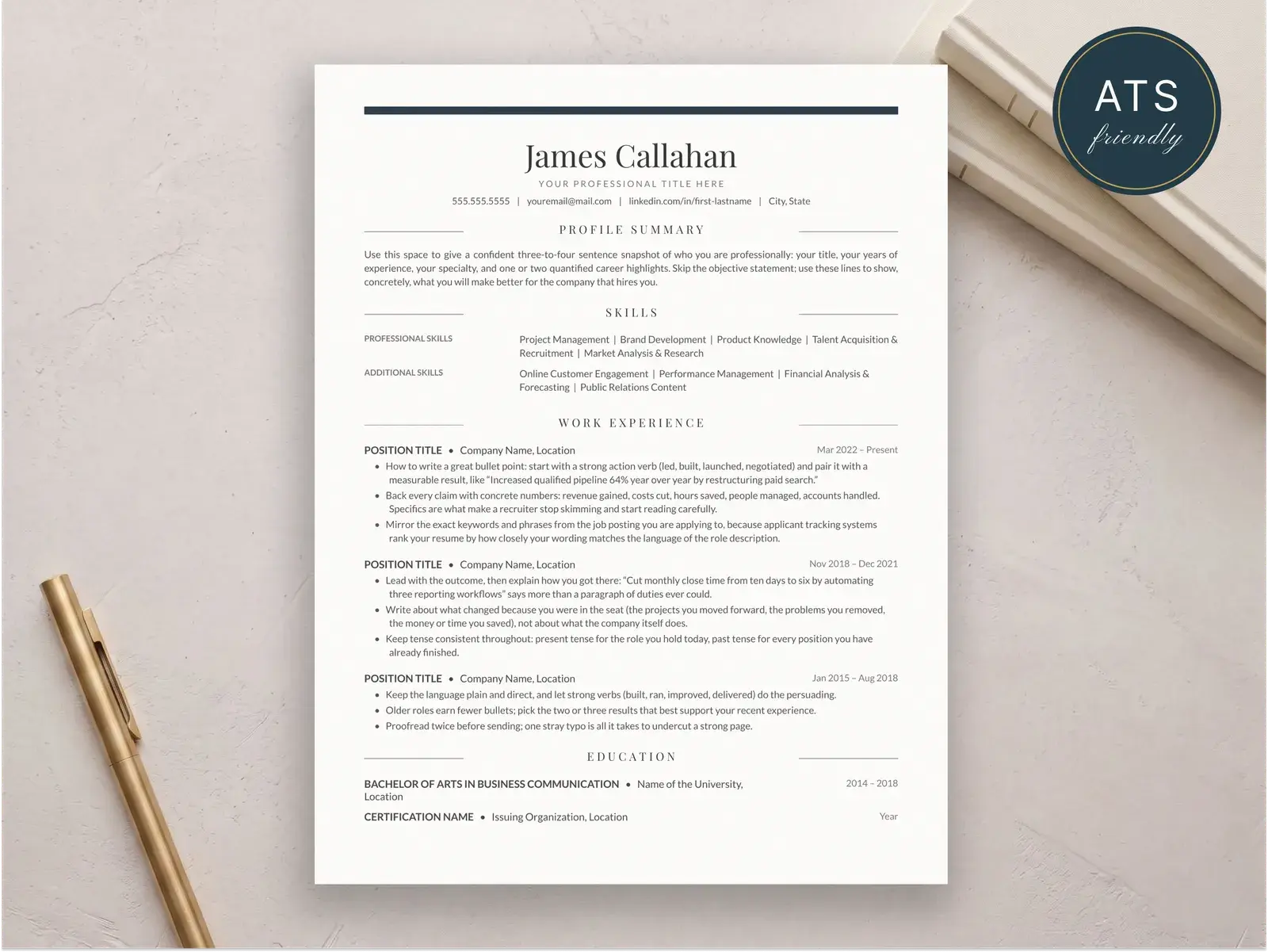
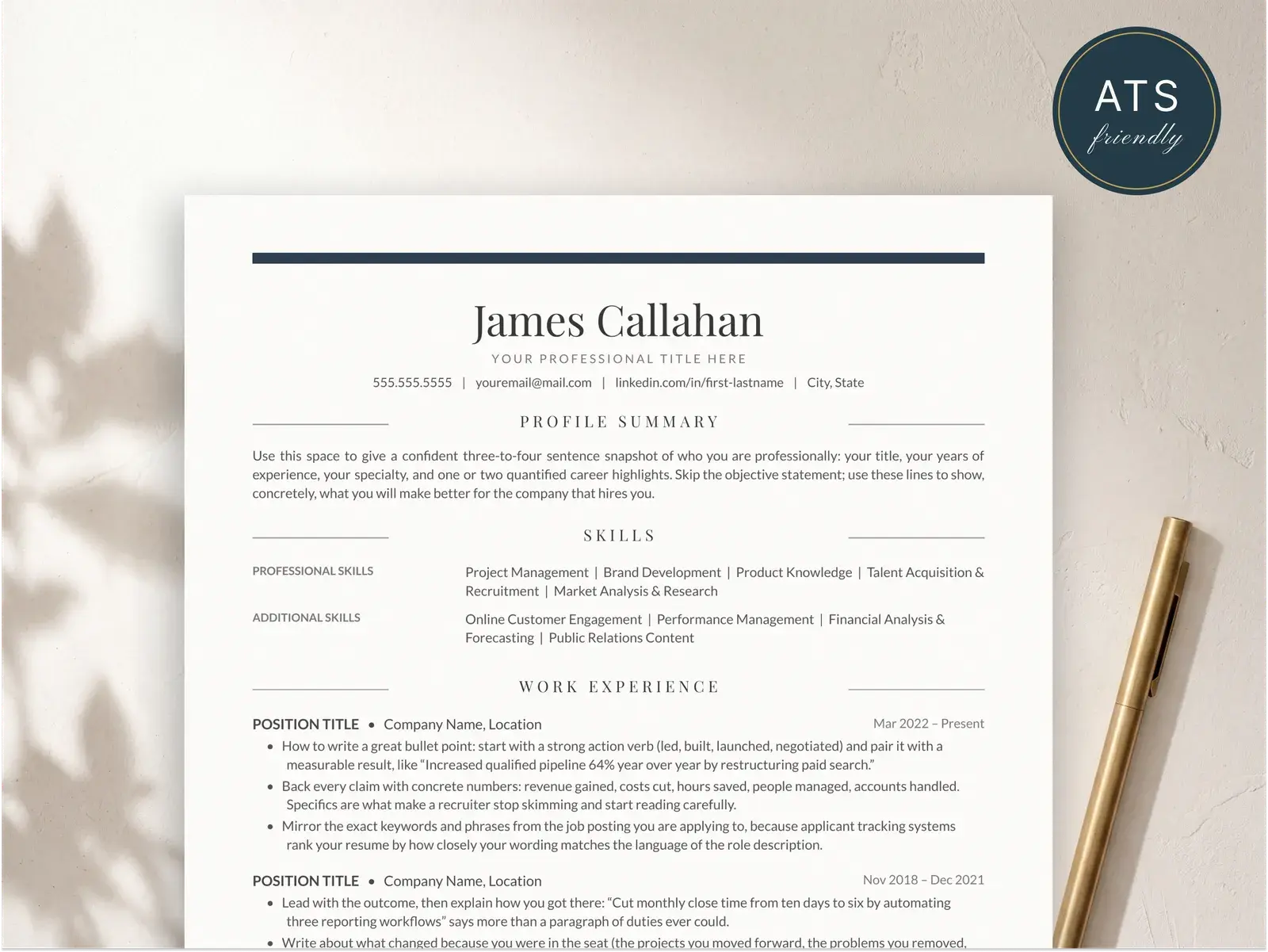
Option 2: Categorized groups
Best for: most candidates; clear, scannable, and organized.
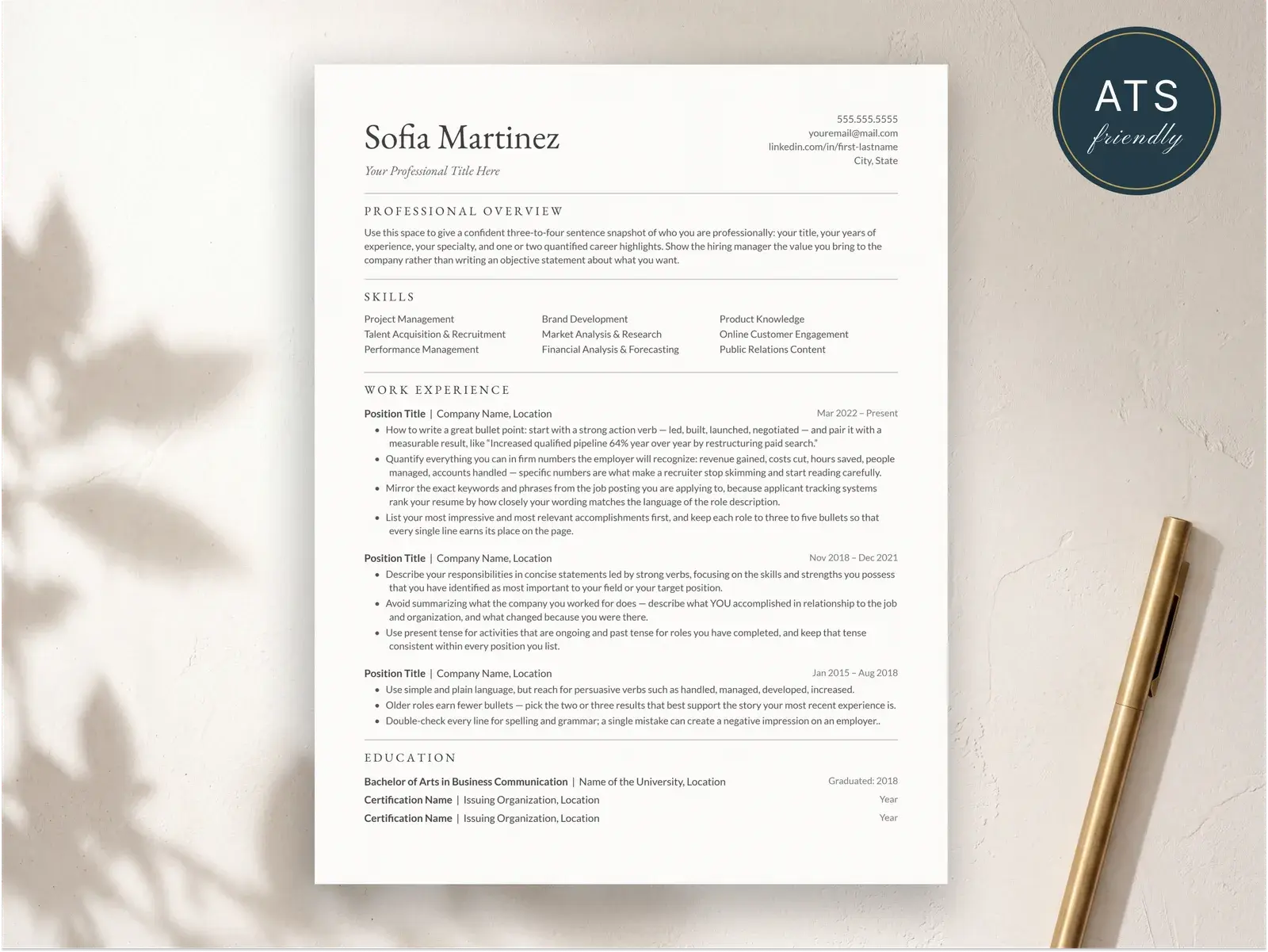
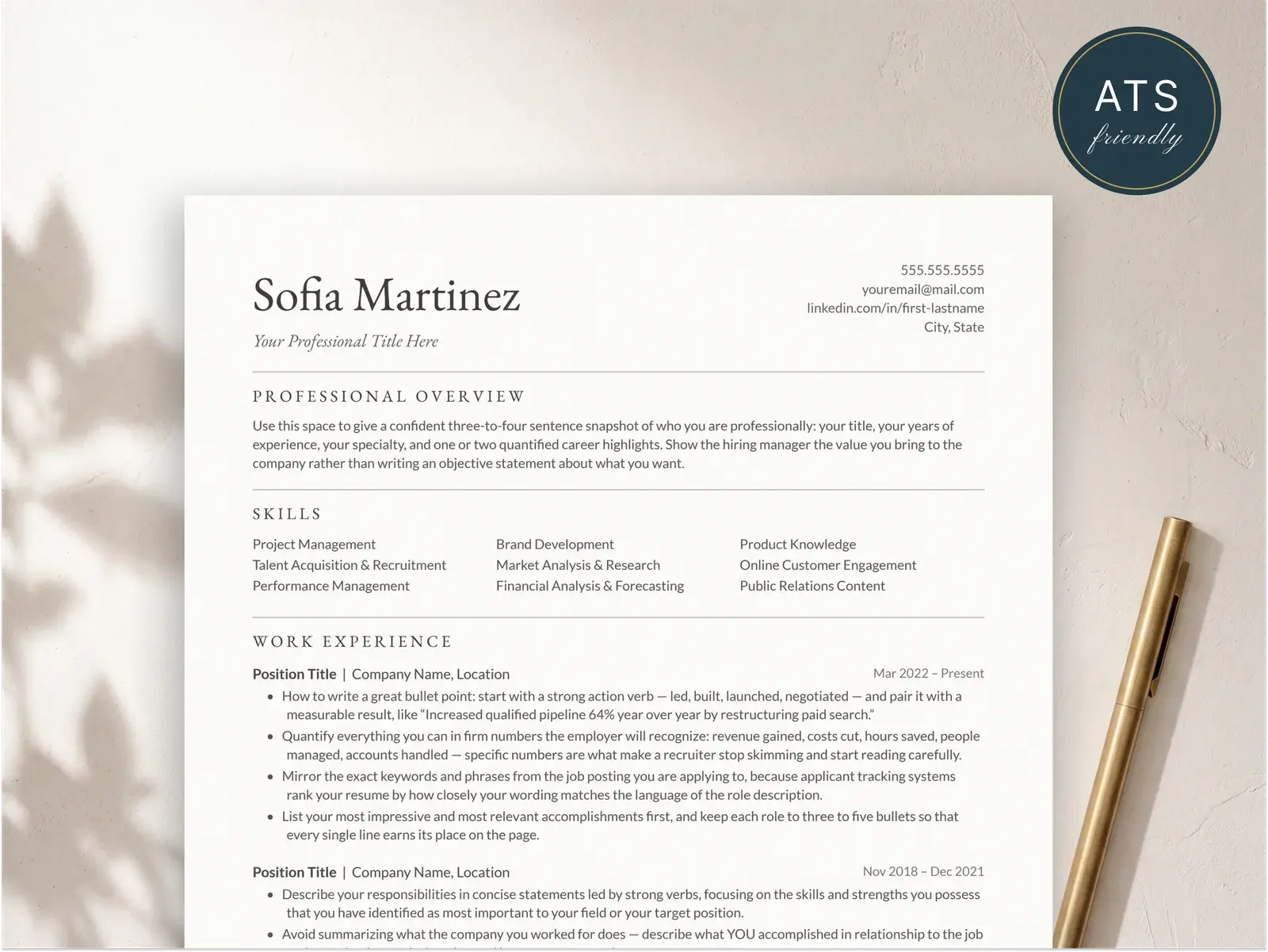
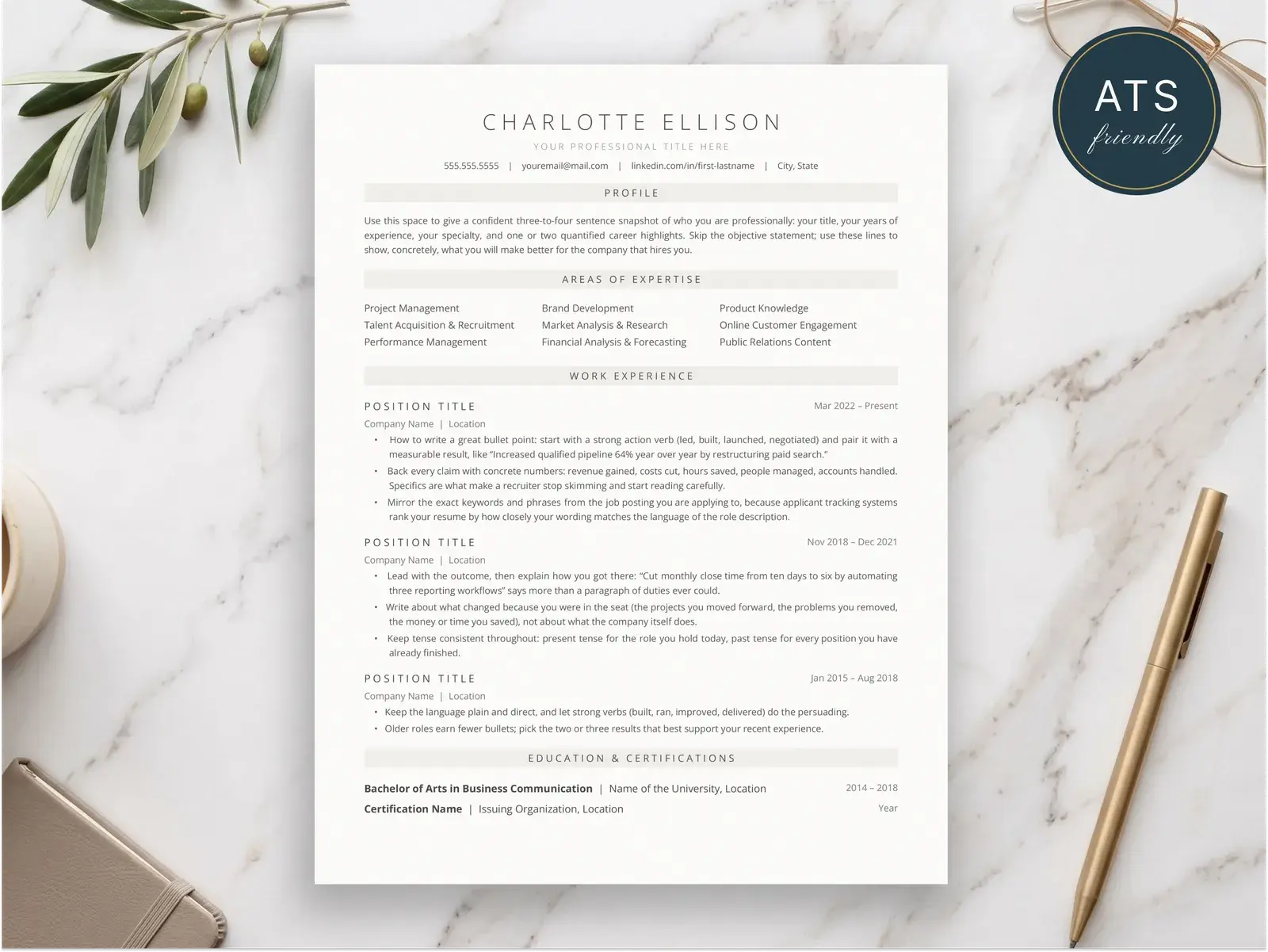
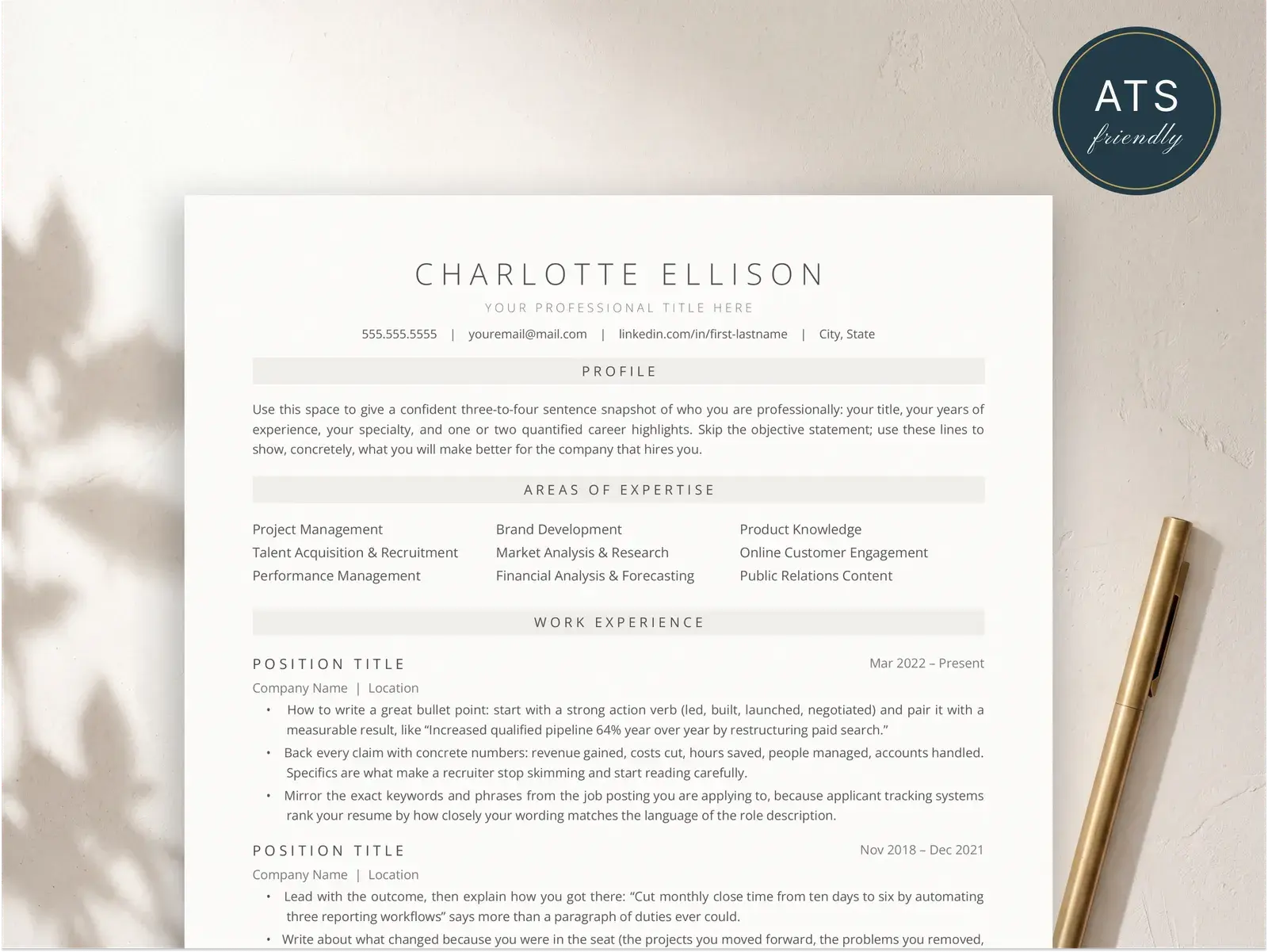
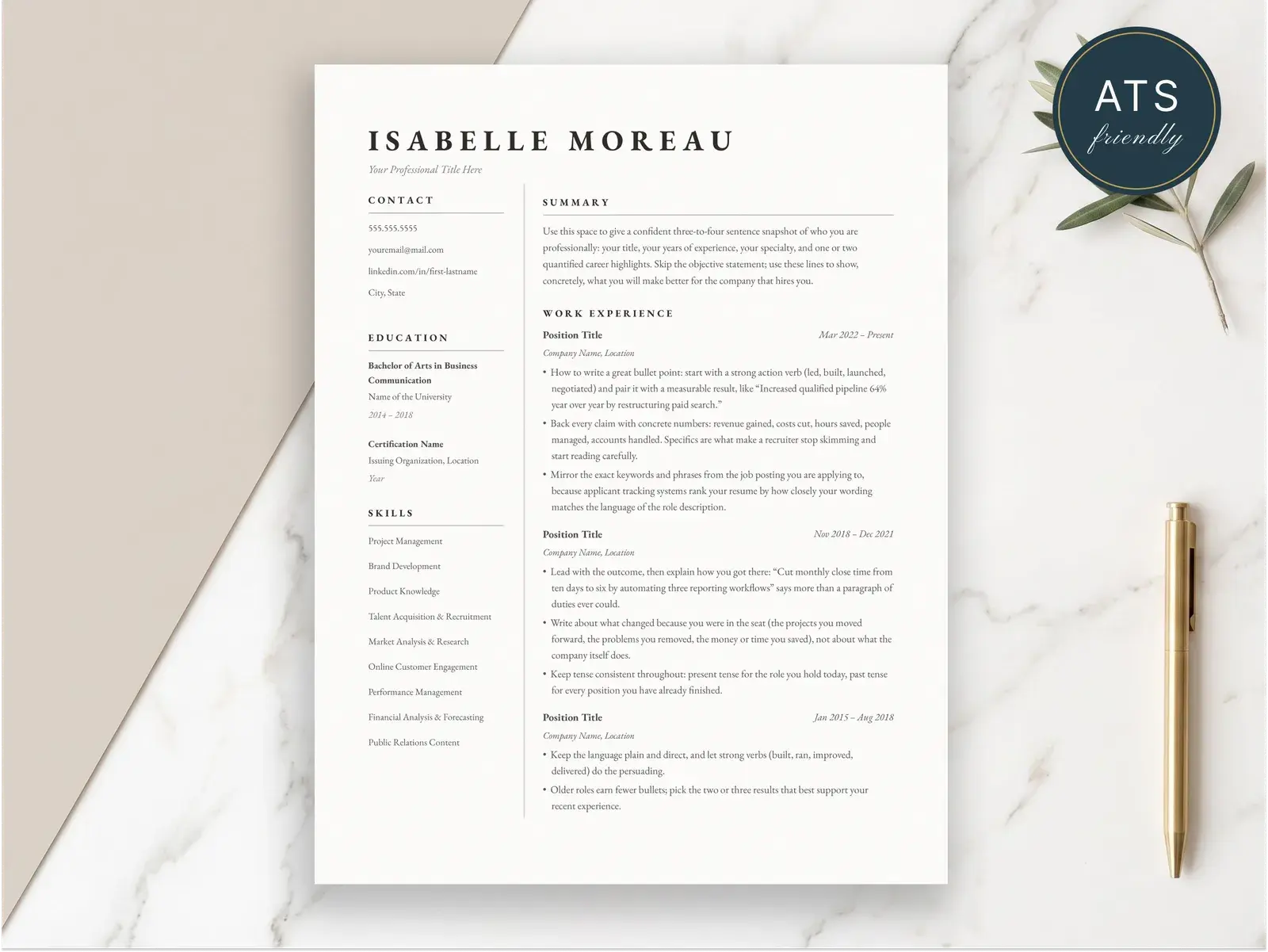
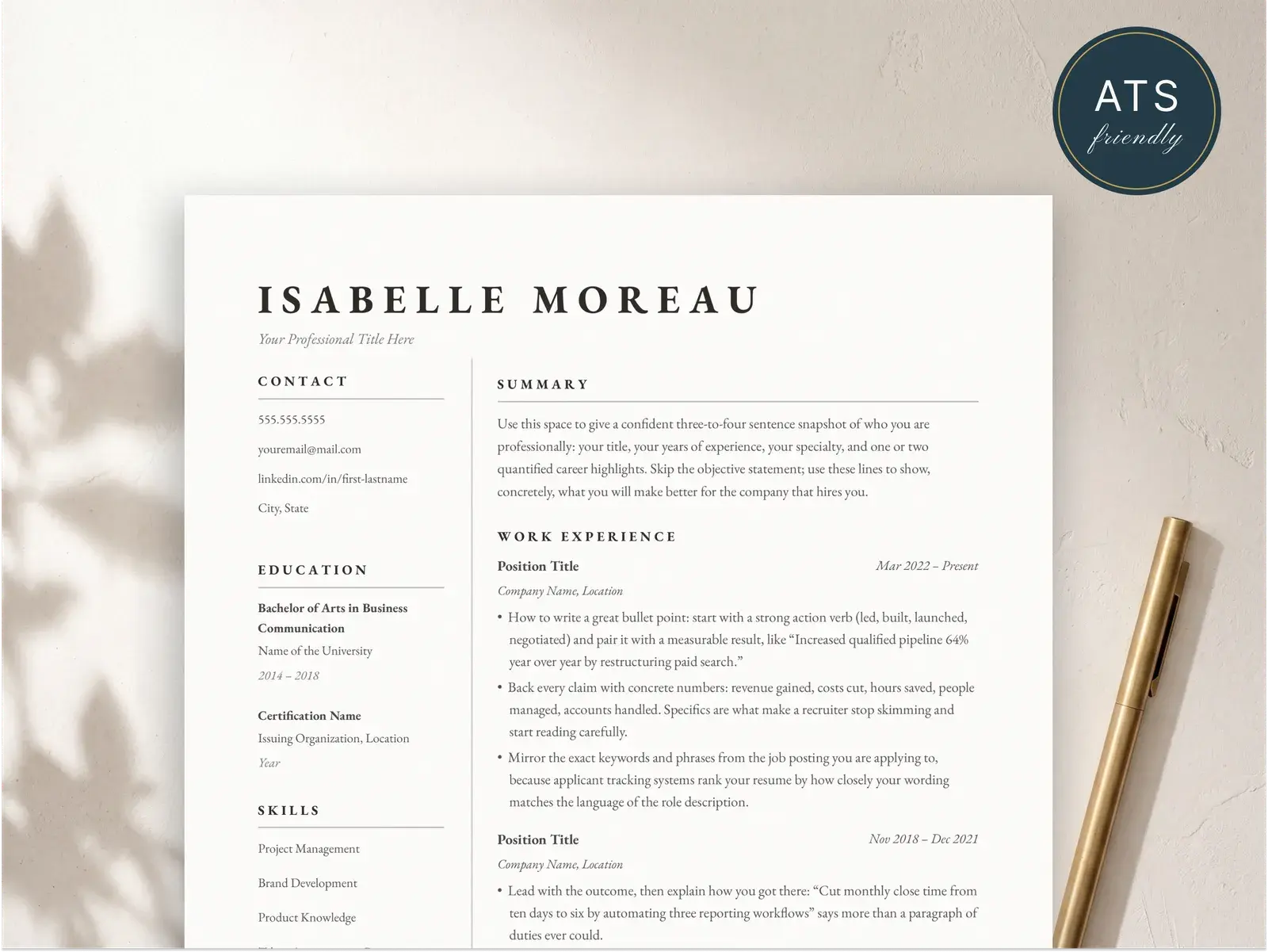
Grouping skills by category helps recruiters find what they need faster. A hiring manager looking for technical skills can jump straight to “Programming” or “Tools” without scanning the entire list. This is the format I recommend for most people.
Option 3: Skills integrated into experience bullets
Best for: senior professionals with deep experience in a focused area.
This approach weaves skills directly into your accomplishments, which gives them immediate context. The downside is that ATS systems may not pick up every keyword as cleanly, so it works best when combined with a short skills list at the top. Use this as a supplement, not a replacement.
Skills to leave off your resume
Some skills waste space because they’re either assumed or too vague to mean anything. Recruiters see these on hundreds of resumes a day and skip right over them:
- “Microsoft Office” — Everyone has basic Office skills. If you genuinely have advanced Excel abilities (macros, Power Query, complex data modeling), list those specific capabilities instead. Otherwise, this is filler.
- “Team player” / “Hard worker” — These are claims, not skills. They cannot be searched by an ATS and cannot be verified by a recruiter. Show teamwork through collaborative accomplishments in your experience section.
- “Detail-oriented” — Ironically, this is one of the vaguest things you can write. Replace it with a specific skill that demonstrates attention to detail: “Quality Assurance Testing”, “Data Validation”, or “Copy Editing.”
- “Communication skills” — On its own, this tells the reader nothing. Specify what kind: “Technical Writing”, “Client Presentations”, “Stakeholder Reporting.” These are searchable, specific, and meaningful.
The pattern here is simple: if a skill can’t be tested in an interview and doesn’t appear in job postings as a searchable requirement, it’s not earning its place on your resume.
Tailoring your skills to each job
Sending the same resume to every job is one of the most common mistakes job seekers make. Your skills section is the easiest place to customize without rewriting your entire resume.
Start by building a master skills list — a document (not on your resume) that contains every relevant skill you have. Group them loosely by category: programming languages, tools, methodologies, certifications, domain knowledge. This is your source inventory.
For each application, pull 8 to 12 skills from your master list that best match the job description. Use the exact phrasing from the posting when possible. If they say “project management,” write “Project Management” — not “managing projects” or “PM.” ATS systems often match on exact terms, and small differences in wording can cost you a keyword match.
This process takes about five minutes per application and significantly increases your match rate. A resume with an ATS-friendly format and tailored skills section will outperform a generic resume with a longer skills list almost every time.
Keep your master list updated as you learn new tools or earn new certifications. The goal is to make customization fast and repeatable, not to start from scratch every time you apply somewhere.