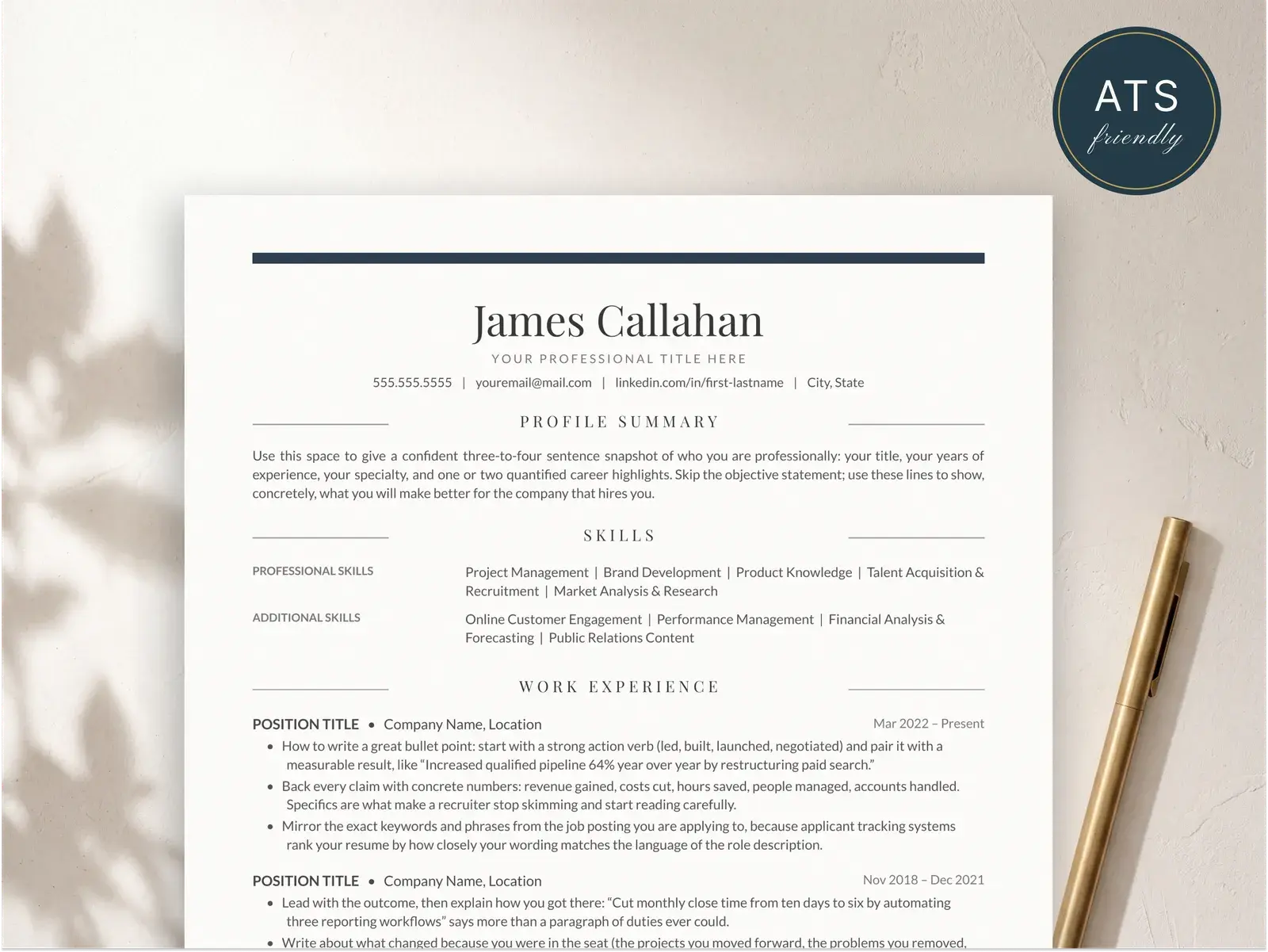
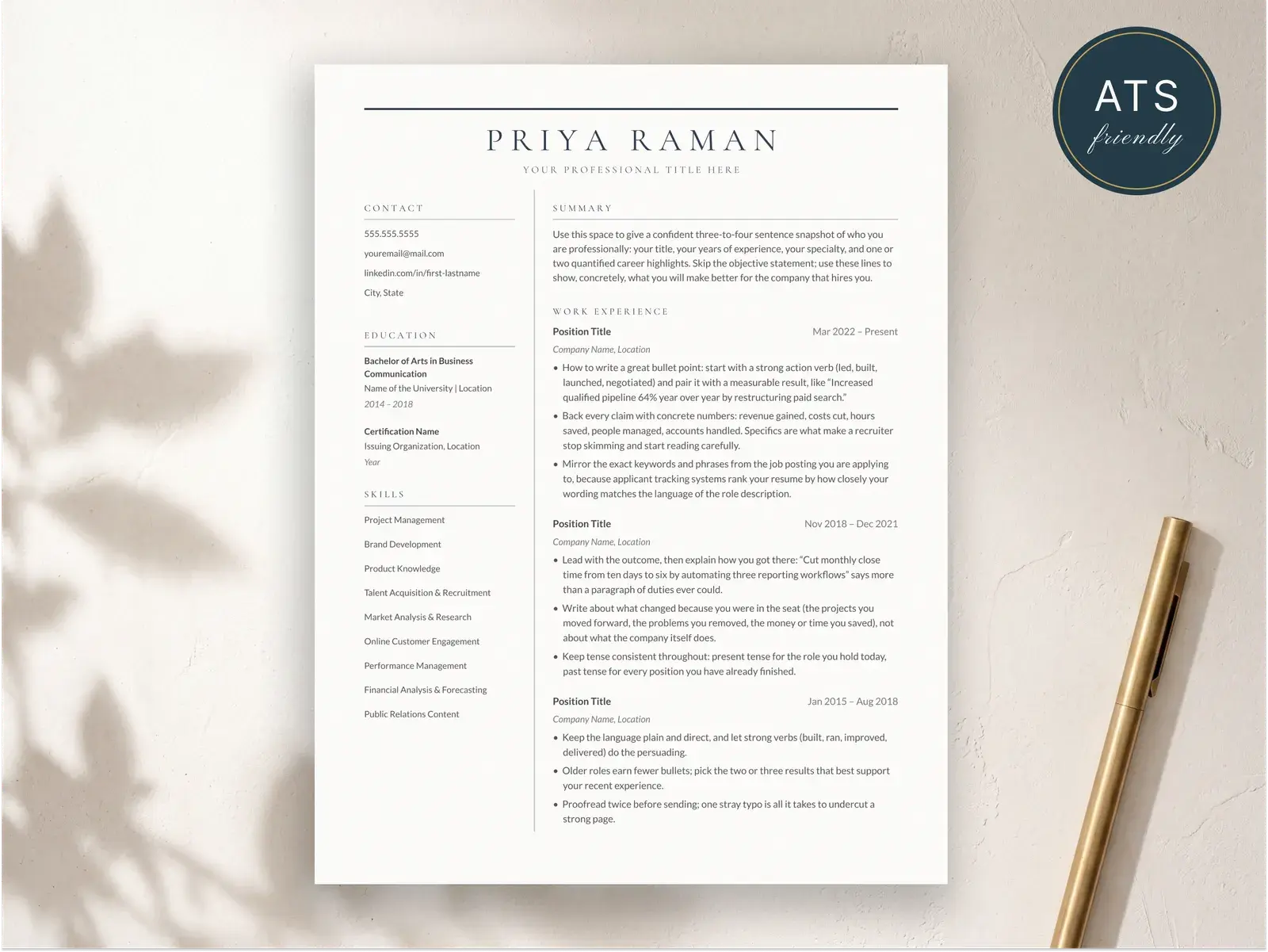
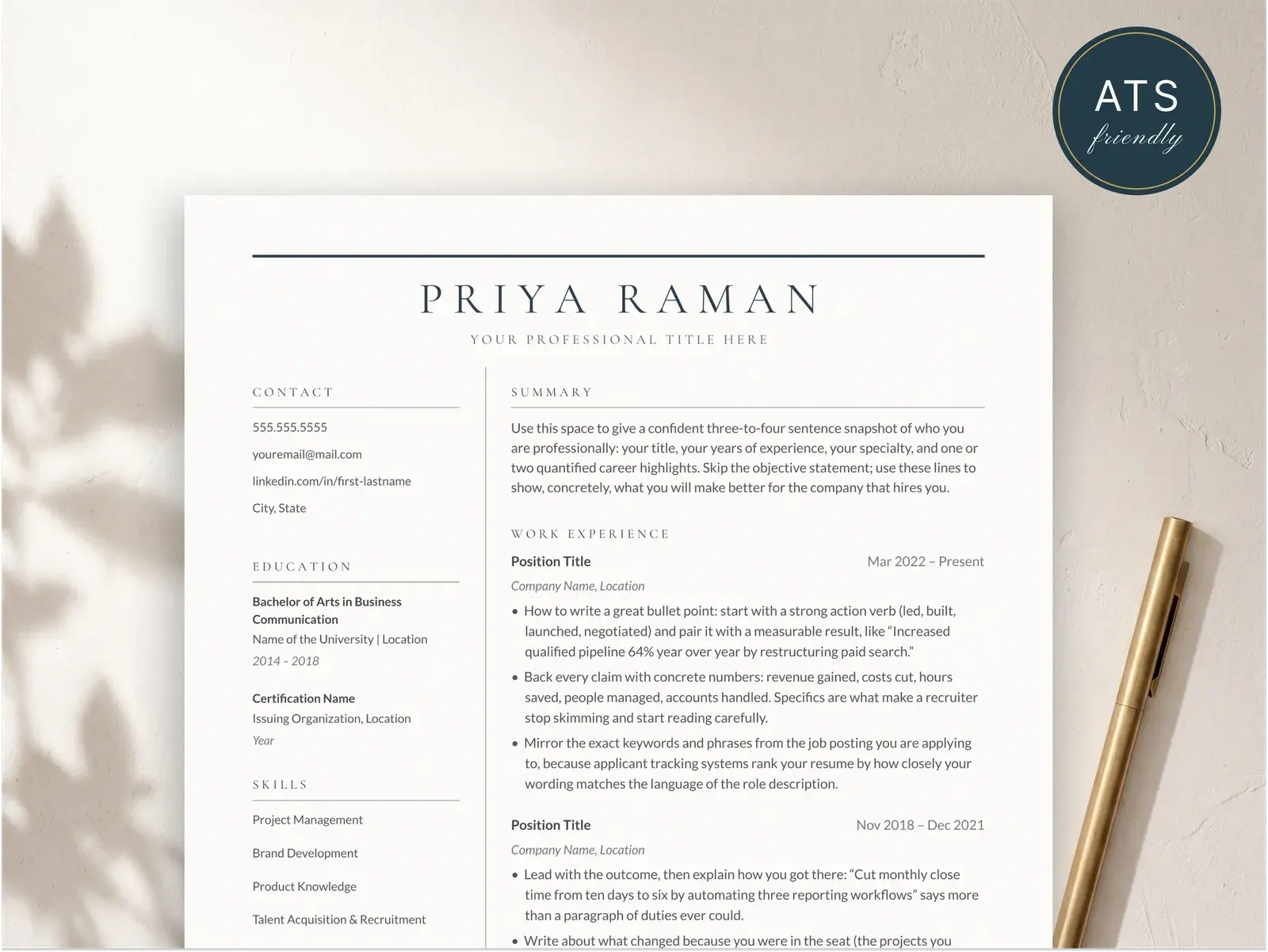
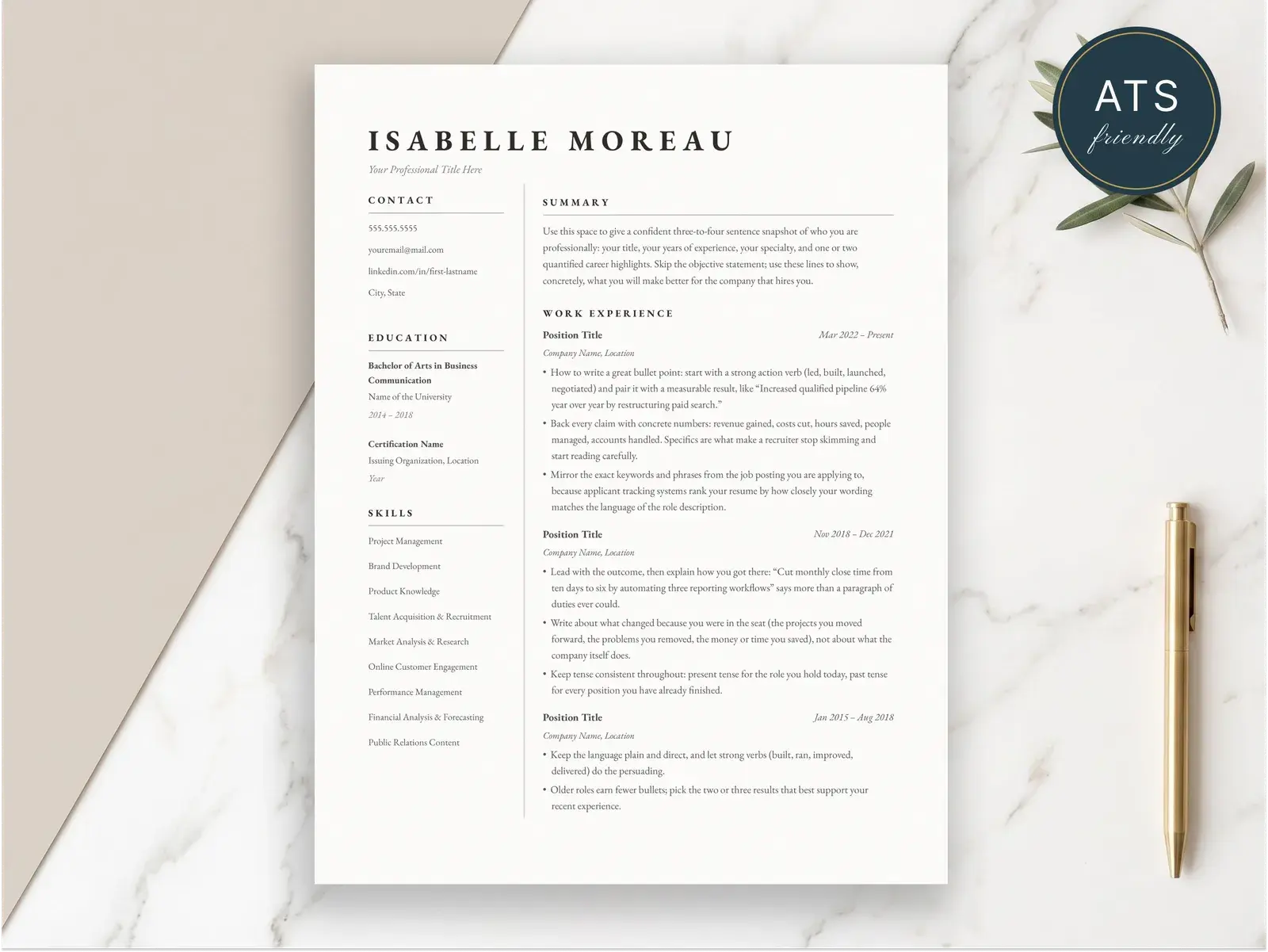
Chronological vs reverse
Chronological vs. reverse-chronological — settle this first
Strictly speaking, a chronological resume would list your oldest job first and work forward. A reverse-chronological resume lists your newest job first and works backward. Those are the literal definitions.
In actual usage, no one builds a strict chronological resume. The oldest-first version is essentially extinct — recruiters don’t expect it, ATS parsers don’t optimize for it, and no recruiter would recommend it. So when career sites, employers, and templates say “chronological resume,” they mean the reverse-chronological version: newest job first.
Two terms, one format. We’ll use “chronological” in this post because that’s what you searched for, but everything here is identical to the reverse-chronological resume format guide. Pick whichever terminology your employer or career center uses.
What modern usage actually means
When a job posting says “submit a chronological resume,” what the hiring manager wants is:
- Your most recent role at the top of the work experience section
- Each prior role listed below in descending date order
- Dates clearly visible for every position
- A clean linear story of your career, even if the line has a few bends in it
That’s it. The “chronological” label is shorthand for “show me your work history with dates, in order, with the latest first.” It’s the most common resume format in the world for a reason: it’s what everyone reads fluently.
When the chronological format is the right call
Use it if any of these match you:
- You have at least two years of work experience.
- Your most recent job is relevant to the one you’re applying for.
- You’ve been in the same field or a closely related one for most of your career.
- You’re applying through a company portal, a job board, or a recruiter (which means ATS will see your resume first).
For most experienced candidates in tech, healthcare, accounting, and similar fields, this is the only format that makes sense.
When it isn’t
Skip the chronological format if:
- You’re switching careers and your recent roles don’t reflect your target job. A hybrid resume leads with transferable skills, then shows your work history.
- You have a multi-year employment gap that’s hard to explain on a date-driven page. Hybrid again.
- Your strongest qualifications are skills, certifications, or project work rather than employer-based experience.
The functional resume format — the one that strips out dates — exists for these cases too, but it’s a worse option than hybrid in almost every situation.
The structure, section by section
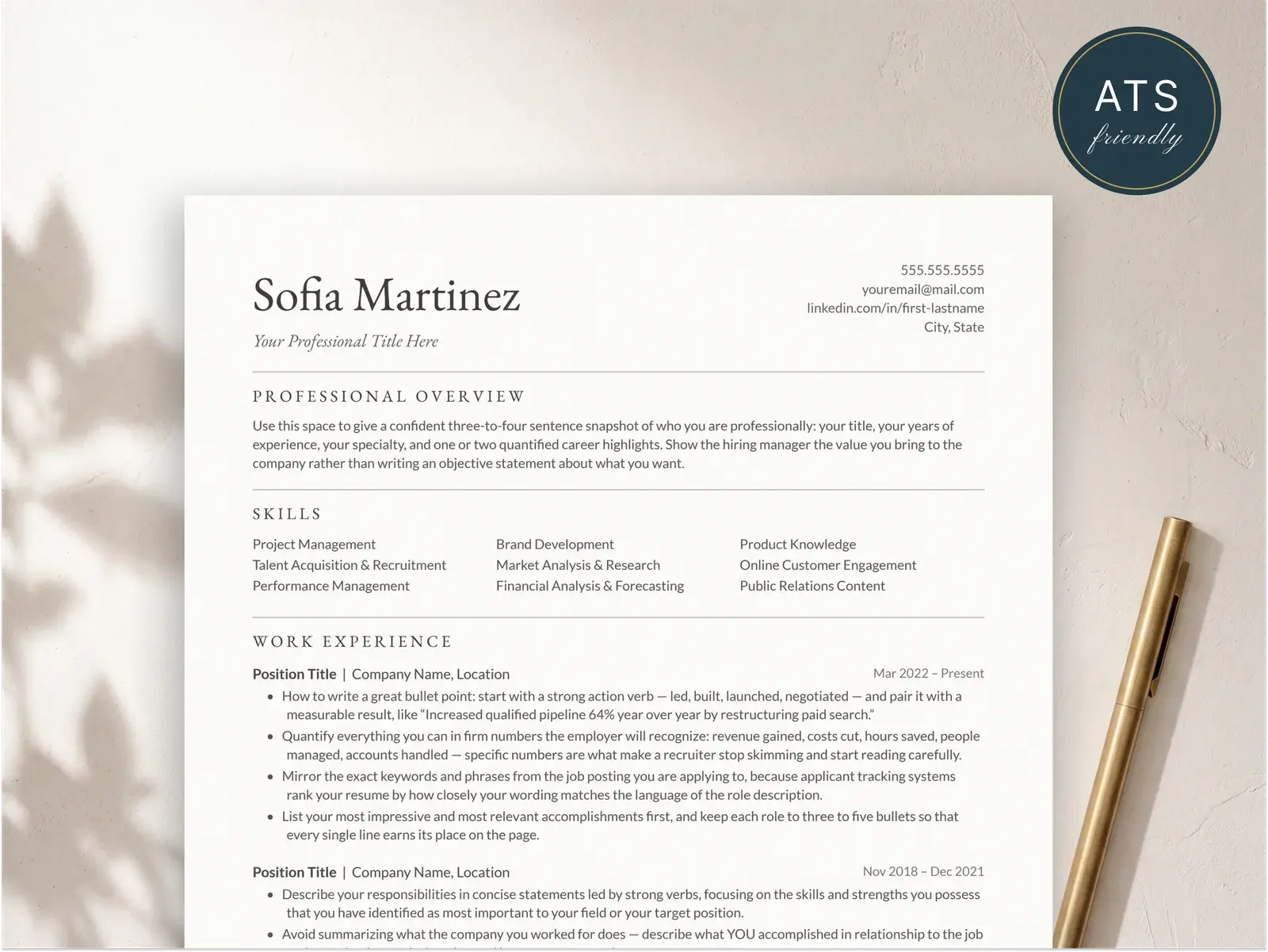
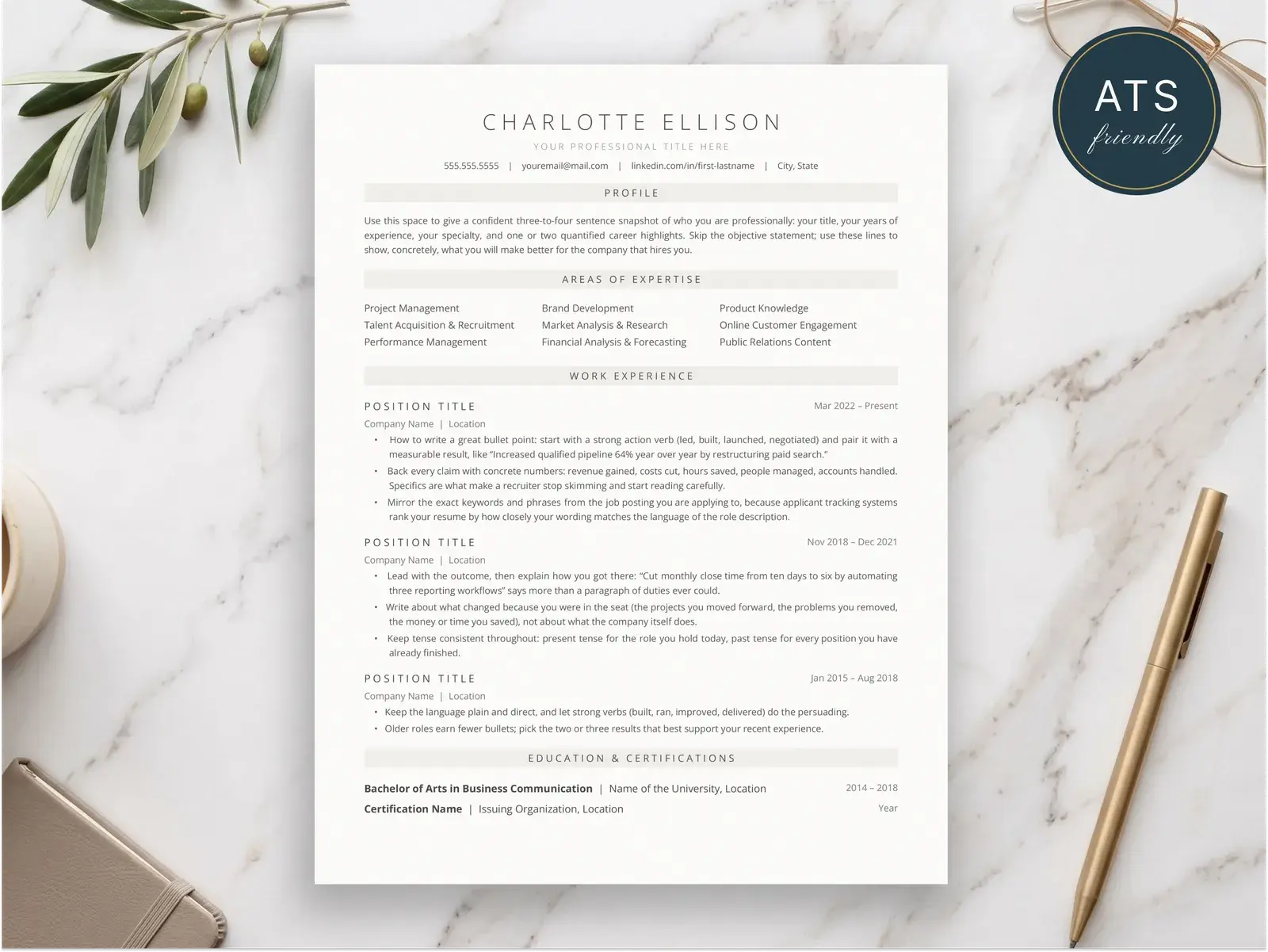
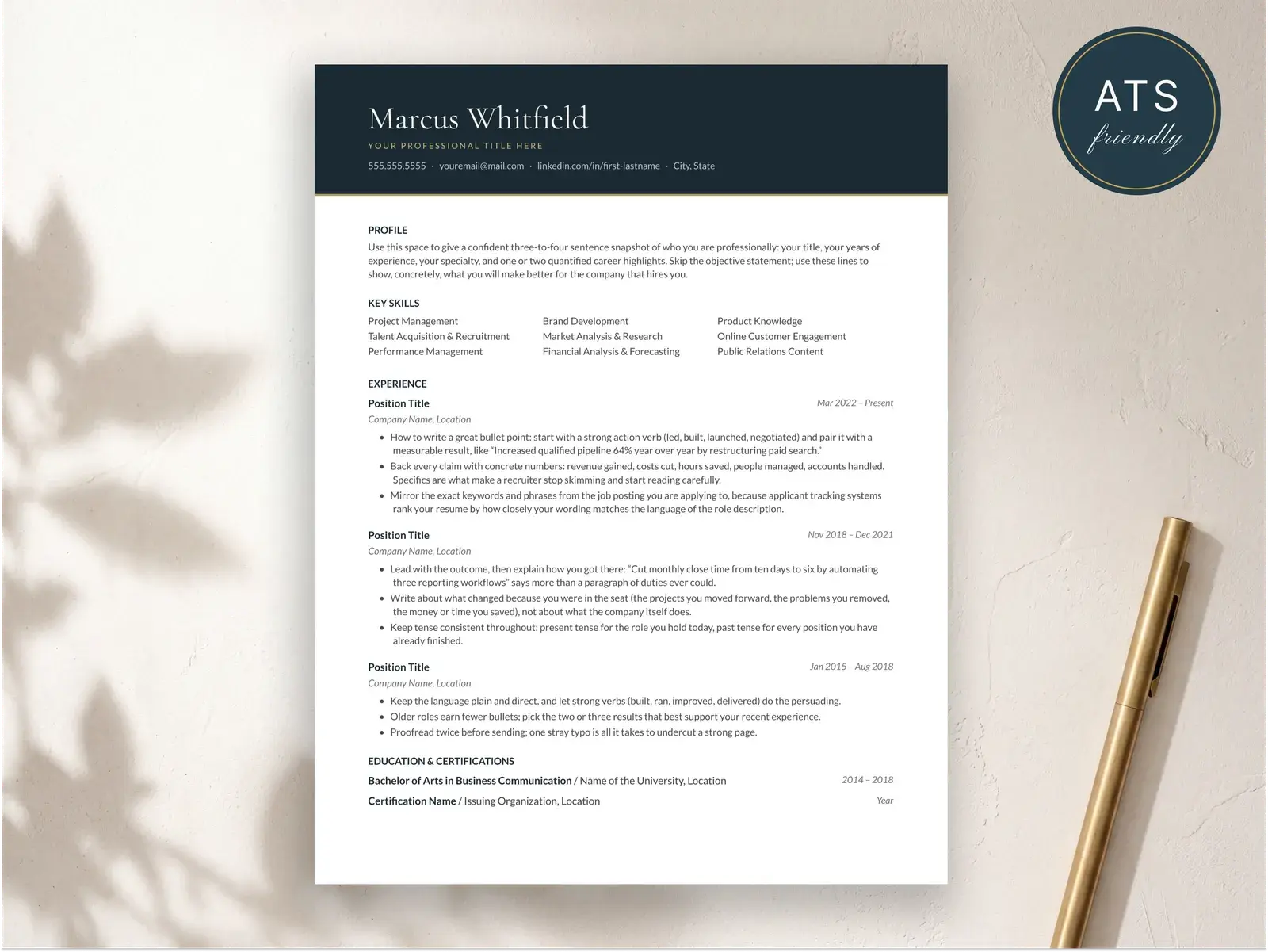
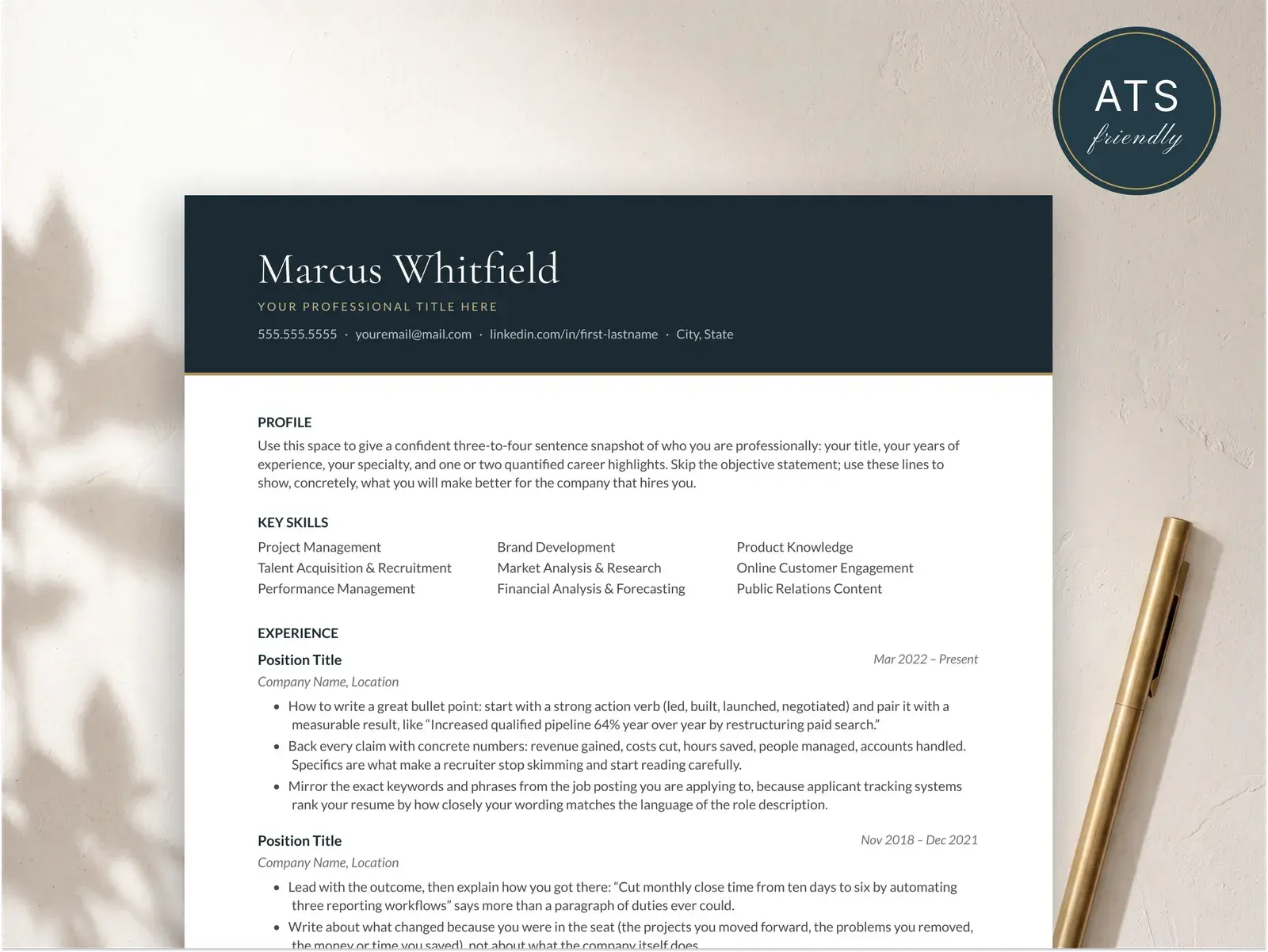
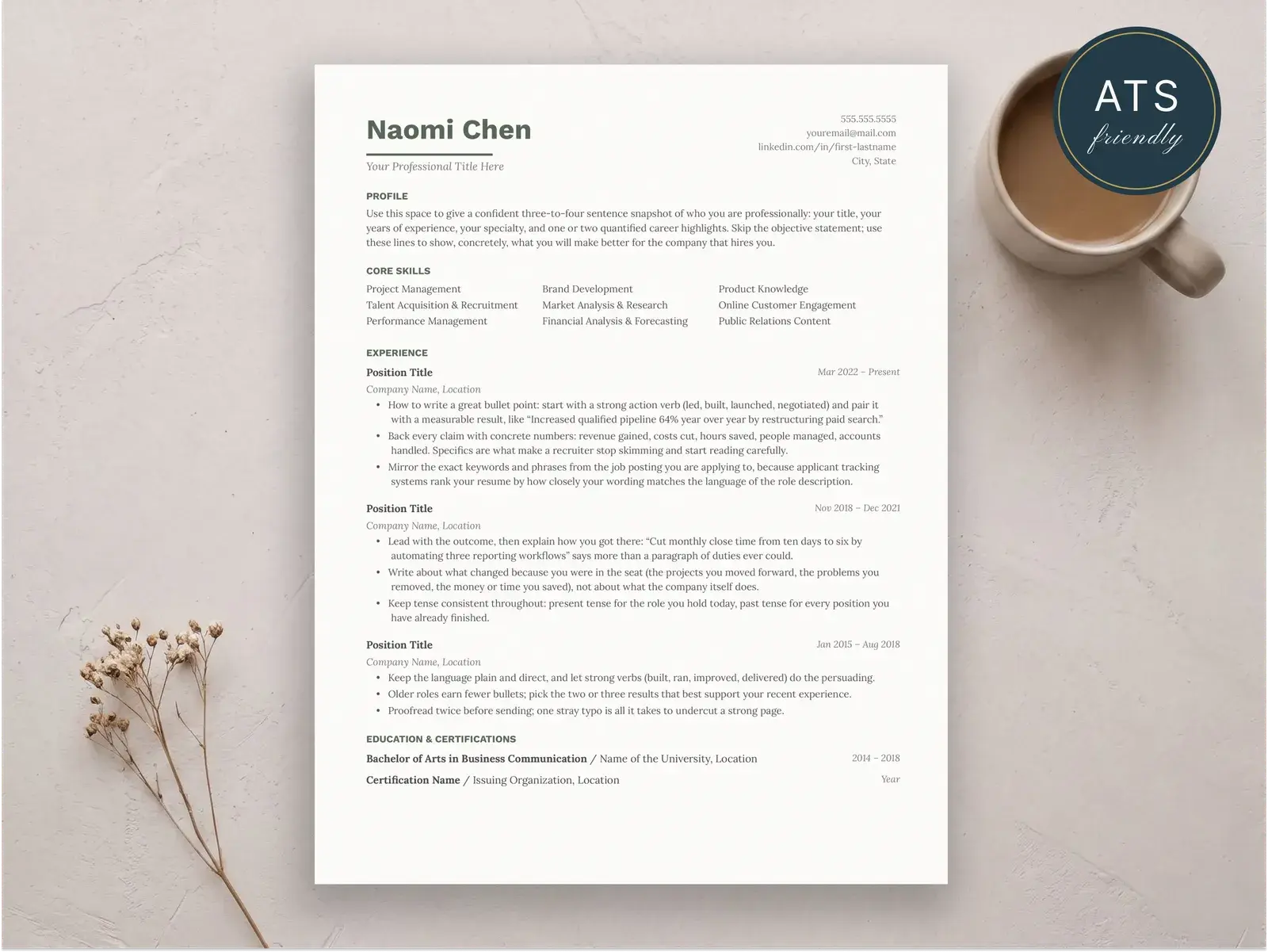
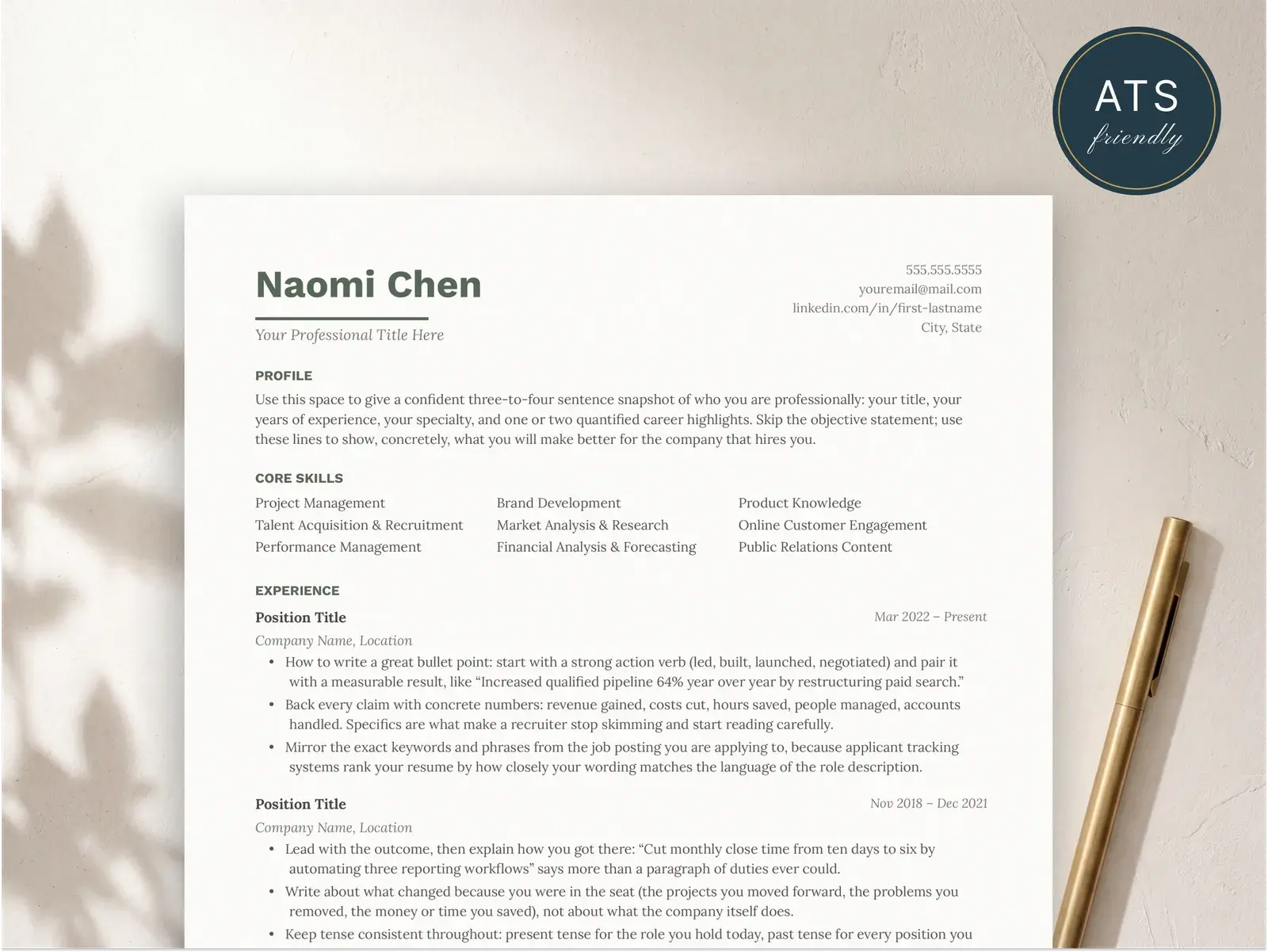
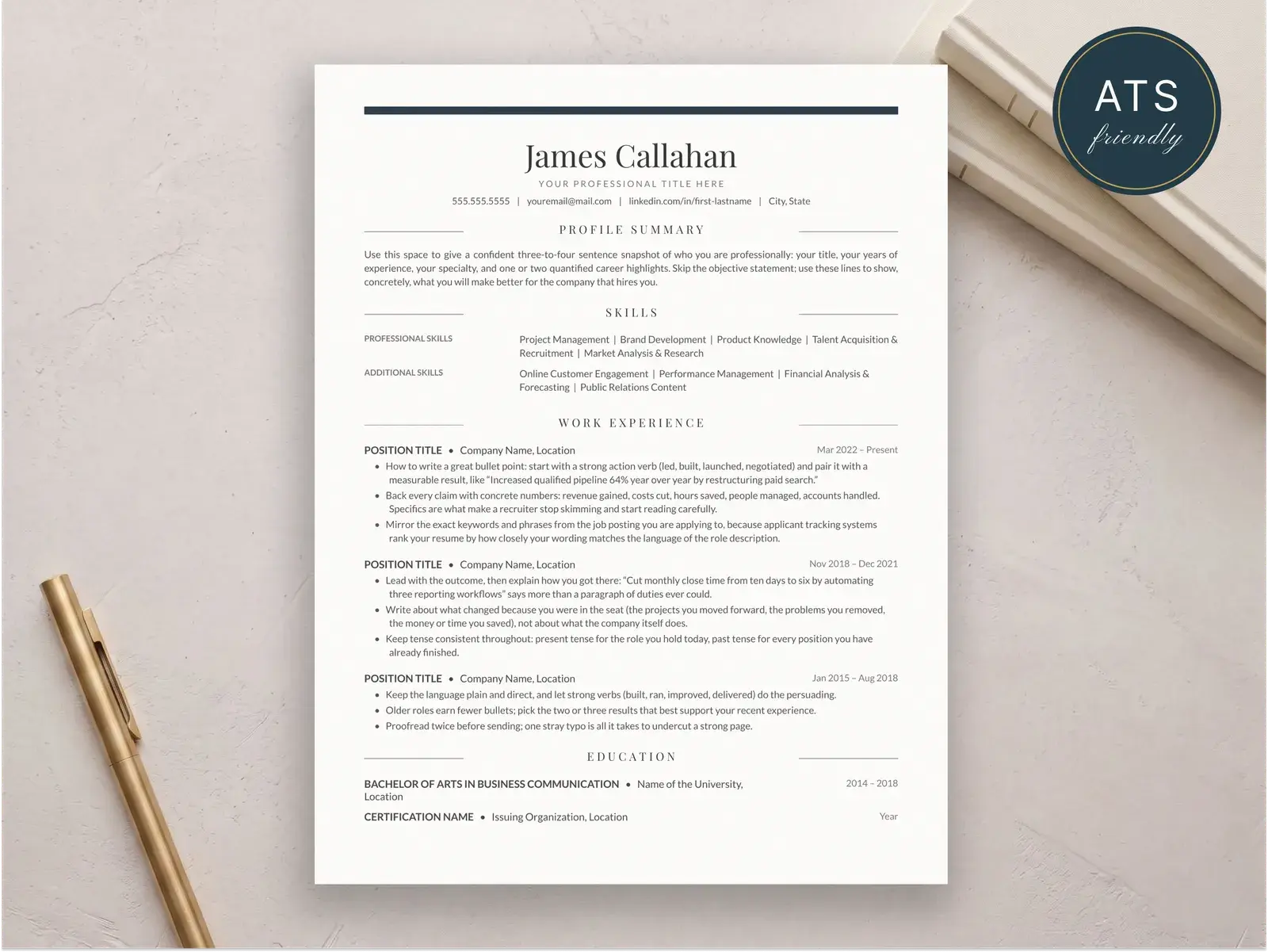
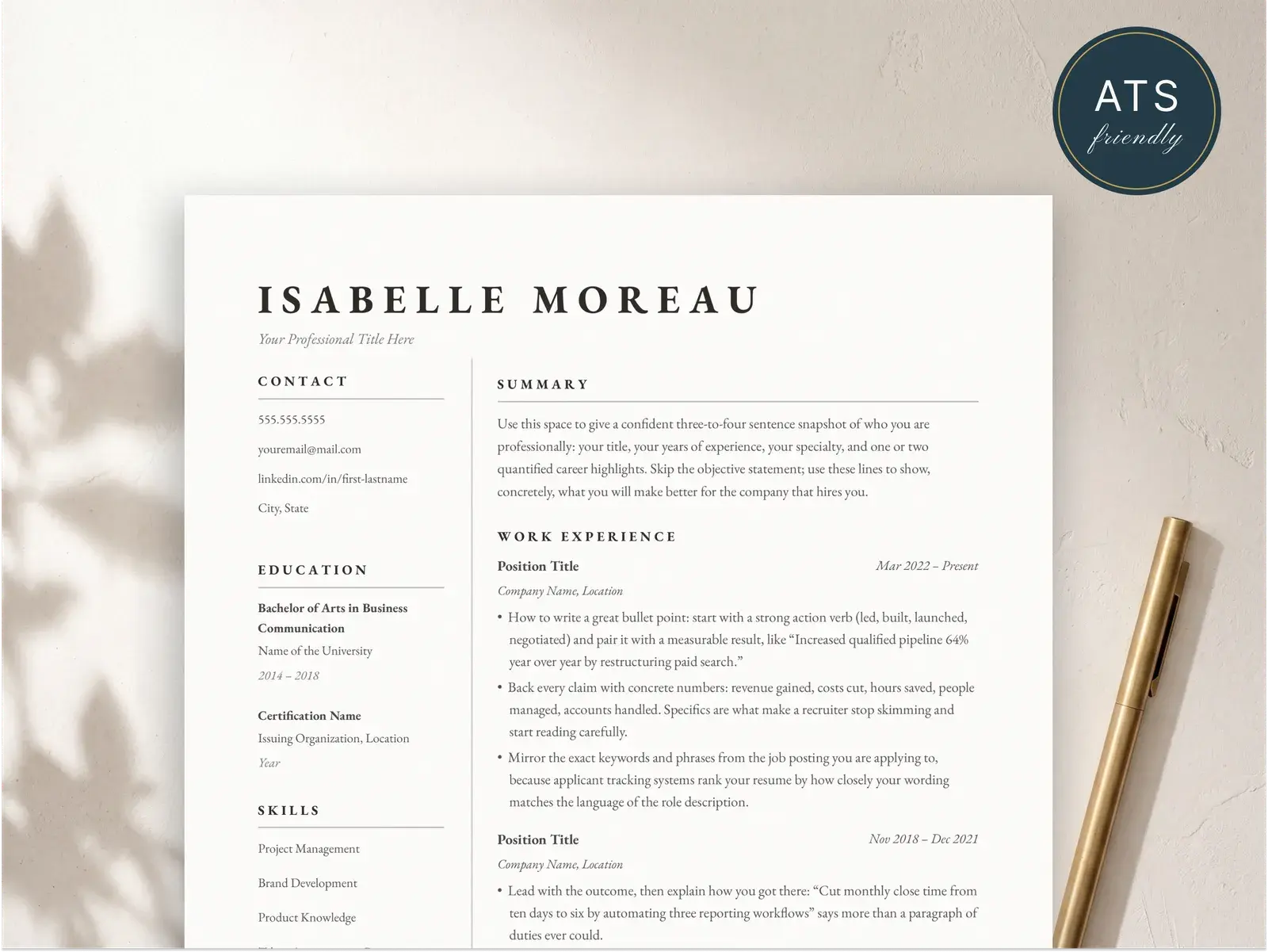
A chronological resume has six core sections, in this order:
- Contact information. Name, phone, email, city and state, LinkedIn URL.
- Professional summary. Three to four sentences. Replace the objective with a professional summary — it’s stronger and more modern.
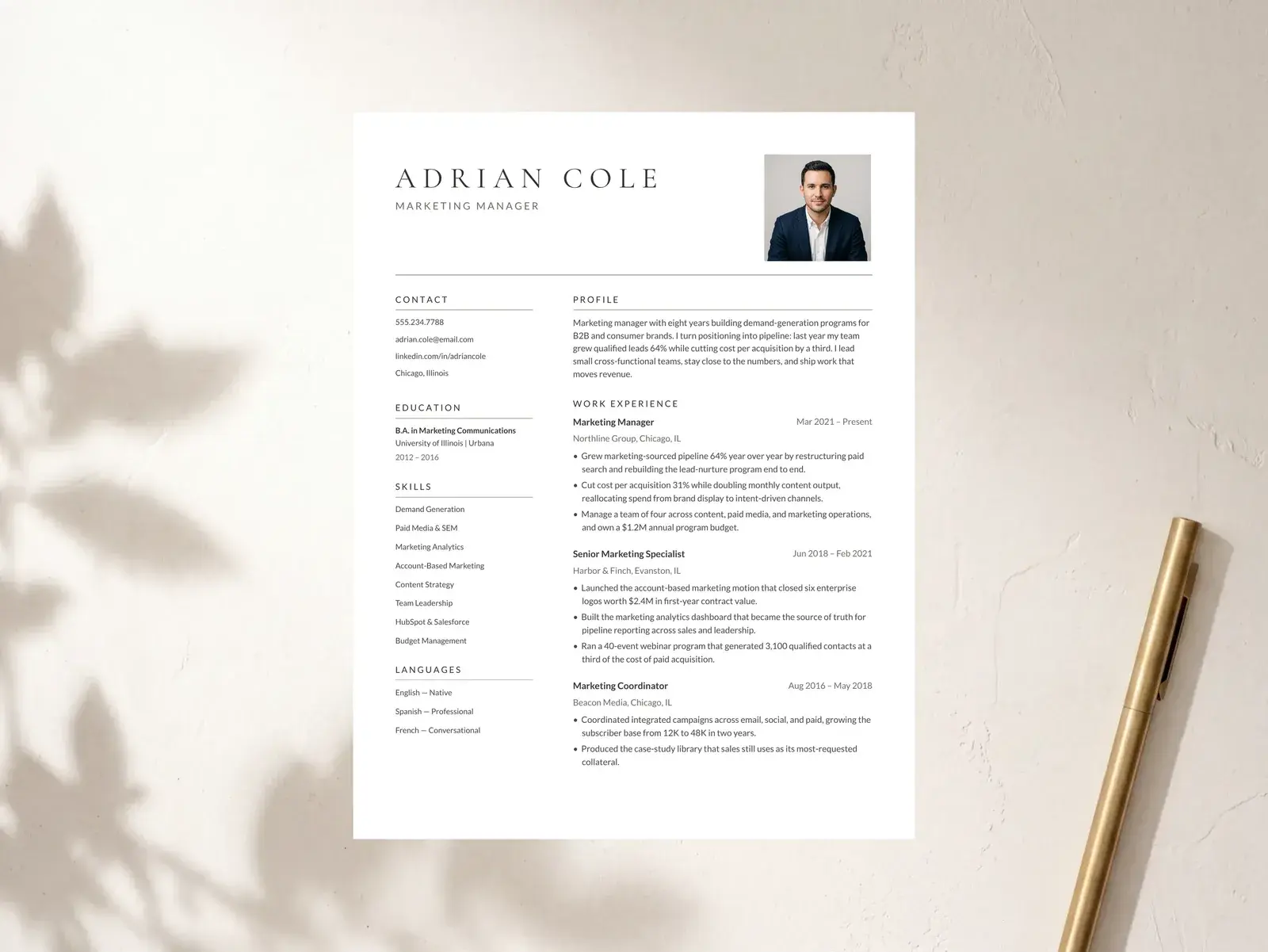
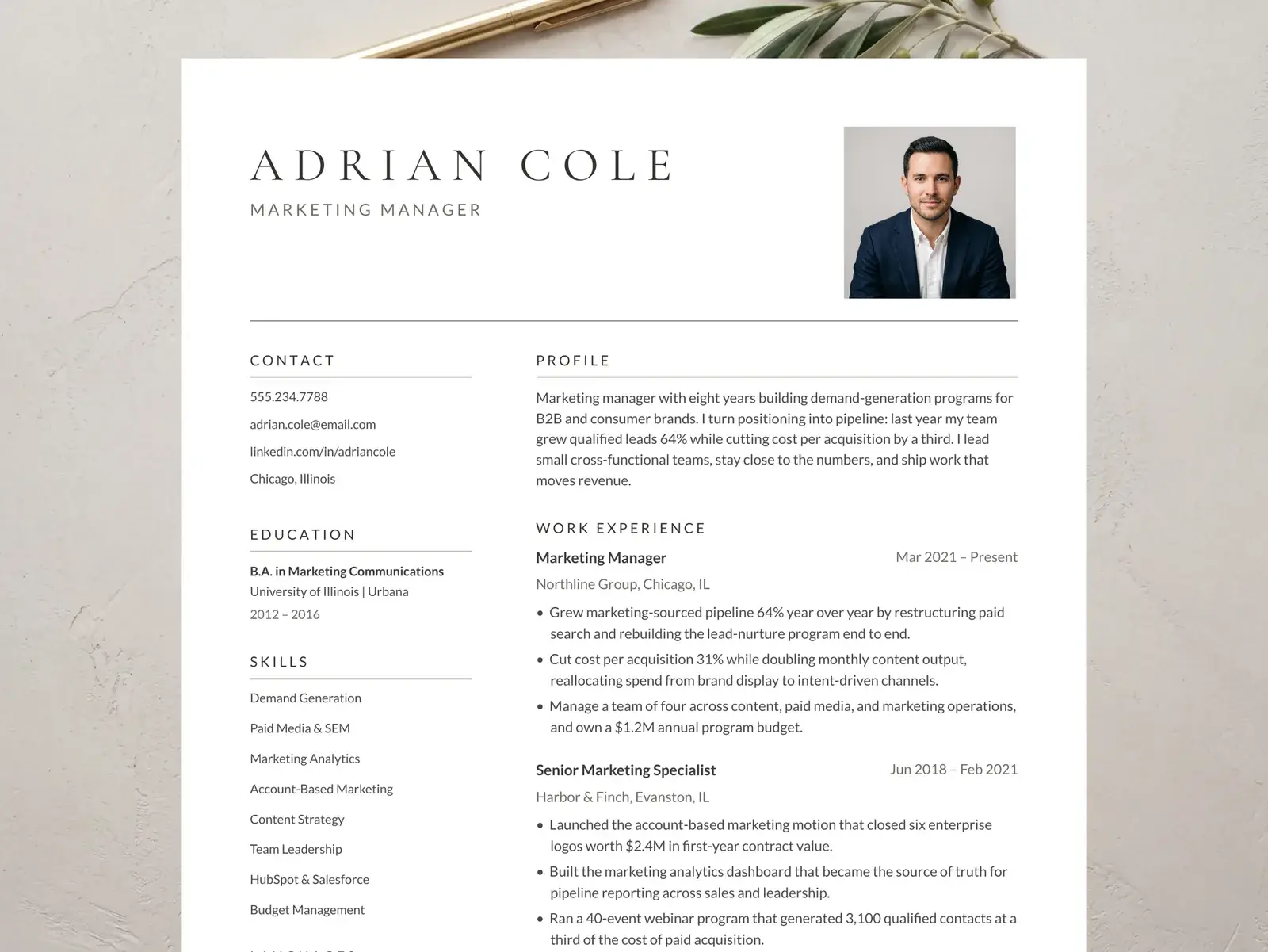
- Work experience. The heart of the document. Newest job first. Each role gets a title, company, location, date range, and three to five bullet points.
- Education. Degree, institution, year. Put this above experience only if you’re an entry-level candidate.
- Skills. A compact, scannable list. Group by category if you have a wide range. The skills section guide goes deeper.
- Optional sections. Certifications, projects, volunteer work, publications. Only if they earn their spot.
Each section has a clear heading. ATS parsers look for those specific words (“Experience,” “Education,” “Skills”). Don’t get clever.
A full chronological resume, written out
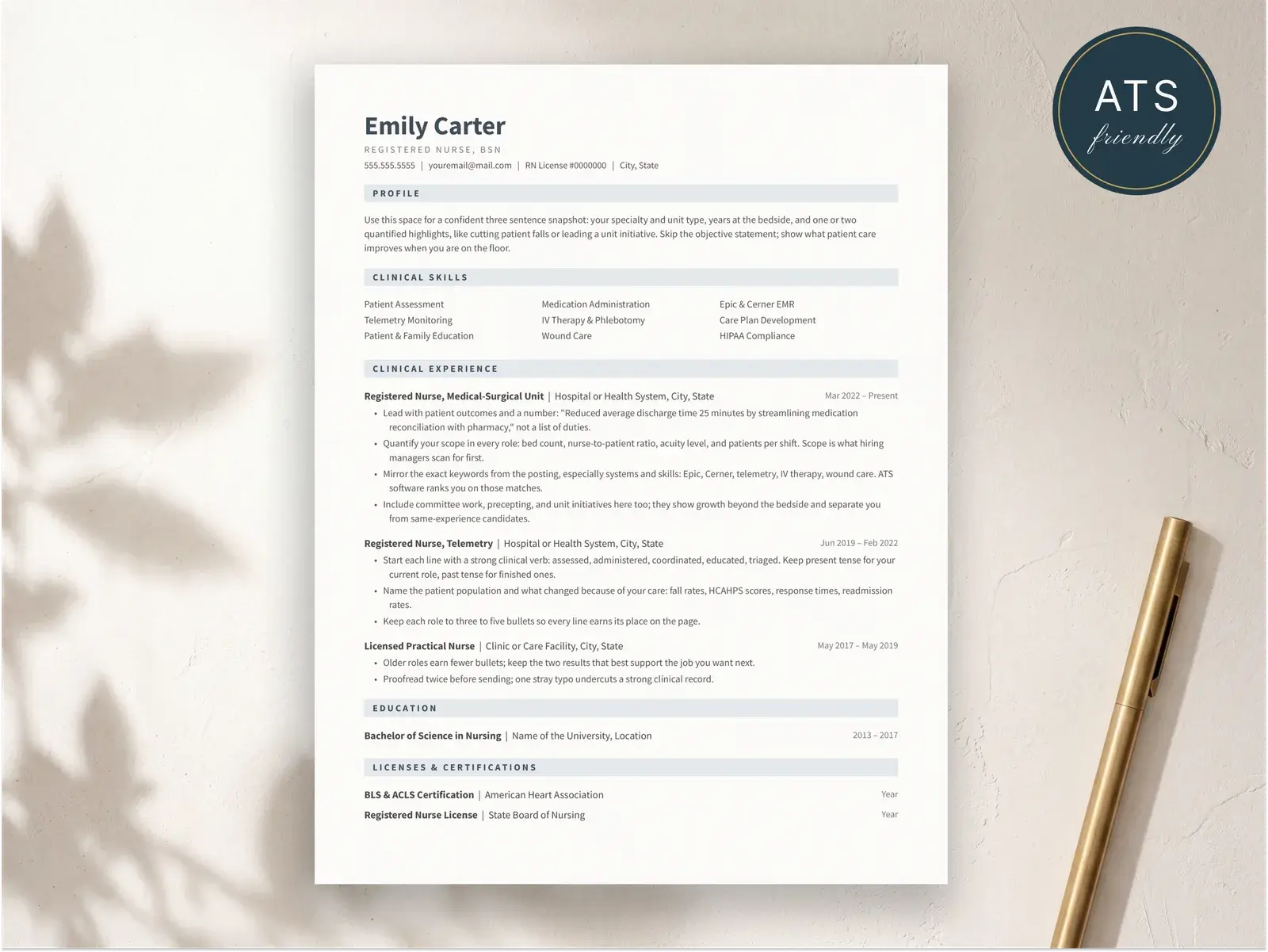
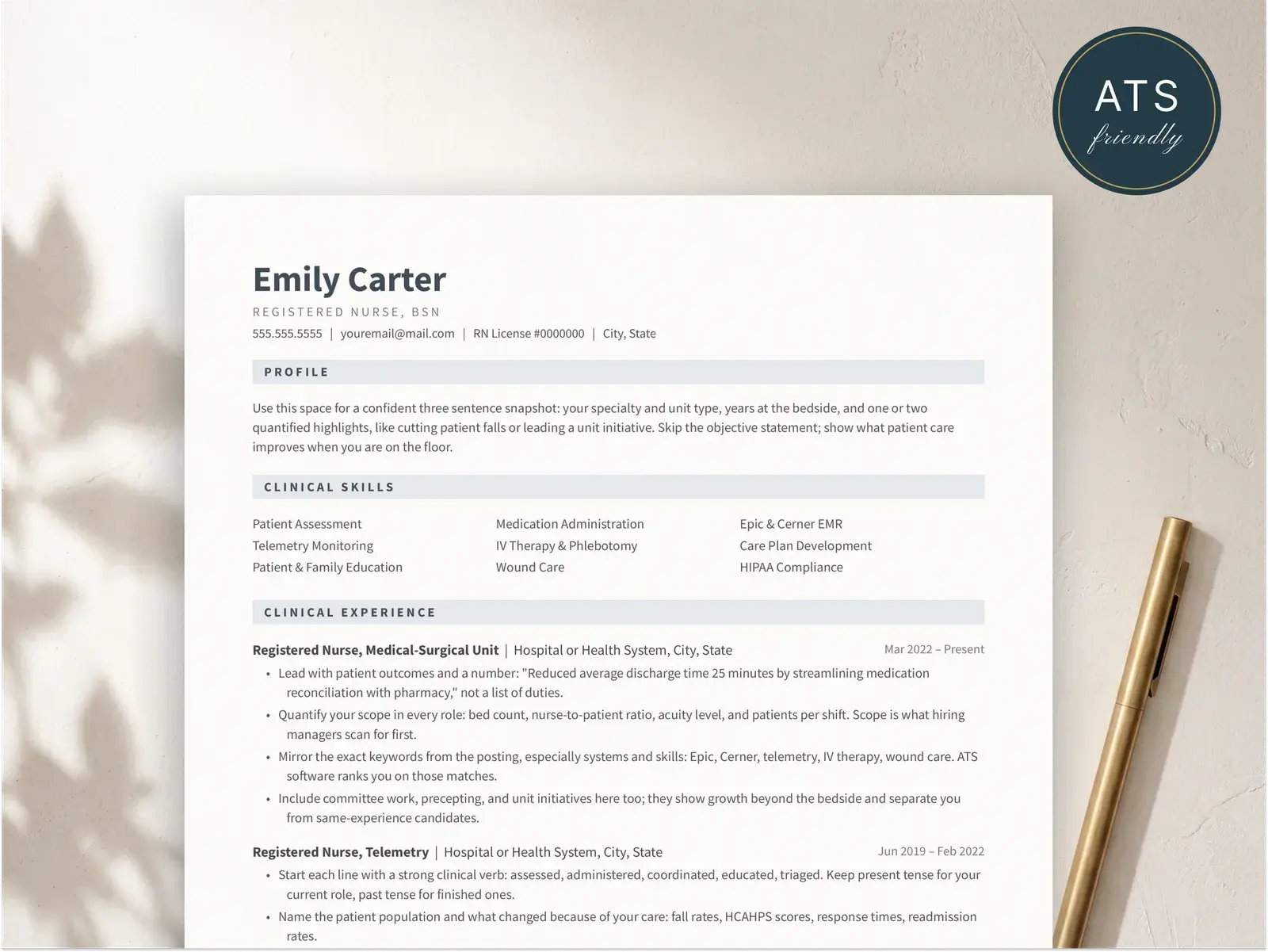
Here’s a complete chronological resume for a registered nurse with seven years of experience. The exact structure works for any field — replace the content and the shape holds.
Maya Reyes, RN, BSN
Austin, TX  |  maya.reyes@email.com  |  (512) 555-0184  |  linkedin.com/in/mayareyesrn

PROFESSIONAL SUMMARY
Registered nurse with seven years in acute care and emergency medicine.
Led the rollout of a new triage protocol that cut ER wait times 22% at
a 380-bed regional hospital. ACLS, PALS, TNCC certified.

EXPERIENCE

Charge Nurse, Emergency Department
St. Catherine Regional Medical Center        Apr 2022 — Present
Austin, TX
 • Lead a 14-nurse shift team across two ER pods; manage staffing,
   triage escalations, and physician coordination.
 • Implemented new four-tier triage protocol; reduced average door-to-
   provider time from 47 to 36 minutes.
 • Trained 22 new hires on department workflows and EMR documentation
   standards.

Staff Nurse, Emergency Department
St. Catherine Regional Medical Center        Jul 2019 — Mar 2022
Austin, TX
 • Provided direct patient care in a 38-bed Level II trauma ER.
 • Served on the hospital sepsis response committee; co-authored
   updated bundle compliance guidelines.

Staff Nurse, Medical-Surgical Unit
Cedar Park Memorial Hospital                  Jun 2017 — Jun 2019
Cedar Park, TX
 • Managed 5–6 patient assignments on a 28-bed med-surg unit.
 • Mentored two new-grad nurses through 12-week orientation.

EDUCATION
Bachelor of Science in Nursing
The University of Texas at Austin             May 2017

CERTIFICATIONS
ACLS  •  PALS  •  TNCC  •  CEN  •  BLS

SKILLS
Triage  •  Trauma response  •  IV therapy  •  EMR (Epic, Cerner)
Patient education  •  Crisis intervention  •  Charge nurse leadership
Each role follows the same internal structure. Titles change, content changes, but the shape doesn’t. That predictability is the entire point.
Chronological vs. functional vs. hybrid
If you’re not sure which format to use, this is the short version:
| Feature | Chronological | Functional | Hybrid |
|---|---|---|---|
| Lead section | Work experience | Skills categories | Skills + work experience |
| Dates visible | Yes, prominent | Often hidden | Yes |
| Best for | Linear careers | Almost no one | Career changers, gap returners |
| ATS-friendly | Yes | No | Yes |
| Recruiter familiarity | Universal | Suspect | Common |
| When to pick it | Default | Rare exception | Specific cases |
Most people should use the chronological format. A meaningful minority should use hybrid. Almost no one should use functional — and that post explains why in detail.
ATS and formatting
The chronological format is the most ATS-friendly layout you can use, but a bad implementation can still break it. Keep the following in mind:
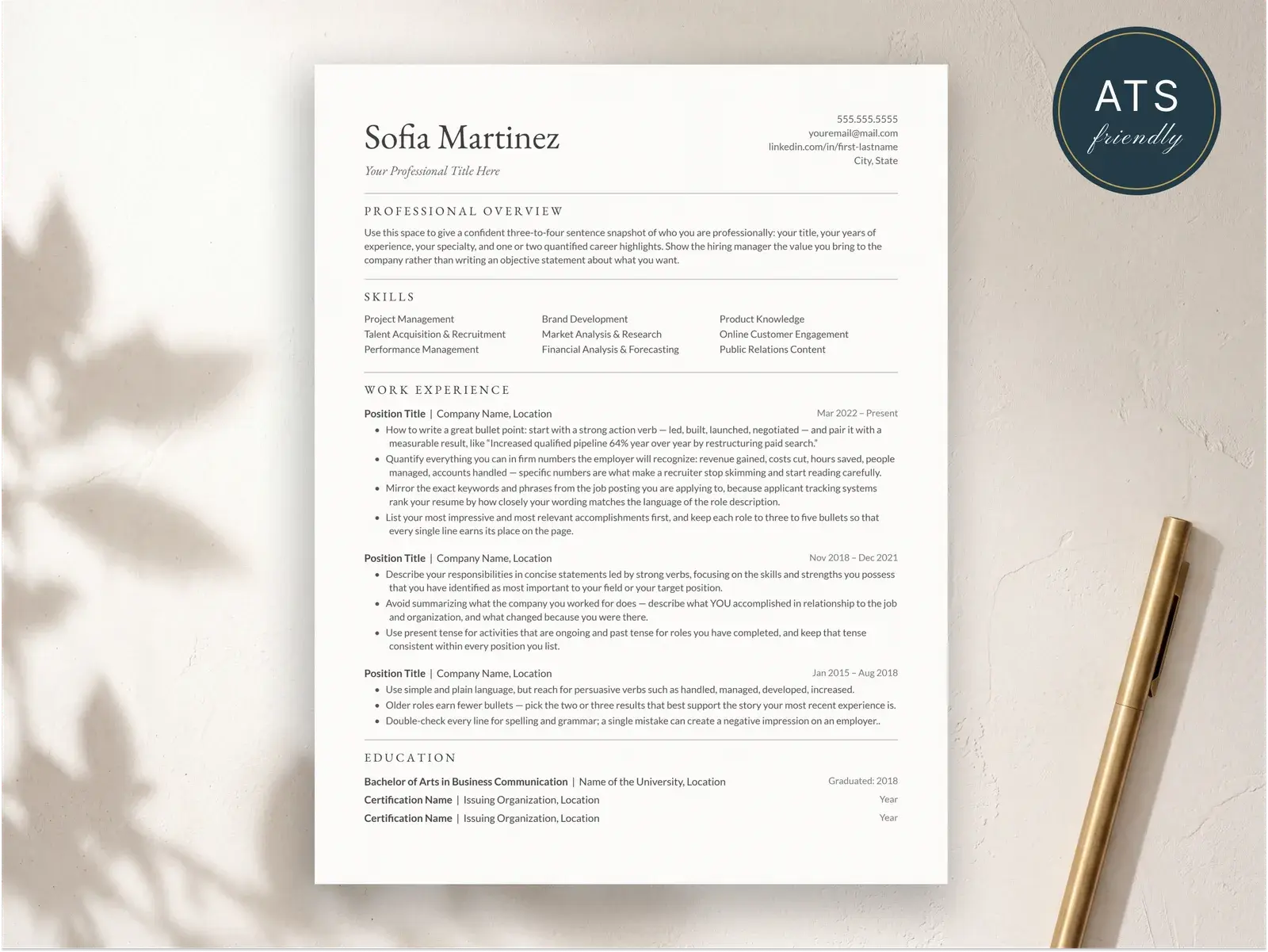
- Single-column layout. Multi-column resumes parse out of order.
- Standard section headers — Experience, Education, Skills. Cute alternative names confuse parsers.
- No tables, no text boxes, no images. They either don’t parse or take up budget that should go to your content.
- Use a system font or a widely embedded one. Geist, Inter, Calibri, Helvetica, Source Serif all work.
- Submit as PDF unless the application specifies .docx. Both are ATS-compatible.
Common mistakes
- Treating the format like a constraint instead of a frame. Chronological structure doesn’t mean boring content. Your bullets, your summary, your skills section — those are where you stand out.
- Listing every job you’ve ever had. Cap your work history at 10 to 12 years for most fields.
- Skipping dates because you’re nervous about gaps. Hiding dates is what makes the functional format fail. If the gap is a problem, explain it briefly in your cover letter or pick a hybrid format.
- Padding with months of irrelevant detail. A four-month contract in 2014 doesn’t need three bullet points.
- Putting “References available upon request” at the bottom. It’s assumed. Use the line for something useful or drop it entirely.
If you want the chronological format done correctly out of the box, every BravoResume template starts from this structure. Pick one and you’re already most of the way there.